Ruby Email API Options: Rails, Inbound and Agent Mailboxes

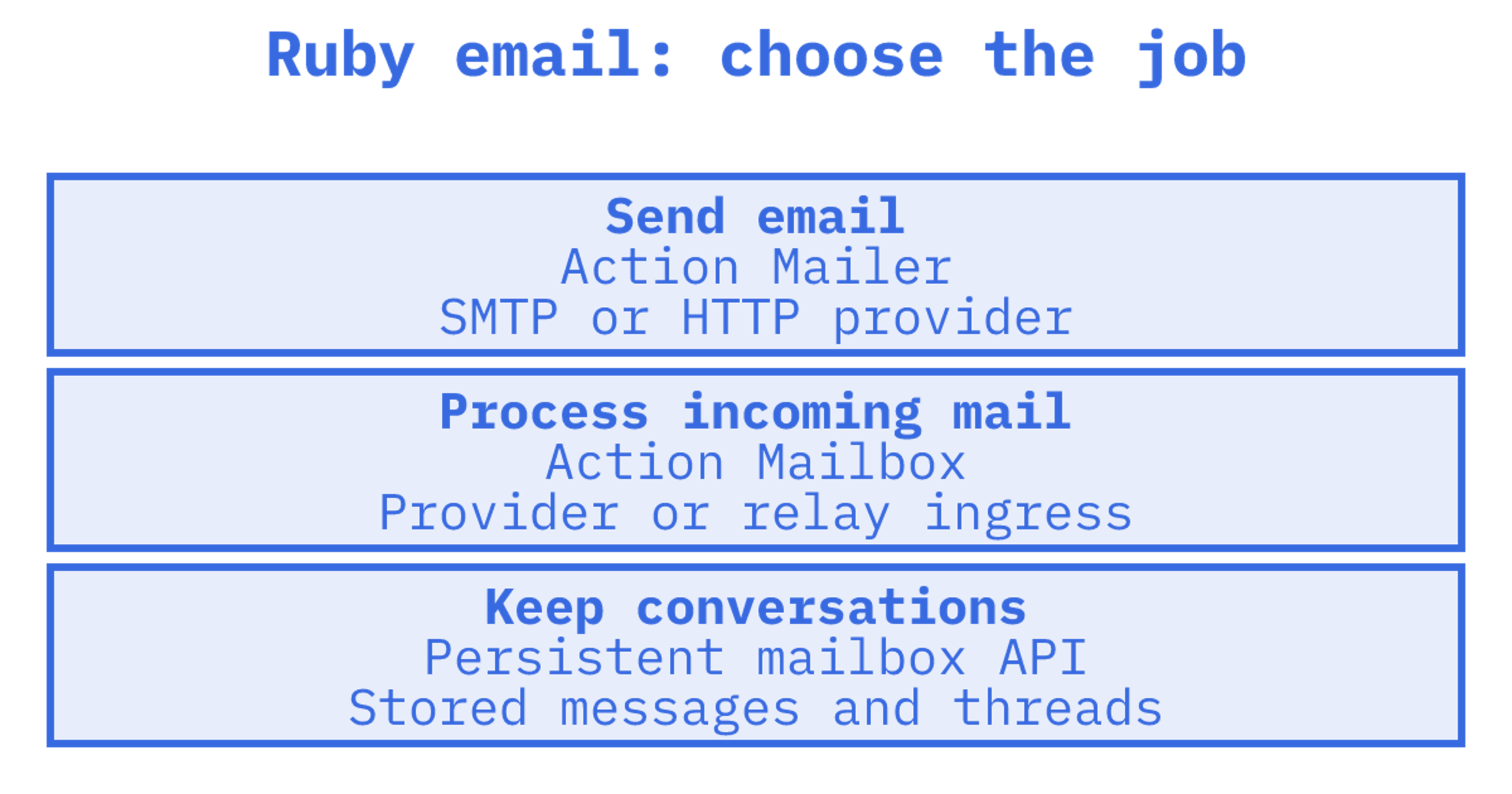
The right Ruby email API depends on which direction your mail travels. If your app only sends, Rails already gives you Action Mailer and any SMTP or HTTP provider will do. If it must also receive, thread and remember conversations, you are choosing between Action Mailbox with a provider ingress, a connected-account API, or a hosted mailbox API such as Sendmux. This guide compares those routes, shows where each one breaks, and tells you which to pick for a Rails app, a plain Ruby script or an AI agent.
TL;DR
- Sending only: use Action Mailer with SMTP or a provider's HTTP API. It is built into Rails and needs no extra mailbox layer.
- Receiving into Rails: Action Mailbox works with Mailgun, Mandrill, Postmark, SendGrid, Exim, Postfix and Qmail ingresses, but it is an inbound pipeline, not a persistent mailbox.
- Reading and replying from people's existing Gmail or Outlook accounts: a connected-account API such as Nylas fits, at the cost of OAuth handling and per-account pricing.
- Agents that need their own inbox, threads, quotas and logs: Sendmux offers mailboxes with real addresses, mailbox-scoped APIs, threads and quotas. New Free teams include two active mailboxes.
Table of Contents
What "Ruby email API" actually covers
Someone searching for a ruby email api might need to send a password reset, process a reply or give an agent an inbox. We'll compare providers after separating those jobs.
Sending. Password resets, invoices and notifications leave your Rails app through a mailer. The Action Mailer guide covers mailer classes and views, deliver_now and deliver_later, plus delivery through sendmail or SMTP. Underneath, you can plug in anything that speaks SMTP or ships a Ruby gem.
Receiving. Your code needs to act when a reply, forwarded invoice or support email arrives. Rails handles this through Action Mailbox, covered below.
Owning a mailbox. Before replying today, an agent might need yesterday's conversation. It needs stored messages, threads and attachments, with a way to read and update them. A sending API or inbound webhook leaves you to build that state yourself.
The options below map onto those three jobs.
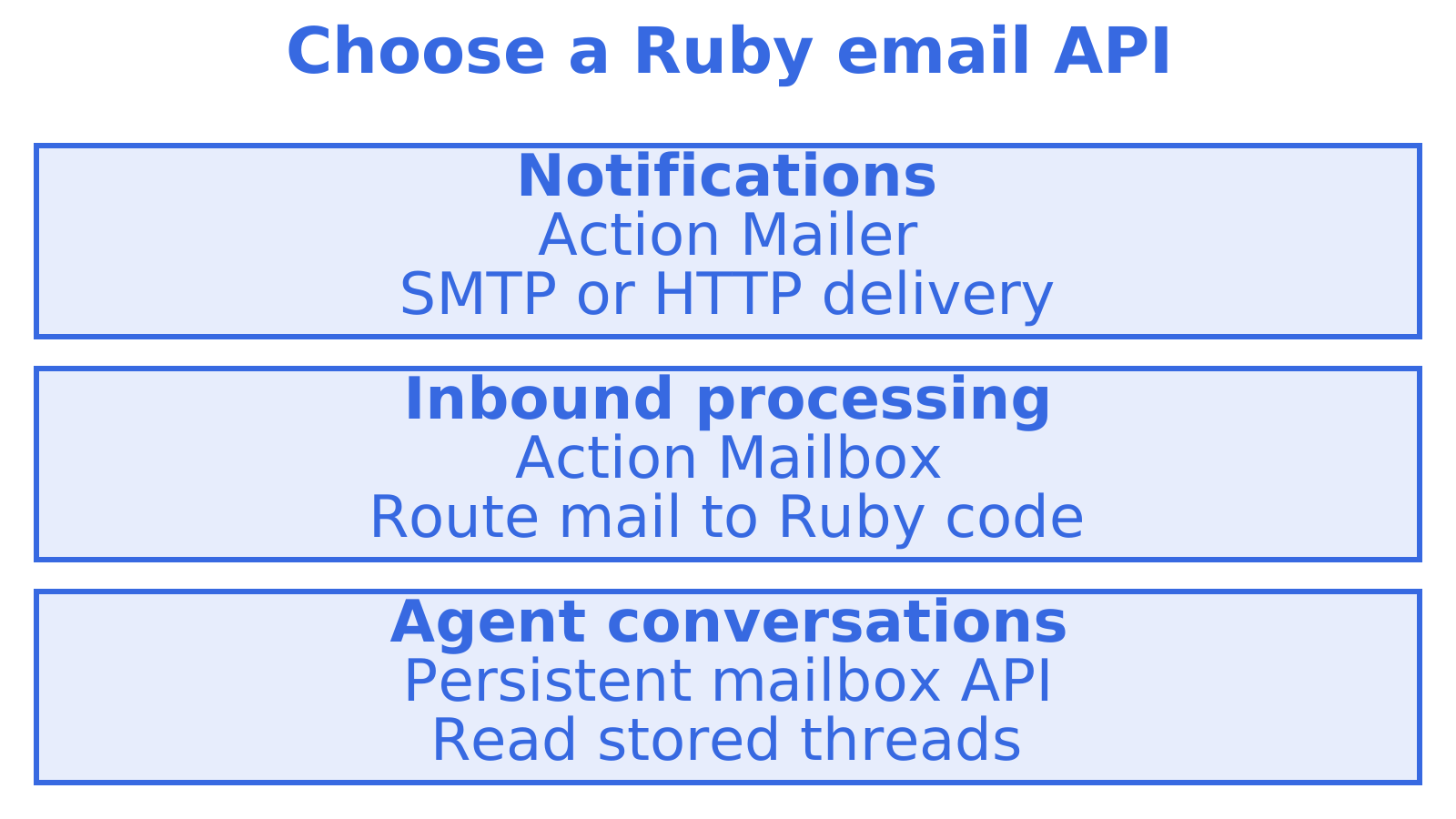
Option 1: Action Mailer with SMTP or sendmail
Start with Action Mailer. For most Rails apps, it's also where you'll stop. As the Rails guide explains, you write a mailer class and a view, then call deliver_now or deliver_later. Configure SMTP or sendmail for each environment.
Keep your templates in the repo. Action Mailer lets you configure delivery separately, so switching SMTP hosts usually comes down to changing configuration and credentials.
Check your SMTP host for delivery logs, throttling behaviour and bounce handling. Action Mailer itself has no persistent inbox. A password-reset workflow may need little beyond sending. For a tenant-facing email feature, you may also need message history and replies.
Option 2: A transactional API behind Action Mailer
SendGrid, Postmark, Mailgun, Amazon SES, Resend and Sidemail have HTTP APIs or Rails-friendly delivery methods alongside SMTP. Check the tools you'll use: delivery tooling, templates, tracking and bounce webhooks.
The trade-offs that matter in practice:
- Pricing model. Most providers charge per message sent, usually within a monthly tier. Tiers and free allowances change often, so check each provider's current pricing page.
- Inbound. Check provider support. Some parse incoming mail and post it to a webhook for Action Mailbox to consume.
- Mailboxes. Check where conversation history lives. A service might store a searchable inbox or send inbound events for your app to store. If you receive a webhook, keeping that history is your job.
Compare outbound providers on deliverability tooling, price and Ruby integration. To narrow your shortlist, read our comparisons of Postmark alternatives, Mailgun alternatives and Mailjet alternatives.
Option 3: Action Mailbox for inbound
Action Mailbox handles receiving within Rails. The Action Mailbox guide describes how incoming email is routed asynchronously to controller-like mailboxes. Each message becomes an InboundEmail record, with the original email kept in Active Storage. Supported ingresses include Mailgun, Mandrill, Postmark, SendGrid, Exim, Postfix and Qmail.
Choose an ingress, then check its authentication instructions before wiring it into Rails. The Rails guide lists a relay ingress password, a Mailgun signing key and a Mandrill API key. Postmark and SendGrid use passwords too. Each ingress has its own setup.
It is a good fit when:
- You need incoming email to trigger Ruby code within the same app.
- A single inbound address or small routing table meets your needs.
- You can extract the data you need and move on.
For a browsable inbox with search and reply history, you'll need to build those features or add a mailbox service. Action Mailbox doesn't provide them. You'll also operate the ingress, including a hosted provider or your own mail server. Our inbound email API setup guide covers the receiving setup.
Option 4: Connected-account APIs (Nylas and similar)
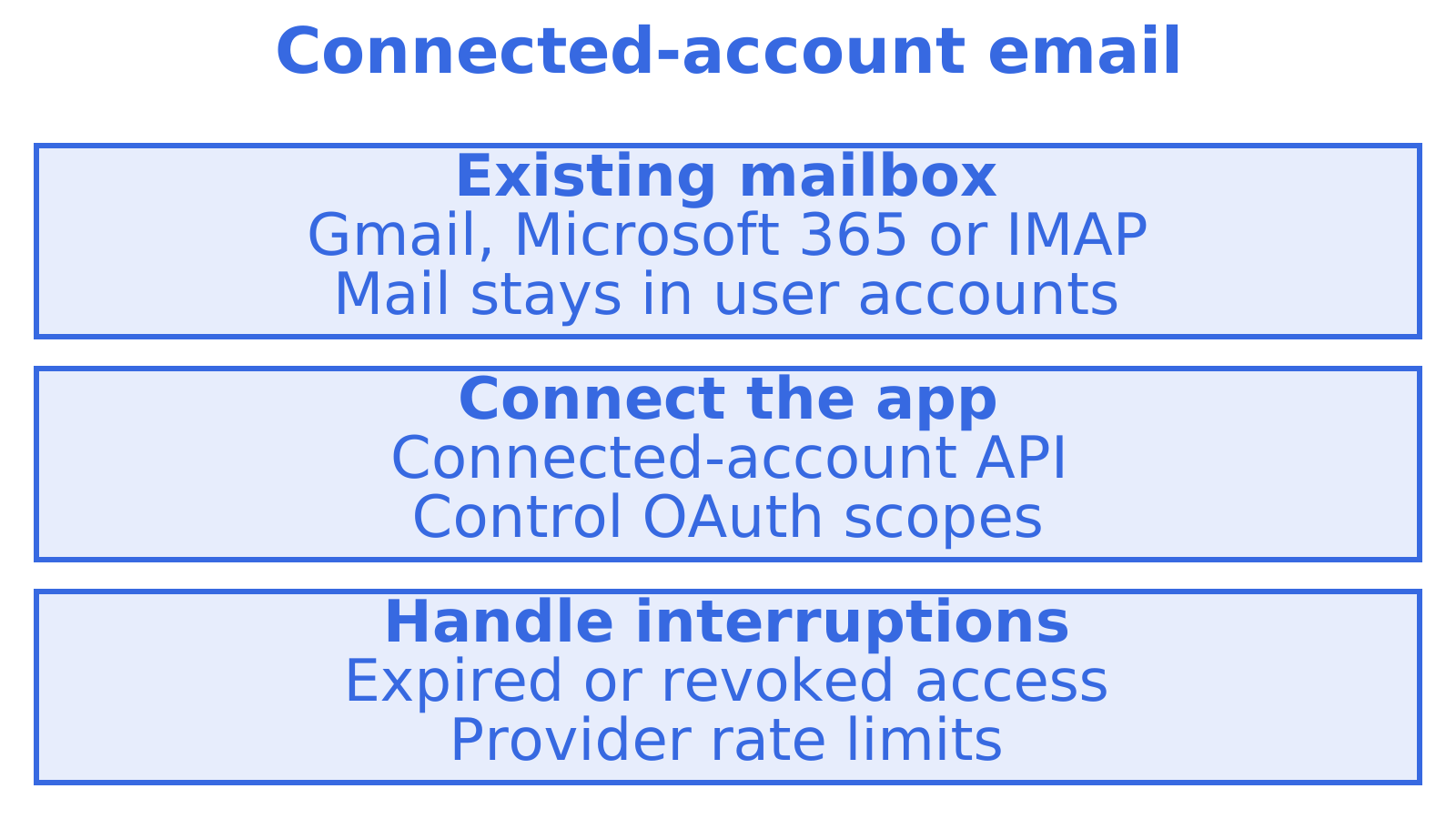
If someone's mail already lives in Gmail, Microsoft 365 or IMAP, a connected-account API can read and send through that account. The Rundown's review of Nylas describes support for Gmail, Microsoft 365, Exchange, Yahoo, iCloud and IMAP, along with Ruby support and hosted Agent Accounts. The review reports a free sandbox with five accounts and a $15 monthly Full Platform plan including five connected accounts. Check today's pricing before budgeting.
Count the accounts before you commit. Customers connecting existing mailboxes and a fleet where every agent needs an address have different cost shapes. Compare both at the scale you expect.
Plan permissions before giving an integration access to an existing mailbox. That includes OAuth scopes, webhook verification, revocation and deletion workflows. This primer on role-based access control explains how to separate access by role.
Decide what your agent should do if a Gmail OAuth connection fails halfway through a conversation. Expired tokens, revoked consent and provider rate limits all need a plan.
Option 5: Hosted agent mailboxes with Sendmux
Sendmux sits in a different category from the options above. It is an email API for AI agents, but the model suits any Ruby app that needs real inboxes rather than a pipe.
Create a real mailbox for each agent, customer, workspace or tenant on the shared @myagent.mx domain or a custom domain verified for sending and receiving. In Ruby, use the Mailbox API for messages and threads. The Sending API handles high-volume provider-routed sending, while the Management API covers team-wide provisioning and logs.
What that looks like from Ruby:
- Persistent state. The Mailbox API covers messages, threads, folders, keywords, attachments, sender identities, quotas, usage and submissions. A mailbox holds state between requests.
- Clean reads. Agents read message text and HTML with quoted history stripped, so your code sees the new reply rather than a raw MIME thread. Raw body endpoints remain when you need the exact original.
- Precise retrieval.
GET /mailbox/messagesfilters on folder, thread, free-text query, sender, recipient, subject, body, headers, size, keywords, dates, attachments and unread. The thread filter cannot be combined with other message filters. A count endpoint answers "how many" without returning rows, and search-snippets returns previews without bodies.
- Incremental sync. Sync endpoints return state tokens, so you ask for changes since the last token rather than re-listing the inbox.
- Multi-provider outbound. Delivery groups route a sending key or mailbox through a named set of providers, with eligibility determined by provider status and sending limits. Our email provider routing guide explains when that matters.
- Connectors. REST, SDK, MCP and CLI access, plus webhook deliveries, Server-Sent Events and delivery logs.
Because it is plain HTTP and JSON, a Ruby client is a thin wrapper around Net::HTTP or Faraday. You do not need a Rails-specific gem to use it, and you do not need Rails at all. A Sidekiq worker, a Rake task or a Sinatra service can drive a mailbox equally well.
We'd keep Action Mailer and the existing SMTP host for a few password resets a day with no incoming replies. That job doesn't need a mailbox layer.
Side-by-side comparison
| Action Mailer + SMTP | Transactional API | Action Mailbox | Connected-account API | Sendmux | |
|---|---|---|---|---|---|
| Sends | Yes | Yes | No | Yes, via user account | Yes, multi-provider |
| Receives | No | Sometimes, as webhook | Yes, via ingress | Yes | Yes, into real mailboxes |
| Persistent mailbox | No | No | No, stored InboundEmail records | The user's own mailbox | Yes |
| Threading | Manual | Manual | Manual | Provider threads | Thread filters and conversation endpoints |
| Multi-tenant isolation | You build it | You build it | You build it | Per connected account | Mailbox-scoped credentials, with quotas |
| Provider failover | No | Single vendor | Single ingress | Single vendor | Check provider-routing requirements |
| Cost driver | Your SMTP host | Messages sent | Ingress provider | Connected accounts | Incoming email, outgoing email and storage |
Use the table to match the job. For sending from Rails, Action Mailer fits. A connected-account API works with mail that must stay in users' accounts, while Sendmux fits software needing persistent mailboxes of its own.
Which one should your Ruby app use?
Work through these in order:
- Does the app only send, and at modest volume? Action Mailer with SMTP or a transactional provider. Stop here.
- Does inbound mail need to trigger Ruby code, with no one browsing the mailbox? Action Mailbox on top of a provider ingress.
- Must you act inside customers' existing Gmail or Outlook accounts? A connected-account API, and budget for OAuth lifecycle and per-account pricing.
- Does each agent, tenant or workspace need its own address, history, quota and logs? A hosted mailbox API. This is the case Sendmux was built for.
- Do you send outbound at volume across several domains or providers? Prefer something with quotas and failover over a single vendor. Our best email API for developers guide lists the criteria.
You can use Action Mailer for system notifications and a mailbox API for agent conversations. Combining them is fine. Before assuming either path can fail independently, check the dependencies they share.
Retention and data minimisation
Set your retention timer deliberately. The Rails guide says processed inbound emails are incinerated after 30 days by default. Change config.action_mailbox.incinerate_after to suit what your app needs to retain.
Set a lifetime for raw messages and a way to delete them. Where extracted fields are enough, keep those instead of whole threads. For addresses retained in a sales pipeline, B2B email verification covers a separate job: checking contact quality.
A mailbox API changes the picture slightly, because retention is then a deliberate product choice rather than a default timer. Sendmux reports incoming email, outgoing email and storage costs for each mailbox, so retention policy has a visible cost you can track.
What Sendmux costs
Use the pricing page to check current plans and rates. Sendmux reports incoming email, outgoing email and storage costs for a mailbox. Compare those costs with per-account pricing on connected-account APIs and work out your own numbers at your expected tenant count.
New Free teams get two active mailboxes on the Free plan, so you can try a conversation workflow. Read about inbound mailboxes and the sending API for integration details.
Our view: stop treating email as a pipe
An agent project can end up with a sending provider, a Gmail OAuth hack, an inbound parser and a webhook relay, each with a separate bill. The demo works. Then production brings expired tokens and provider throttling, and nobody can answer which tenant sent what.
Our view is that an agent's email needs persistent state. A mailbox that persists lets your agent query precisely and sync incrementally. A count endpoint or a snippet search avoids fetching whole message bodies, and clean content endpoints can strip quoted history.
We'd test outbound failure before launch too. When comparing Gmail, Outlook, SMTP and SES sending options, ask what happens if a provider hits a limit. Sendmux delivery groups determine provider eligibility from provider status and sending limits.
For Ruby system mail, we'd keep Action Mailer. Choose the receiving layer based on what your code does next: an invoice that triggers a job may only need Action Mailbox, while an agent returning to a conversation needs stored mailbox state.
Sources
Recommended
Frequently Asked Questions
What is the best email API for Ruby on Rails?
We'd start with Action Mailer and an SMTP or transactional provider for sending only. Pick on delivery tooling and price. If incoming mail triggers a job, use Action Mailbox with a supported ingress. An agent returning to a conversation needs a persistent mailbox API.
Can Rails receive email without a third-party service?
Yes, in part. The Rails guide lists Exim, Postfix and Qmail relay ingresses alongside hosted providers for Action Mailbox. You'll run and secure that mail server yourself. Weigh that work against the cost of a managed ingress.
Do I need a special gem to use Sendmux from Ruby?
No. Sendmux exposes a REST API, so you can use an HTTP client such as Net::HTTP or Faraday. SDK, MCP and CLI access are also available. For a Ruby script, we'd start with the HTTP client you're already using.
How long does Action Mailbox keep inbound email?
Action Mailbox incinerates processed inbound emails after 30 days by default. Set `config.action_mailbox.incinerate_after` deliberately to change that period, especially if messages contain personal data.
