Go Email API: Four Ways to Send and Receive Mail in 2026


If you write Go and need email in your product, you have four realistic options: the standard library with an IMAP client, a send-only API, a mailbox API built for agents, or a mix of your own providers behind one routing layer. Which one fits depends on a single question: does your service only send mail, or does it also have to receive, thread and act on replies? This guide compares the options on that basis, and we explain where Sendmux fits.
TL;DR
- Go's
net/smtpis frozen and low-level, so DIY means you own MIME, DKIM, retries and parsing, and you need a separate IMAP library to read mail.
- A send-only API is the fastest path if you never read replies. Once an agent must read and answer mail, you end up stitching on a parser, a webhook relay and an inbox.
- A mailbox API gives each agent, customer or tenant a persistent inbox with search, threading and webhooks over plain REST, which any Go
net/httpclient can call.
- Sendmux combines persistent mailboxes with multi-provider outbound (Gmail, Outlook, custom SMTP and managed Amazon SES) in one API. Free teams include two active mailboxes.
Table of Contents
1. Start with the question: send-only or mailbox?
Most "Go email API" tutorials solve the first half of the problem. They show you how to build a message and push it to a provider. That is fine for password resets and receipts.
It stops being enough the moment your Go service has to react to a reply. A support agent, a scheduling assistant, an invoice-processing worker or a bot that waits for a verification code all need the other half: a real address that receives mail, keeps threads, lets you search, and tells you when something new arrives.
A quick test: if you can describe the feature as "we send X when Y happens", you want a sending API. If you describe it as "the system reads what comes back and decides what to do", you want mailbox infrastructure.
2. Option one: net/smtp and an IMAP library
The standard library route has an obvious appeal: no vendor, no per-message cost, full control. The reality is thinner than it looks.
The Go documentation for net/smtp states that the package is frozen and not accepting new features, and that it does not cover DKIM signing or MIME attachments. For reading mail you need a separate library such as emersion/go-imap, which provides an IMAP4rev2 client and server.
That leaves you responsible for:
- Composing valid MIME, including HTML alternatives and attachments.
- Authentication, including OAuth2 if you relay through Gmail or Microsoft accounts.
- Polling or IDLE handling for inbound mail.
- Parsing quoted history out of replies, and keeping threads together.
- Retries and provider-specific failure handling.
On authentication, Okta's guidance on custom SMTP providers describes OAuth2 as the recommended approach for Google and Microsoft SMTP integrations, which is a sign that app passwords are a poor long-term foundation.
This route suits a hobby tool or a team that genuinely wants to run its own mail stack. For a product with customers, it is a second product you have to maintain. Our own comparison, SMTP vs Email API: Five Checks Before You Migrate, walks through when the switch pays off.
3. Option two: a send-only email API
The well-known transactional services, such as SendGrid, Postmark, Mailgun, MailerSend and Resend, expose an HTTPS endpoint, and most publish a Go SDK or at least a documented REST interface. The Resend Go SDK, for instance, is installed with a single go get and sends a message with a few struct fields.
The strengths are real: quick integration, mature deliverability tooling, templates and analytics. The limits show up as soon as your requirements grow:
- Inbound is secondary. Some offer inbound routing, but it generally delivers a payload to a webhook rather than giving you a persistent mailbox you can search and sync.
- No identity per tenant. If every customer needs their own address, keys and logs, you build that layer yourself.
- One provider. If the provider throttles or suspends you, your outbound stops.
If you only send, this is the right answer and we would not argue otherwise. Our guide, How to Send Email via API: A Developer Guide, covers the mechanics that apply to any of them.
4. Option three: a mailbox API for agents
A newer category treats the inbox as the core object. Each agent gets a real address, and the API exposes messages, threads, folders, attachments and webhooks. AgentMail is the best-known example and publishes a Go library, and Nylas and others sit nearby with a different focus on connecting existing accounts.
For Go developers the appeal is that you skip the protocol layers entirely. You call REST endpoints with net/http (or an SDK where one exists), and mail becomes structured data your service can query.
Watch two things when comparing vendors: how pricing scales (per inbox and per connected account can punish multi-tenant designs) and whether outbound can use providers you already own.
5. Option four: Sendmux, mailboxes plus your own providers
Sendmux is built for exactly the gap between options two and three. It is an email API for AI agents that combines three things in one platform: agent mailboxes, inbound processing and multi-provider outbound sending.
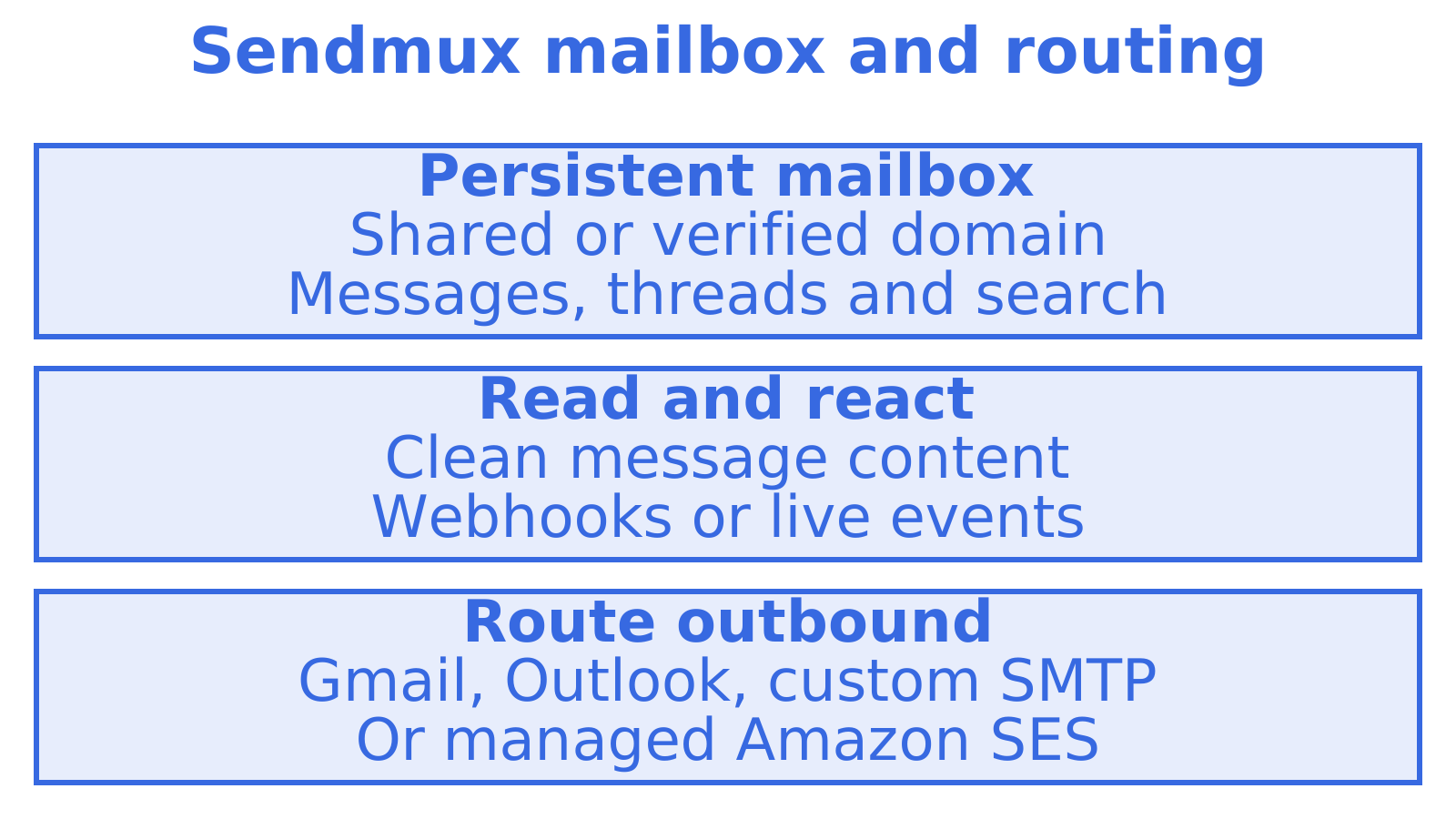
Mailboxes that persist. Each agent, customer, workspace or tenant gets a real mailbox, on the included @myagent.mx domain or on a custom domain verified for receiving. The Mailbox API covers messages, threads, folders, keywords, attachments, sender identities, quotas, usage and submissions. See Agent Inboxes with a Full Email Inbox API for the product detail.
Retrieval that keeps payloads small. Agents read cleaned message text and HTML with quoted history stripped, so your Go code acts on the new reply and not on a raw MIME thread. Raw body endpoints remain when you need the message body as available from the mailbox. GET /mailbox/messages filters on folder, thread, free-text q, sender and recipient, subject, body, arbitrary headers, size range, keywords, date range, has-attachment and unread. A count endpoint answers "how many" without returning rows, and search-snippets returns previews without pulling bodies. Batch get, update and delete move many messages in one call.
Sync instead of polling. Sync endpoints hand back state tokens, so a worker polls for typed changes to a mailbox, folder or query rather than re-listing the inbox. GET /mailbox/session reports the mailbox, supported features, state tokens and request limits.
Outbound across providers. Mailbox send scope selects eligible providers, and delivery groups can restrict routing. Connected provider options include Gmail, Outlook and custom SMTP; Sendmux also includes managed Amazon SES. Details are on the email sending API with provider failover page.
Other access paths. Beyond REST, Sendmux offers SDKs and a CLI. Mailbox events arrive through Server-Sent Events or signed webhook POSTs. Delivery logs expose applied delivery groups.
What a Go call looks like
Because the API is plain REST, the standard library is enough. The sketch below lists unread messages from a mailbox. Use a mailbox credential as the Bearer token. Root API keys are rejected by the Mailbox API.
req, _ := http.NewRequest("GET",
    "https://app.sendmux.ai/api/v1/mailbox/messages?is_unread=true&q=invoice", nil)
req.Header.Set("Authorization", "Bearer "+os.Getenv("SENDMUX_MAILBOX_KEY"))

resp, err := http.DefaultClient.Do(req)
if err != nil {
    log.Fatal(err)
}
defer resp.Body.Close()
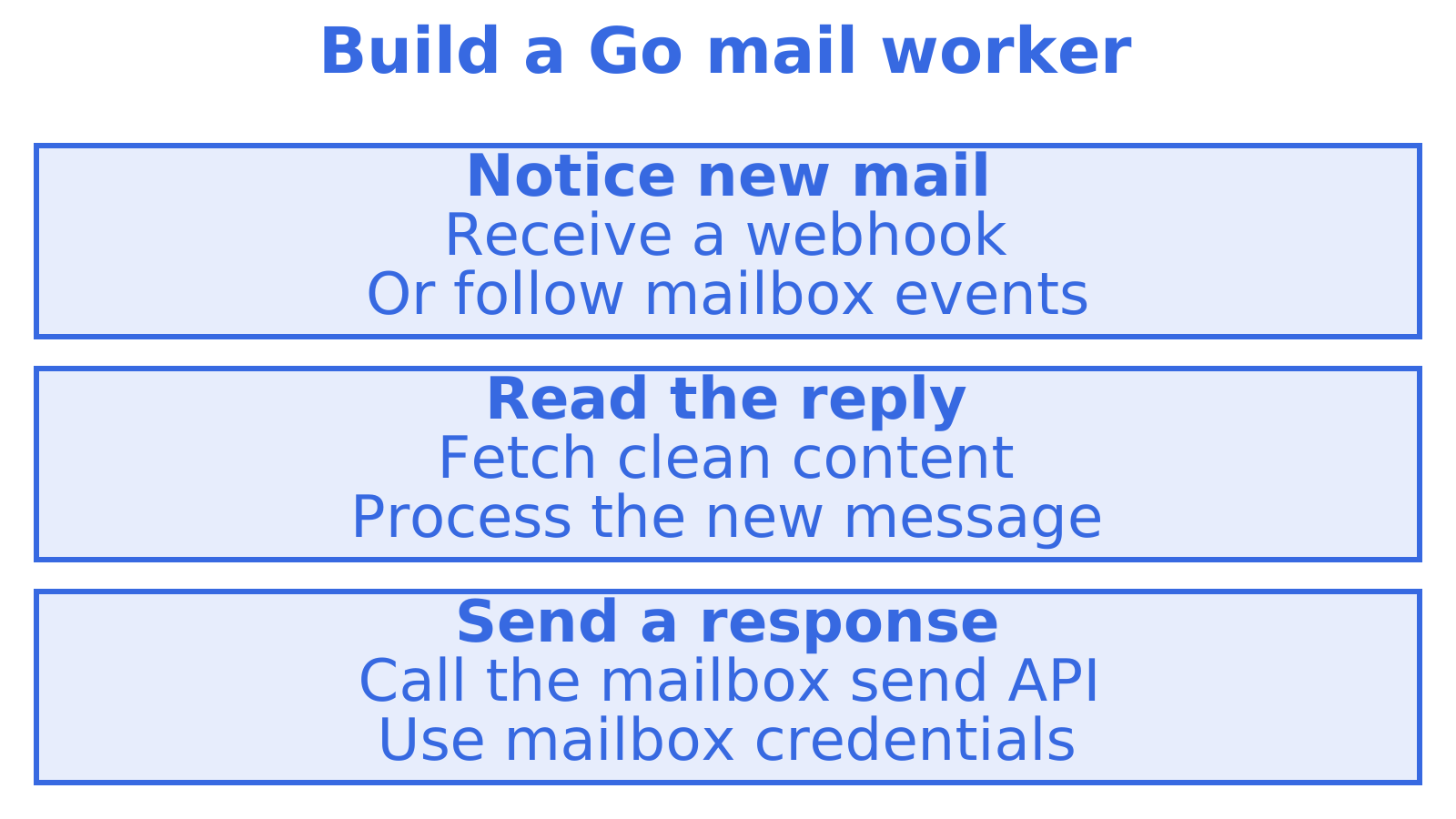
From there you decode the JSON into a struct, fetch cleaned content through the content endpoint, and send through POST /mailbox/messages/send.
6. Side-by-side comparison
| Criterion | net/smtp + go-imap | Send-only API | Agent mailbox API | Sendmux |
|---|---|---|---|---|
| Send mail | Yes, low level | Yes | Yes | Yes, mailbox send endpoint |
| Receive and search | Yes, you build it | Limited, webhook-style | Yes | Yes, persistent mailboxes with rich filters |
| DKIM and MIME handled for you | No | Yes | Yes | Custom-domain SPF, DKIM and DMARC verification |
| Per-tenant identity | You build it | You build it | Yes | Yes, mailbox per tenant |
| Bring your own providers | Manual | No | Varies | Gmail, Outlook, custom SMTP and managed Amazon SES |
| Provider routing | You build it | No | Varies | Eligible providers and delivery groups |
| Ongoing maintenance | High | Low | Low | Low |
The honest summary: use a send-only API for pure notifications, use the standard library only if you want to own the whole stack, and use a mailbox layer when replies matter. Within mailbox layers, the deciding factors are pricing shape and outbound flexibility.
7. Our view: the stack you do not want to assemble
We talk to a lot of teams building agents, and the pattern repeats. They start with a sending provider because it takes an afternoon. A month later they need replies, so they add a Gmail OAuth connection. Then the tokens expire in production, a parser is bolted on for inbound, a webhook relay follows, and billing ends up spread across four vendors.
Each piece is reasonable alone. Together they are a mail platform that nobody planned to build, and it is usually the thing that wakes an engineer at night. Our position is simple: the mailbox should be persistent state with a clean read model, and outbound should be a routing decision, not a vendor lock. That is why mailboxes, inbound processing and multi-provider sending live in one API.
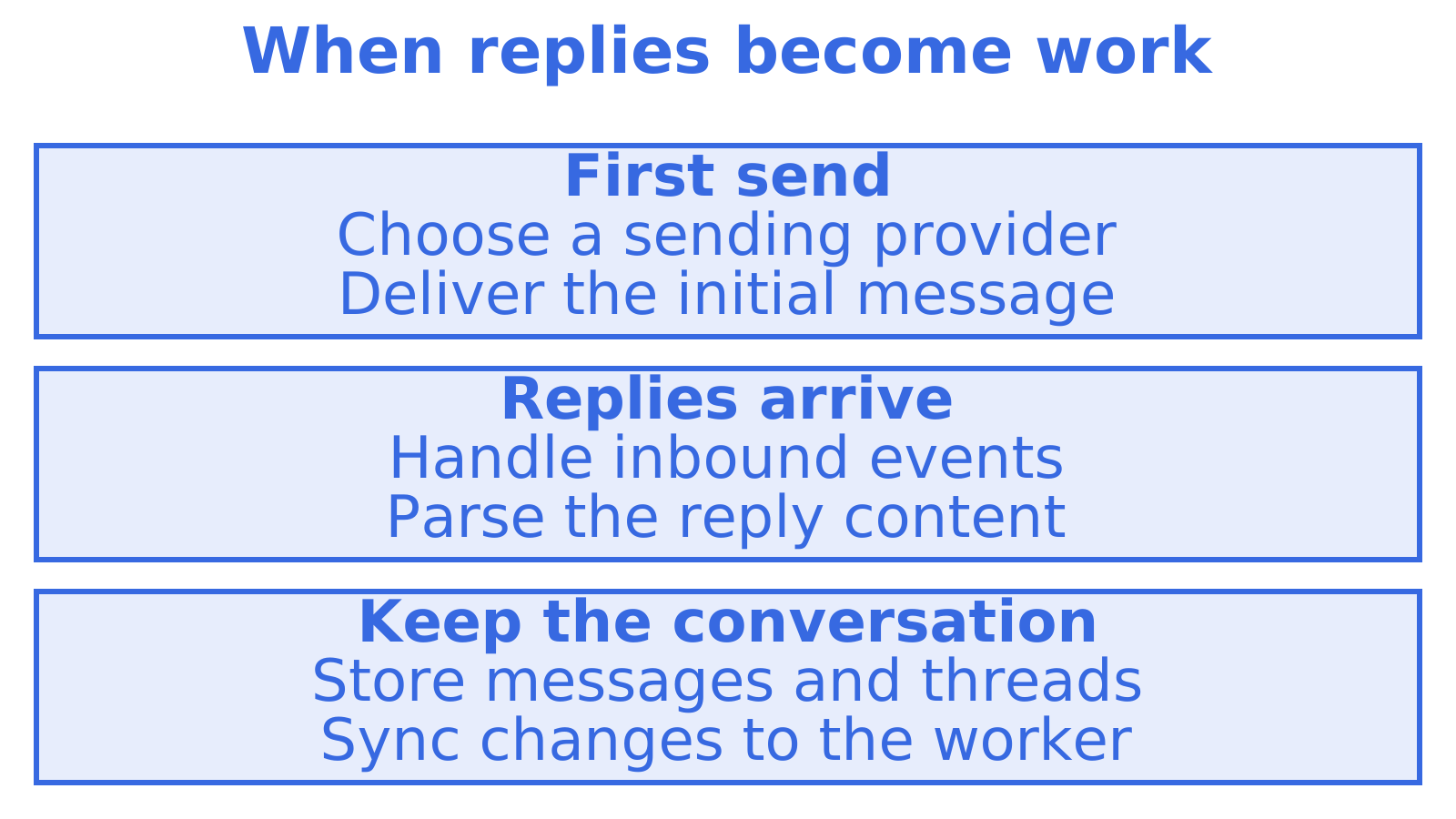
For Go teams specifically, this matters because Go services tend to be long-running workers. A worker that syncs with state tokens and sends through a mailbox-scoped endpoint is far easier to reason about than one that holds an IMAP connection, retries SMTP and parses quoted replies by hand.
8. A practical rollout sequence for Go
Whichever option you pick, the order of work is similar:
- Decide send-only or mailbox. Use the test in section one.
- Create a client with an API key. Keep it in an environment variable and scope it where the platform allows.
- Provision or select an inbox. For a multi-tenant product, create one per tenant at signup.
- Send a plain-text message first, then HTML, then attachments.
- Wire inbound. Use webhooks or sync tokens, not a polling loop. Our inbound email API setup guide covers the five steps.
- Verify your domain. Publish SPF, DKIM and DMARC records. Providers such as Resend note in their Go guides that DNS propagation can take up to 48 hours, so do this early. Our domain verification walkthrough explains the records.
- Harden before production. Add retries with idempotency, delivery logs and tenant-level authorisation.
If you plan to send through Gmail accounts, read Gmail OAuth Sending: Fix 5 Common Errors before you hit them in production.
9. What it costs on Sendmux
Mailbox cost reporting separates incoming, outgoing and storage costs. See the pricing page for current rates.
Connected outbound is for mail sent through providers you bring. Managed sending is for mail Sendmux sends for you. If you want to see the whole platform first, start at the Sendmux home page or the product overview.
10. How to choose
Pick by the constraint that hurts most:
- You only send notifications: a send-only API. Keep it simple.
- You want zero vendor dependency and have time:
net/smtp,go-imapand your own operations.
- Agents must read and reply, with one inbox per tenant: a mailbox API.
- You already own Gmail or Outlook accounts, or custom SMTP capacity: a mailbox API with bring-your-own routing. Sendmux supports these connected accounts.
If you are weighing a broader shortlist, our best email API for developers article goes deeper on the criteria.
Sources
Recommended
Frequently Asked Questions
Does Go have a built-in email API?
Go's standard library includes net/smtp, but it is a low-level SMTP client that the Go team has frozen. It does not handle DKIM signing or MIME attachments, and reading mail needs a separate IMAP library. Most production services use a provider API or a mailbox API instead.
Do I need an SDK to use an email API from Go?
No. Any REST email API can be called with net/http and encoding/json. An SDK saves boilerplate, but plain HTTP keeps your dependency list short and works well in long-running workers.
Can one Go service give every customer their own inbox?
Yes, with a mailbox API. In Sendmux each tenant, workspace or agent can use a real mailbox on @myagent.mx or a verified sending and receiving custom domain, with mailbox quota usage available through the Mailbox API.
How should I receive replies without polling IMAP?
Use webhooks for push delivery and sync state tokens for catch-up. Your worker then asks only for what changed since the last token, which is cheaper and more reliable than re-listing an inbox on a timer.
