Ruby Email APIs: Test Rails, Inbound Mail, and Logs in a Day

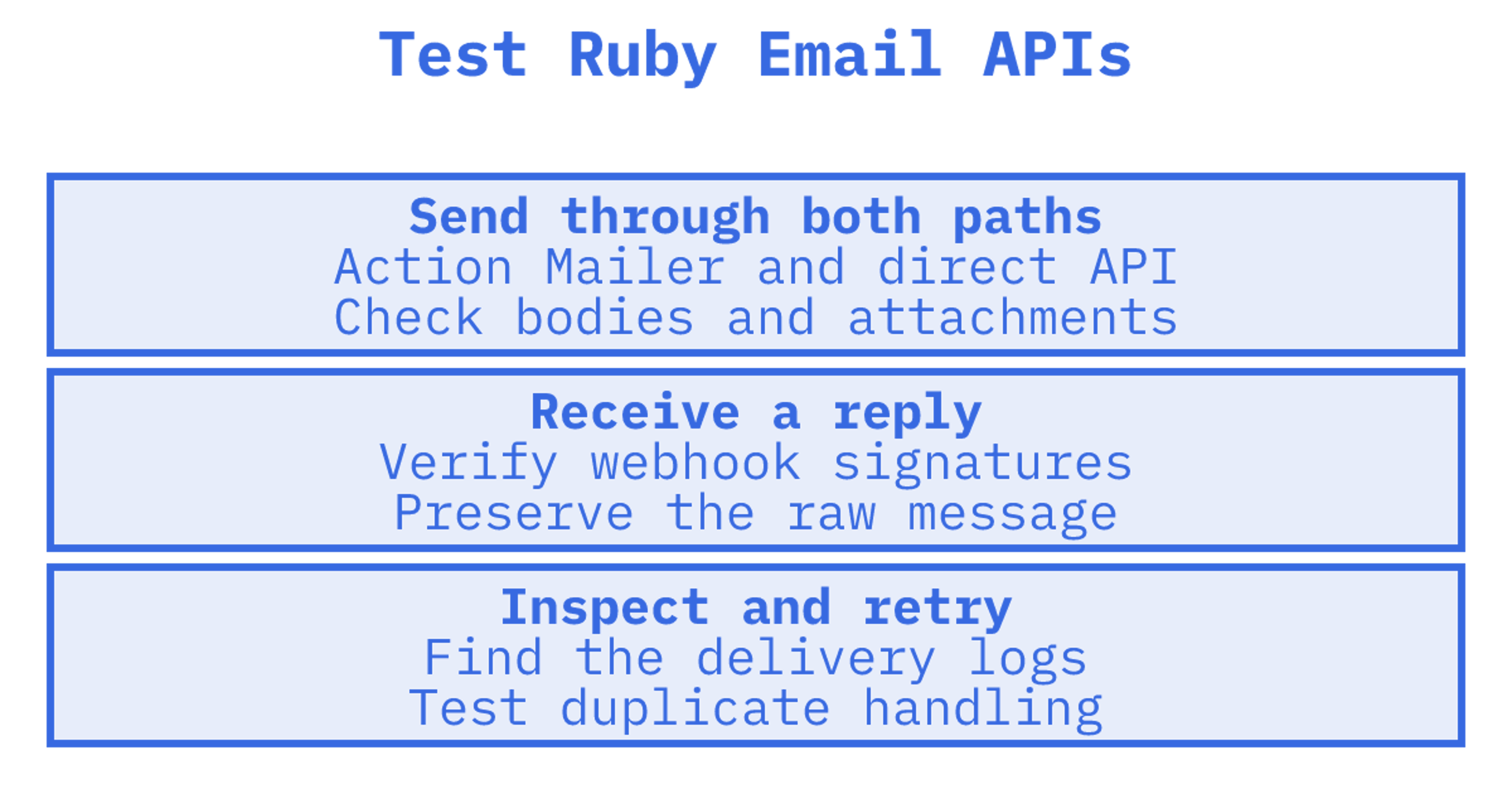
Sendmux is our pick for Ruby developers who need transactional email plus real inbound handling, because its APIs cover mailboxes, multi-provider outbound routing and delivery logs. Judge any option on Ruby SDK and Action Mailer support, inbound handling, deliverability telemetry, documentation, and transactional features. Delivery-only senders can still suit apps that never receive replies.
TL;DR:
- If your app only sends receipts or password resets, a delivery only provider can work; replies require inbound handling, parsing, storage, and threading.
- An Action Mailer adapter may hide provider features, so test existing mailers and direct API calls for headers, HTML, plain text bodies, and attachments.
- For inbound workflows, verify signed webhooks, preserve raw messages, test parsed content and attachments, and make mailbox processing safe to repeat.
- Sendmux webhook replay is not available yet; teams that require it should shortlist alternatives.
Table of Contents
Which email API should a Ruby developer shortlist?
Ruby apps tend to fall into two camps. Some only emit receipts, password resets and notifications. Others also ingest replies, attachments and forwarded mail, and for those the sending-versus-receiving split matters a lot. The Rails Guides draw exactly that line: Action Mailer sends, Action Mailbox receives, and they are configured separately.
Here is where we sit and where the other categories fit:
- Sendmux: best for Ruby apps that need persistent mailboxes, inbound workflows and multi-provider outbound routing. We ship a Mailbox API and per-message delivery logs.
- Delivery-first APIs: best when your app only sends and you want a simple HTTP call or SMTP relay.
- Mailbox-first agent platforms: best when software agents need their own addresses, but check whether you can route outbound through providers you already own.
- Rails-native SDKs: best when you want a gem that registers an Action Mailer delivery method and you rarely touch provider-specific features.
- Budget senders: best for low-volume side projects where a free tier and a basic API are enough.
| Option | Best for | Standout for Ruby |
|---|---|---|
| Sendmux | Mailboxes, inbound and outbound in one API | Ruby SDK, Mailbox API, delivery logs |
| Delivery-first APIs | Send-only transactional mail | Simple API or SMTP relay |
| Mailbox-first agent platforms | Agents that need their own inboxes | Per-agent addresses and inbound threading |
| Rails-native SDKs | Existing Action Mailer codebases | Drop-in delivery method |
| Budget senders | Hobby and low-volume apps | Free tier and low entry cost |
The best-known sending services, including Resend, Postmark, SendGrid, Mailgun, Mailtrap, Amazon SES, Mailjet, Mailersend, Brevo, MailPace and Ahasend, mostly sit in the delivery-first group. Some are also named in the Rails guide as inbound ingresses. Marketing-leaning tools such as Loops, Customer.io, Bento, Userlist, Buttondown and Listmonk, plus notification orchestrators such as Knock and Courier, solve a different problem from raw transactional delivery. Agent-focused tools such as AgentMail overlap with our mailbox side. Specialised options such as Plunk, Sequenzy and Bavimail serve narrower niches.
How do the options compare on what Ruby developers actually need?
A feature list tells you little until you map it to your own requirements. Here is what to look for on each axis.
Ruby SDK and Rails integration. An official gem should expose idiomatic helpers, not just a thin HTTP wrapper. Several vendors do this well. Mailgun's Ruby library covers message building, batch messages, domains, webhooks, events, templates, suppressions, metrics and logs, with an Action Mailer delivery configuration. Emailit's Rails SDK uses only net/http and registers an Action Mailer delivery method when it detects Rails. SendGrid's gem exposes both direct API calls and an Action Mailer adapter. Our SDK supports sending, mailboxes and management.
Inbound support. Action Mailbox routes incoming mail to mailbox classes and can take mail from external ingresses or from servers such as Exim, Postfix and Qmail. The questions to ask a provider: does it offer an inbound webhook or ingress, are payloads signed, do you get parsed bodies and the raw message, and can you fetch attachments safely? We give you both an event stream and signed webhooks, with cleaned message text and raw body endpoints.
Deliverability. Look for per-message logs with status and attempt counts, bounce and complaint signals, and some way to see provider health. We record per-message delivery logs and deliver bounce and complaint outcomes as webhook events.
Docs and quickstart. The practical test is time to first email. Good docs show a working Ruby snippet, list error codes and explain retries. We provide APIs for sending and mailbox management.
Pricing shape. Some services charge per thousand messages, others per mailbox or seat.
Transactional features. Check templates, suppressions, event webhooks, batch send and idempotency. We accept message batches.
| Capability | Sendmux | What to verify elsewhere |
|---|---|---|
| SDKs | Available | Official SDK, Rails adapter, maintenance |
| Inbound mail | Mailboxes, events, signed webhooks | Ingress type, signing, raw and parsed bodies |
| Delivery logs | Per-message delivery logs | Retention, filtering, export |
| Failover | Delivery groups across your providers | Whether routing is possible at all |
| Batch sending | Message batches | Batch limits |
- Match inbound needs first. If you never read replies, a send-only API is fine. If you do, shortlist platforms with real inbound handling before comparing price.
- Test the adapter and the API. Action Mailer may not surface every provider feature, so run both paths.
Pro Tip: Build a two-line comparison sheet for your own app: what you send, and what you receive. Most shortlists collapse once you write down the inbound requirement.
How can you validate a provider in a day?
You can reach a confident answer by running the same checks against every candidate. Do them in this order, because each one builds on the last.
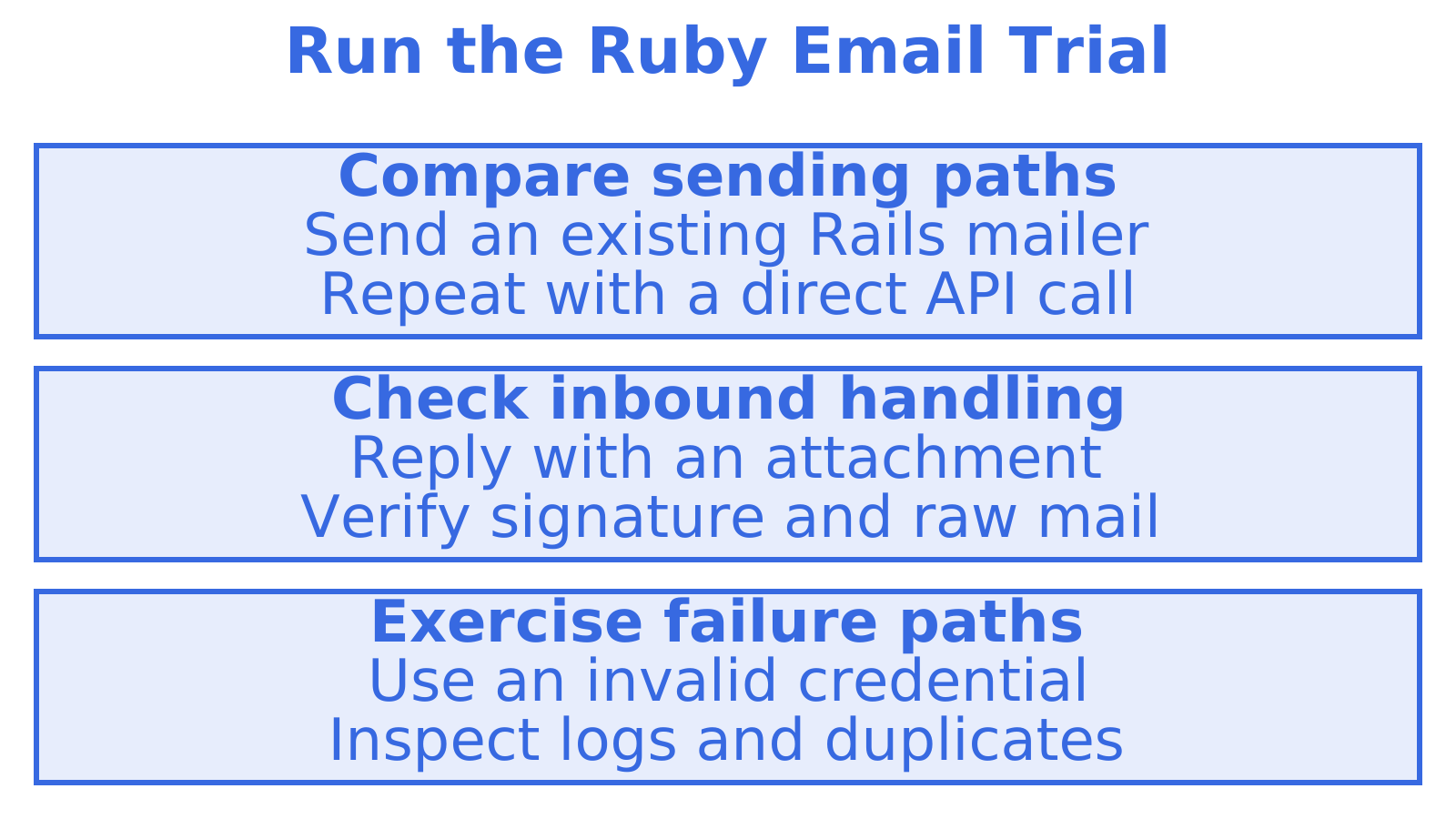
- Install the SDK and send. Add the gem, set an API key, and send one message to yourself. Note how long it took and whether the error messages were useful.
- Test the Action Mailer path. Point
delivery_methodat the provider and send an existing mailer. Confirm headers, HTML and plain-text bodies and attachments arrive intact, since mature Ruby libraries usually offer both an adapter and direct calls, and the adapter may not expose every feature.
- Receive inbound mail. Configure the webhook or ingress, send a reply with an attachment, and confirm it reaches an Action Mailbox class. Check that signatures are verified and the raw message is preserved.
- Inspect the delivery logs. Find your test messages, filter by recipient and status, and export them. A provider whose logs you cannot search will cost you hours during an incident.
- Simulate a failure. Break a credential or point at an unreachable provider, then watch what happens.
Beyond the five tests, verify these capabilities:
- Scoped keys: can you restrict a key to sending only, or to one mailbox?
- Rate limits: what are the per-minute caps, and does a batch count as one request?
- Batch send: what is the maximum batch size?
- Idempotency: can a retried request avoid a duplicate message?
On our platform, quotas apply to sending and mailbox usage.
Questions worth asking any vendor's engineers or sales team:
- Can I limit a credential to one tenant or mailbox?
- Are there per-provider quotas, and how are they enforced?
- What are the storage limits per mailbox, and what happens at the cap?
- How long are logs and webhook attempts retained?
For ours, mailbox storage is set per mailbox at 1 GB, 5 GB or 50 GB, and webhook attempts are retained for 7 days. For a deeper walk-through of the sending step, see our developer guide to sending email via API.
Pro Tip: Run the same tests with identical fixture messages across every candidate. Differences in logs, retries and error text show up quickly when the inputs are identical.
What does a Ruby integration actually look like?
The shape of a Ruby integration is the same across providers: configure a key, build a message, call send, and handle the response. The differences sit in how much Rails glue you get for free.
A typical direct flow reads like this: instantiate a client with an API key, pass a hash with sender, recipients, subject and body, and check the returned message ID. Mailgun's client, for example, sends through mg_client.send_message, and offers an EU API host for EU-region domains, so confirm region settings before you go live. With us you can also choose between a single send, a batch, or SMTP with STARTTLS.
How Action Mailer adapters behave:
- They convert the mail object. The Emailit SDK, for instance, translates Mail::Message objects into API parameters covering from, to, cc, bcc, reply-to, subject, HTML and plain-text bodies, with attachments sent as base64.
- They keep your mailers. You change a delivery method instead of rewriting every class.
- They may hide provider features. Tags, templates and metadata often need the direct API.
- Some libraries replace ActionMailer. API-first projects such as Courrier use class-based email definitions instead.
For inbound, the Rails guide describes installer, ingress configuration, routing and mailbox processing as separate steps. When you test a webhook payload, check these things:
- Signatures: is every payload signed, and does your code reject unsigned calls? Our webhooks use signed requests in X-Sendmux-Signature.
- Raw versus parsed body: keep the raw message for audit, and use the parsed version for logic.
- Retries and idempotency: providers retry failed deliveries, so make your mailbox processing safe to run twice.
- Attachments: large files should arrive as references, not inline blobs. Our attachments can use tiny inline base64 content or uploaded attachment references, so file bytes need not enter a prompt.
If you want the mailbox design in detail, our Mailbox API guide covers threading, folders and sync tokens.
Pro Tip: Treat inbound as its own project. Write the signature check and the duplicate guard before you write any business logic in the mailbox class.
Which docs and telemetry signals predict a smooth production run?
Good documentation and good observability are the best predictors of whether an integration stays quiet after launch. Check both before committing.
Documentation signals:
- Working examples: copy-paste Ruby that runs on the first try.
- Per-surface SDKs: separate packages for sending, mailboxes and management keep dependencies small. Our Ruby gems follow that split.
- OpenAPI specifications: a machine-readable contract lets you generate clients and tests.
- Error codes and idempotency guidance: clear failure semantics save incident time.
Observability signals:
- Delivery logs: per-message status, sender, recipient, provider and attempt count, filterable and exportable.
- Event webhooks: delivered, bounced, complained, rejected, delayed and received events pushed to your app.
- Reputation snapshots: a quick view of bounce and complaint rates.
- Status page: a public record of incidents.
Operational controls to check:
- Scoped keys: a leaked key should limit the damage. Our mailbox keys are scoped to one mailbox with explicit permissions, and infrastructure keys are rejected on Mailbox API endpoints.
- Rate limits and backoff: know the ceilings, and confirm retries use exponential backoff.
- Provider health monitoring: failing accounts should be skipped rather than retried forever.
Our deliverability collection goes deeper on metrics and thresholds.
What proof backs this recommendation?
We want you to be able to verify every claim here, so these are the checkable facts rather than adjectives.
What you can check yourself:
- Ruby SDK: install the umbrella gem or separate Sending, Mailbox and Management gems.
- Inbound mailboxes: persistent mailboxes with threads, folders, attachments, quotas and signed webhooks.
Webhook replay is not available yet. If it is a hard requirement, check that before you start.
Mailbox-first or delivery-first: how should you choose?
If your product only fires receipts and alerts, a delivery-first API is a perfectly sensible choice, and the decision comes down to price and a clean Rails adapter. The moment replies, threads or per-customer addresses matter, the equation flips. A delivery API gives you a webhook with metadata and leaves threading, storage and parsing to you. A mailbox platform gives you that state already built.
The trade-off shows up at scale. Mailbox count tends to grow faster than customer count, so per-inbox pricing gets expensive and per-event pricing stays flat. And single-provider sending means one outage or one reputation problem stops everything, while routing across providers you own keeps mail moving. For most Ruby teams building application messaging, we would start with Sendmux.
How does Sendmux meet the checklist?
There is a Ruby SDK, a Mailbox API for inbound, per-message delivery logs, and scoped keys with explicit permissions.
Check the free plan, install the Ruby gem, and create a mailbox on the shared @myagent.mx domain. Read about our sending API, and the inbound mailboxes page for limits. Run the five-test plan against us and see what your logs show.
Sources
Recommended
Frequently Asked Questions
Which email API is best for Ruby on Rails?
It depends on whether your app only sends or also receives. For send-only apps, any provider with an official gem and an Action Mailer adapter works. For apps that handle replies and attachments, we recommend a platform with real inbound handling such as Sendmux.
Does Action Mailbox work with an email API?
Yes. Action Mailbox accepts mail from external ingresses, including Mailgun, Mandrill, Postmark and SendGrid, as well as Exim, Postfix and Qmail. You configure the ingress, set routing rules, and process messages in a mailbox class.
Should I use an Action Mailer adapter or the API directly?
Use the adapter to keep existing mailers working, and the direct API when you need provider-specific features. Test both, because an adapter may not expose every capability.
How do I send my first email from Ruby?
Install the provider's gem, set an API key and send a message hash through the client. With us, you can also send over SMTP. Check the response for a message ID, then confirm it in the delivery logs.
