AI SDR Email Setup: Domains, Mailboxes and Routing

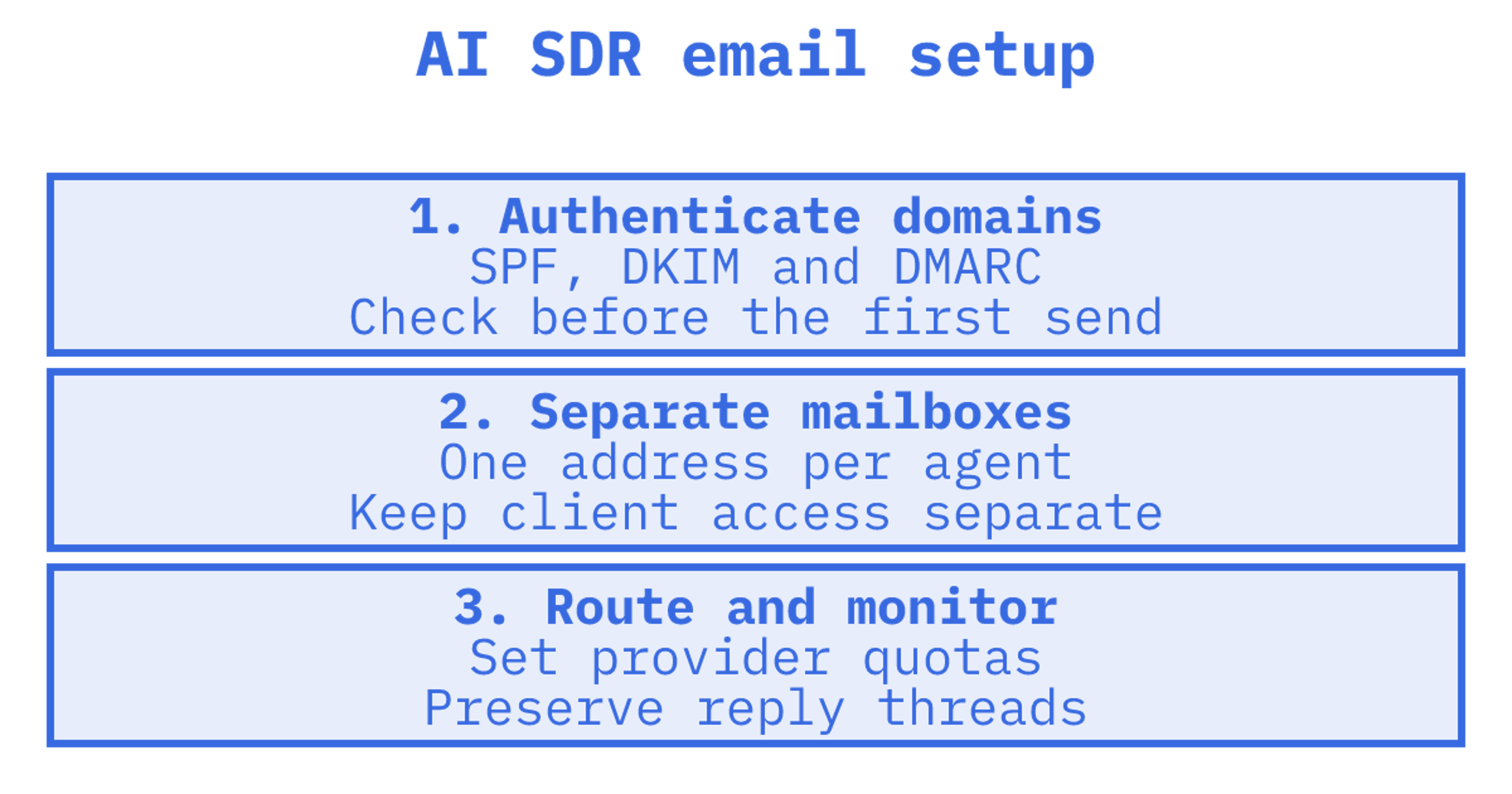
An AI SDR email setup has five parts: sending domains with authentication, a real mailbox per agent or client, outbound routing across providers with quotas, inbound handling that keeps threads intact, and monitoring. Get those right and the agent's copy matters. Get them wrong and the best personalisation in the world lands in spam, or gets your Gmail account suspended.
Most advice ranking for this topic is about picking an AI SDR tool. This guide is for the people building or wiring one: developers, GTM engineers and agencies who need the email layer to hold up when the agent runs unattended.
TL;DR
- Use dedicated sending domains, never your primary domain, and publish SPF, DKIM and DMARC on each one before the first message goes out.
- Give each agent, client or workspace its own mailbox with its own address, so replies, quotas and logs stay isolated.
- Route outbound across providers with per-provider quotas and failover, rather than pushing everything through one Gmail or Outlook account.
- Treat replies as first-class: preserve threads, read cleaned reply text, and route by mailbox, thread and headers.
- In Australia, the Spam Act requires consent, sender identification and a working unsubscribe on commercial email, whatever tool sends it.
Table of Contents
1. What an AI SDR actually needs from email
An AI SDR is a loop: research a prospect, write a message, send it, read the reply, decide what to do next. Email has to support every step of that loop, and that is more than a sending API.
The components, in the order the loop uses them:
- Sending domains with authentication, so providers trust the mail.
- Outbound sending that can spread volume across accounts and providers.
- A mailbox that receives replies at the address the prospect wrote back to.
- Threading, so the agent sees a reply in the context of what it sent.
- Logs and events, so you know what was delivered, bounced or answered.
The common shortcut is to connect a human Gmail or Outlook account through OAuth and let the agent send from it. It works in a demo. In production, tokens expire, consent screens change, and the provider's own limits apply. Gmail, for instance, needs a watch call at least every seven days to keep receiving mailbox updates, and Microsoft Graph caps active subscriptions for Outlook resources at 1,000 per mailbox across all applications. Those are sensible limits for a human's inbox. They are awkward foundations for a fleet of agents.
An agent mailbox is different: it is persistent state built for programmatic use. It has its own address, stores messages and threads, and exposes search, folders and sync through an API. That is the model we build on at Sendmux, and the rest of this guide assumes it.
2. Set up sending domains and authentication
Start with domains, because nothing else you do will matter if providers do not trust them.
Use separate domains for outreach. Keep your primary company domain for customer and staff email. Register lookalike or purpose-built domains for cold outbound so that a reputation problem stays contained. If you run outbound for several clients, give each client its own domains.
Publish the three records on every domain. The baseline from Spamhaus's sender guidelines is straightforward:
| Record | What to do | Common mistake |
|---|---|---|
| SPF | Authorise the hosts that actually send, and stay within the 10-DNS-lookup limit | Stacking several providers' include statements until the limit is blown |
| DKIM | Sign every outbound message; 2048-bit keys are recommended, 1024-bit is the minimum | Signing with the provider's domain, not yours |
| DMARC | Publish a policy and align the visible From domain with the DKIM signing domain | Skipping alignment, so authenticated mail still fails DMARC |
Two practical points from DNSimple's setup guide: a domain should have one SPF TXT record that lists every sending service, and each provider needs its own DKIM selector record. Start DMARC at p=none with aggregate reporting, read the reports, then move to quarantine and reject once legitimate sources all pass.
If you are running this across many domains, the detail matters. Our guides cover the SPF, DKIM and DMARC setup step by step, the difference between relaxed and strict DMARC alignment, and a safe DMARC rollout for SaaS when many senders share a policy.
Automate it. Manual DNS edits are where multi-domain outbound slows down. If your product provisions domains for customers, you want verification and record generation exposed through an API, so onboarding an agent does not wait on a human with registrar access. Our domain verification guide explains what the DNS checks look for.
3. One mailbox per agent, client or workspace
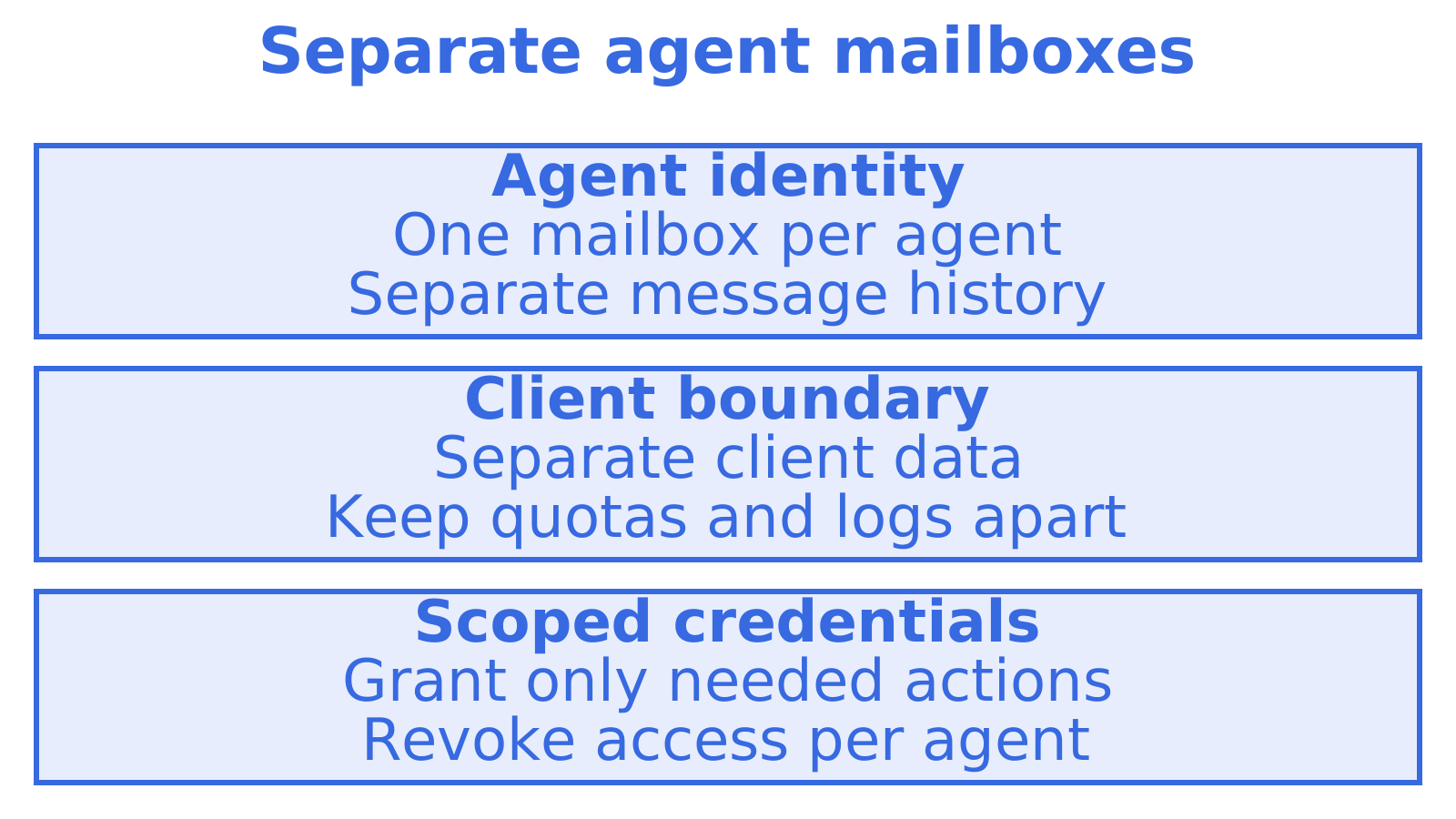
The isolation question decides how painful your first incident will be. If five agents share one mailbox, one spam complaint, one suspension or one prompt mistake affects all five, and you cannot tell whose reply is whose.
A cleaner pattern:
- One mailbox per agent identity. Each AI SDR persona gets its own real address and its own sent and received history.
- One workspace or tenant boundary per client. Agencies and multi-tenant products keep each client's mailboxes, keys, quotas and logs separate.
- Scoped credentials. An agent's key should reach its mailbox and nothing else. If you standardise tool access across agents, use scopes rather than a shared admin key.
- A choice of address. Use an included shared domain for prototypes and a verified custom domain once you are sending to real prospects.
This is where per-inbox pricing hurts. If every mailbox costs money by itself, the economics push you toward sharing, which is the wrong design.
Our sales outreach agents page shows how this isolation looks for outbound teams and agencies.
4. Outbound: providers, quotas and failover
Once domains are authenticated, the next risk is volume. A single connected account hits provider limits quickly, and the failure mode is nasty: sends fail midway through a sequence, or the account gets flagged. Our summary of Outlook sending limits shows how tight those caps can be.
The sturdier design is to treat providers as a pool:
- Bring your own accounts. Connect Gmail OAuth, Outlook, SMTP or Amazon SES sending accounts you or your clients already own, so reputation stays with the sender who earned it.
- Set quotas per mailbox and per provider. The agent should be unable to exceed a daily ceiling you chose, however enthusiastic its plan.
- Weight and rotate. Spread sends across accounts and domains instead of hammering one.
- Fail over. When a provider rejects or throttles, the message moves to another route rather than silently dying.
Sendmux routes sending through authorised provider sets, as described on its one sending API across providers page.
Protect reputation
Sender reputation reflects complaint rate, unknown-user rate, volume and spam-trap hits, and mailbox providers weigh it when deciding inbox versus spam placement. For an AI SDR that translates into plain rules:
- Remove hard bounces and unsubscribes from lists before every run, automatically.
- Ramp volume gradually on new domains instead of starting at full speed.
- Cap sends per mailbox and per day in the platform, not in the prompt.
- Pause a sender automatically when bounces or complaints climb.
We go deeper on controls in our guide to AI agent deliverability.
5. Consent and spam law: the Australian position
An agent that can send thousands of messages can break the law thousands of times before anyone notices. If you or your clients email Australian recipients, the Spam Act applies, and the regulator is plain about it: you must have consent from each person who will receive your marketing messages, even when someone else sends them on your behalf.
Per the same ACMA guidance, each commercial message must identify you as the sender, include your contact details, and make unsubscribing easy. You cannot send an email to ask for consent, because that is itself a marketing message, and the burden of proving consent sits with you. Keeping a record of who consented, when and how is the practical answer.
Build this into the system, not the copy:
- Store a consent or lawful-basis field against every contact the agent can email.
- Block sends to contacts without it, at the API layer.
- Add an unsubscribe route that the agent cannot override, and process it before the next send.
- Log suppressions per tenant.
Other countries have different rules. If your list includes the US, UK or EU, check each jurisdiction rather than assuming the Australian approach covers it. For the wider operational routines around this, a marketing automation checklist is a useful companion when the SDR sits inside a larger sales process.
6. Inbound: replies, threads and routing
Most AI SDR setups spend 90% of their effort on sending and then fumble the reply. The reply is the point. A prospect who answers "send me pricing next week" is worth more than a thousand delivered sends.
Preserve the thread. Outbound messages should carry proper In-Reply-To and References headers, so a prospect's reply threads with the original and the agent can see the conversation. Replies sent by your agent should do the same.
Give the agent clean text. Raw MIME with quoted history is expensive in tokens and easy to misread. An agent should read the new reply with quoted history stripped, and fetch the raw original only when it needs exactness. In Sendmux, the clean content endpoint provides cleaned text and optional HTML, with controls for quoted history and signatures.
Retrieve precisely. An agent that re-lists the whole inbox on every poll wastes calls and context. Look for filtering by thread, sender, subject, date and unread state, a count call that returns no rows, and sync tokens that report only what changed.
Route deliberately. Decide in advance what each reply type triggers:
| Reply type | Typical routing |
|---|---|
| Positive interest | Notify the account owner, hand off to a human or a booking agent |
| Out-of-office | Log it, pause the sequence, resume after the return date |
| Unsubscribe request | Suppress immediately, confirm in logs |
| Bounce or auto-reply | Update list status, never reply |
| Question | Send to the agent that owns the thread |
A mailbox with real storage makes this workable because the agent can come back to a thread days later. Our inbound mailboxes page describes how reading, search and routing fit together.
7. Connecting the agent: API, SMTP, webhooks and MCP
How the agent talks to email depends on what runs it.
- REST API and SDK for services you write yourself. Best for typed responses, batch calls and sync tokens.
- Webhooks or an event stream for replies and delivery events, replacing IMAP polling loops. Your handler gets pushed the event and fetches the message by ID.
- SMTP relay and IMAP for older tools and scripts that already speak those protocols.
- MCP for agents running in an AI client or framework that discovers tools. A mailbox exposed over MCP lets the agent search, read and send without custom glue code.
Whichever you choose, keep credentials scoped and per agent, rotate them, and never place a key in a prompt. If an agent is compromised or confused, you want to revoke one mailbox's access, not rebuild the system. We describe the MCP route on our AI agent builders page.
8. What to monitor in production
An unattended SDR needs the same dashboards as any production service. Watch these:
- Delivery and bounce rates per domain, mailbox and provider. A spike on one route points to a provider or domain problem.
- Complaints and unsubscribes. These are the early warning for reputation damage.
- Reply rate and reply latency. If replies arrive and nobody acts, the setup has failed regardless of delivery.
- Quota use per mailbox and provider, so you see ceilings before agents hit them.
- Failover events. Frequent failover is a symptom, not a feature. Find out why the primary route keeps failing.
- Audit logs of what each agent sent, to whom, under which key.
- DMARC aggregate reports, reviewed on a schedule, for unexpected senders on your domains.
Set alerts on thresholds, and give the agent a kill switch: one call that pauses a mailbox's sending.
9. Our perspective: build the email layer before the agent
We talk to founders and GTM engineers building AI SDRs, and the pattern repeats. The first version is a language model, a Gmail connection and a spreadsheet. It books a few meetings. Then a token expires, a mailbox is rate-limited, replies go missing, and a client asks for their data to be separated from another client's. The team then spends weeks building mailbox plumbing instead of improving the agent.
Our view is that email for agents is infrastructure, and it should be bought or built as infrastructure: a real mailbox per agent, bring-your-own providers behind one API, quotas that live in the platform, and logs per tenant. The agent is the part that changes quickly. The email layer is the part that should stay boring.
There is a harder point as well. Cold outbound is only as good as your restraint. Platforms can make it easy to send more; the teams that last cap volume, respect consent and treat a reply as the goal. Build that discipline into the system, because you cannot rely on a prompt to enforce it.
10. Start with the free tier
See the pricing page for the current terms, or read how sales outreach agents are set up on the platform.
Sources
Recommended
Frequently Asked Questions
Can an AI SDR send from my existing Gmail or Outlook account?
Technically yes, but it is fragile for production. OAuth tokens expire, provider sending caps apply, and a flagged account takes your human mailbox down with it. A better design connects those accounts as outbound routes behind quotas and failover, while the agent uses its own mailbox for replies.
How many domains does an AI SDR need?
There is no fixed number. The principle is to separate outreach from your primary domain and to give each client or volume tier its own domains, so one reputation problem stays contained. Add domains as your volume grows, and authenticate each one with SPF, DKIM and DMARC before sending.
Do Australian businesses need consent before an AI SDR emails prospects?
In general, yes. The Spam Act requires consent for commercial electronic messages, plus sender identification and an unsubscribe option, and ACMA says the sender must be able to prove consent. If you are unsure whether a list qualifies, get advice from a lawyer who handles Australian privacy and spam law.
Should the AI SDR use webhooks or IMAP polling for replies?
Use webhooks or an event stream where you can. They push events as they happen and avoid the polling loops and rate-limit problems of IMAP. Keep SMTP and IMAP for legacy tools that cannot speak anything else.
