Email for AI Agents: Why Gmail and SendGrid Fall Short

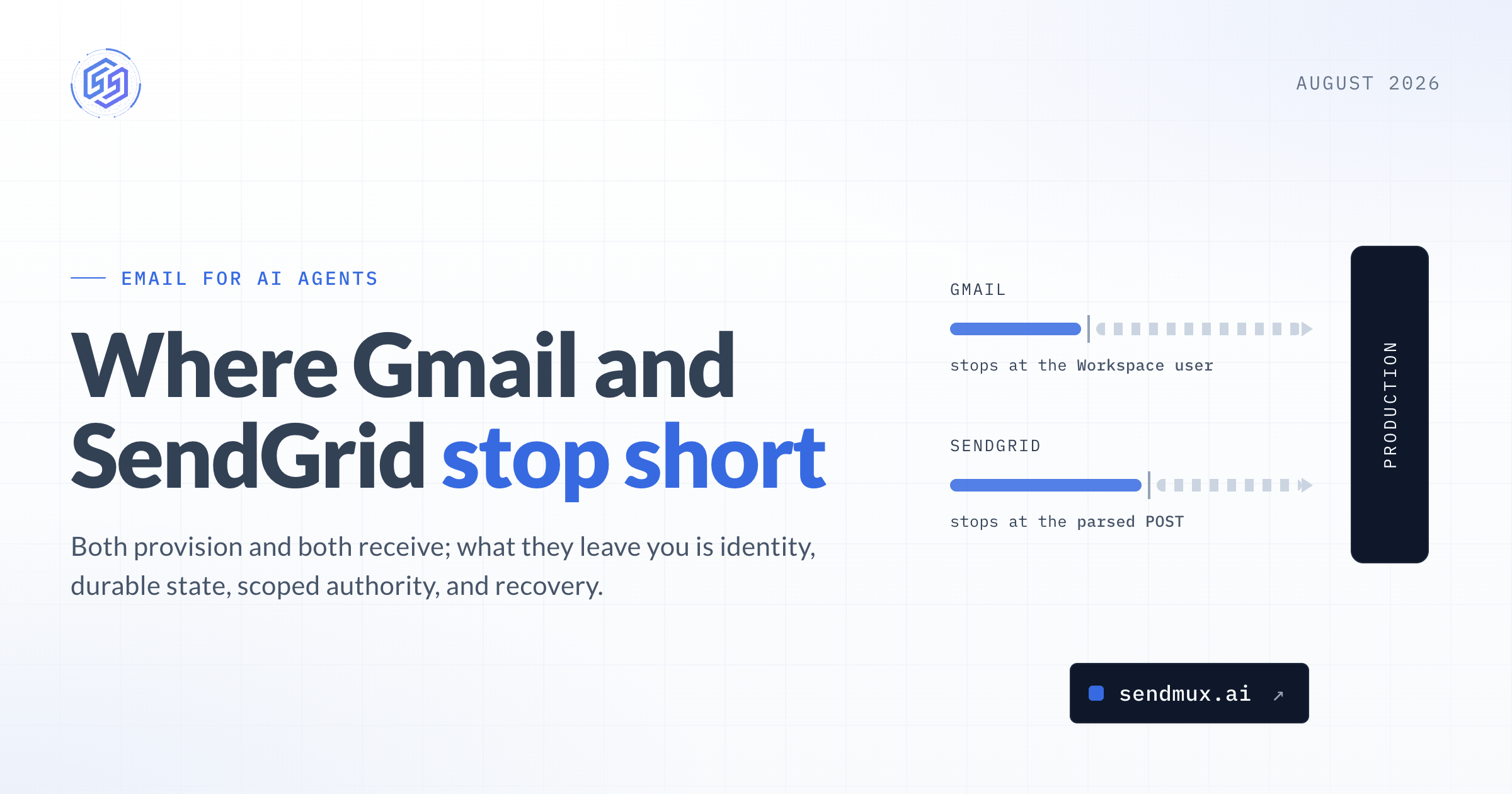
Google Workspace can create users through an API. SendGrid can receive email. Both facts are true. Neither one settles the infrastructure decision for an agent fleet.
Email for AI agents becomes an infrastructure problem when email is part of a long-running software workflow. The useful question is who owns the identity, conversation state, authority, and recovery path. That is where human mailboxes and transactional email APIs start to expose very different trade-offs.
Our complete guide to email inboxes for AI agents defines the broader category; this article compares the operating models.

Why Gmail becomes awkward at agent-fleet scale
Gmail is a capable mailbox. Google Workspace also has an Admin SDK that lets an administrator create and manage users programmatically.
The mismatch is in the resource being created. A dedicated Gmail inbox belongs to a Workspace user, bringing licensing, administrator policy, authentication, recovery, suspension, audit, and offboarding with it.
That can be perfectly reasonable for a small number of agents that need existing Workspace context. It becomes harder when a product needs a separate identity for every customer workspace, task role, deployment environment, or parallel worker.
Suppose a platform needs one inbox for a billing agent, another for support, and separate test and production identities. Multiply that across customers. The code can create users, but the team is still operating a growing directory of licensed accounts rather than provisioning lightweight mailbox resources.
Sharing fewer inboxes lowers the user count, but moves complexity elsewhere:
- Multiple agents can race on the same unread state or thread.
- One credential can expose conversations that belong to different jobs or tenants.
- Several workers using one identity make attribution harder.
- Suspending one agent can mean changing access for everyone who shares its mailbox.
Those problems can be solved. The solution is usually more application state, more access rules, and more reconciliation code.
OAuth is more nuanced than “a user must click consent”
Consumer Gmail integrations often use an interactive OAuth flow. Workspace administrators have another option: service accounts with domain-wide delegation can act for users after an administrator grants the required scopes.
Domain-wide delegation removes the consent click for each mailbox owner, but not the administrative or security work. Teams must still manage delegated scopes, user impersonation, credential storage, token failures, audits, and revocation.
In some cases, using an existing human mailbox for a workflow is necessary and makes sense. However, for a large group of agents that only require new identities, this approach can be costly and unnecessary, as they don't need the extra context that comes with it.
Limits and seat economics still follow users
Our guide to Gmail sending limits covers the published caps and separates account limits from API quotas. Google Workspace counts sending per user over a rolling 24-hour window. Gmail API quotas apply per user and project, with each operation consuming quota units.
Many agent workflows will stay comfortably below those limits. A support assistant sending ten replies a day is not a volume problem.
Bursty work, more identities, or several workflows on one account change the picture. Capacity and cost now follow users, quotas, and administrator policy. If each independent inbox needs a Workspace user, seats grow with agent identities before message volume even enters the calculation.
Gmail workarounds are useful, within their boundaries
A catch-all domain can receive mail for many addresses into one mailbox. Aliases and groups can reduce the number of users. Labels and filters can partition some work. A send-only workflow may not need an inbox at all.
When a job has a limited scope, these options make sense.
They are weaker boundaries when each agent needs its own credentials, persistent unread state, thread ownership, usage, revocation, or tenant isolation. At that point, the cost is less about the Gmail API call and more about the state and controls built around it.
Why receiving email is not automatically a mailbox
Transactional email providers are also more capable than the simple “send-only” label suggests.
SendGrid's Inbound Parse can receive a message, parse its content and attachments, then post the result to an application endpoint. Mailgun routes can forward incoming messages and can store them temporarily. Resend can emit inbound webhooks and lets an application list and retrieve received emails through its API.
Receiving is the easy part. The application still needs to know which state survives, how long it lasts, and what it must build around that state.
Consider a workflow that sends a request on Tuesday and receives a two-line reply on Friday. To act safely, the system may need to recover:
- the original outbound message;
- the reply relationship expressed through
Message-ID,In-Reply-To, andReferences;
- the agent, customer, and job responsible for the conversation;
- the last message that was processed and the current state of the workflow; and
- changes to approval or policy state while the reply was delayed.
A webhook can wake the application, and a received-email record can preserve the content. Neither one defines the full thread or business workflow.
Providers sit on a spectrum. One may supply parsing, short-term retention, retrieval, or some message state. The application may still need to own thread reconstruction, folders or labels, search, deduplication, workflow status, recovery, and long-term retention.
For some products, owning that layer is a good trade. If the product's advantage is its own conversation model, the team may want full control.
For others, rebuilding mailbox behaviour is infrastructure work that does not improve the agent's actual job.
What email for AI agents should let you control
The right surface depends on the workflow. Three checks reveal most of the work hidden behind a send-or-receive demo.
1. Can you provision and revoke the identity as a resource?
Look beyond “can an administrator create it?” Ask whether the application can create the mailbox, scope its credential, assign its domain, inspect its status, suspend it, and revoke access without touching unrelated users.
In Sendmux, a team can create a mailbox by API using the default @myagent.mx domain or a verified custom domain. The mailbox itself is the managed resource.
2. Does two-way communication include durable state and recovery?
Sending and receiving are the edges. Production work happens between them.
Check whether the system can retrieve messages and threads, preserve reply headers, expose folders or workflow markers, deliver events, deduplicate retries, and reconcile after a missed event. Ask which state is authoritative and how a worker resumes after it crashes.
A Sendmux mailbox exposes persistent message and thread resources, including an API to list mailbox threads. Agents can also stream mailbox events over Server-Sent Events when a live connection fits the workflow. Webhooks are available for server-side delivery.
The model should receive only the messages it needs for the current decision. The mailbox keeps the email record. The application keeps the workflow record. Mixing both into one prompt-sized history makes recovery and access control much harder.
3. Can you operate sender identity and deliverability without magical thinking?
SPF, DKIM, and DMARC establish authentication and alignment rules. They do not guarantee inbox placement.
Custom domains still need correct DNS and ongoing reputation care. A managed default domain can remove the initial DNS step, but it does not remove recipient policy, complaints, volume changes, or content quality from filtering decisions.
Check out our guide to SPF, DKIM, and DMARC setup to learn more about what each control does and where its limits are.
For an agent, deliverability is also an authority problem. Decide whether it may start new conversations, only reply, use one sender domain, contact any recipient, or send above a defined rate. Domain authentication protects the sending relationship. Application policy protects the business relationship.
Gmail, transactional inbound, or an agent mailbox?
There is no honest universal winner. Each model starts from a different unit of work.
Decision area | Gmail / Google Workspace | Transactional inbound path | Sendmux agent email infrastructure |
|---|---|---|---|
Primary resource | An administered user and human-style mailbox | A domain, route, webhook, parsed message, or received-email record, depending on provider | A mailbox created as an API resource |
Provisioning | Admin SDK and organisation policy | Provider configuration and APIs vary | Dashboard or Management API |
Inbound state | Persistent mailbox state designed around users | Parsing, retention, and retrieval vary by provider | Persistent messages, threads, folders, attachments, and mailbox metadata |
Access boundary | User OAuth or administrator-authorised delegation | Account/API credentials plus application endpoint and storage controls | Team-level administration plus mailbox-scoped credentials |
Thread and workflow responsibility | Mailbox threads exist; the application still maps them to agent jobs | The application often owns additional thread and workflow state | Mailbox threads are available; the application still owns business workflow state |
Outbound model | Sends as the Workspace user within account limits | Send API and provider-specific controls | Mailbox sending plus separately controlled SMTP, Gmail OAuth, Outlook OAuth, or managed Amazon SES routes |
Cost shape | Per-user subscription plus operating cost | Provider usage plus application storage and operations | Team and usage pricing with no per-seat or per-mailbox fee |
Best fit | A small number of agents that need existing Workspace context | Send-first or event-ingestion workflows where the team wants to own state | Persistent agent conversations, multi-agent or multi-tenant identity, and controlled outbound routing |
The table is a starting point. Provider capabilities change, and the application may deliberately own more or less of the state. Evaluate the current resources and failure behaviour, not the category label.
The bottom line
Gmail was designed around users. Transactional providers were designed around message delivery. Both can support agent workflows, and both are good choices when their resource model matches the job.
Problems appear when a team chooses a product because it can send or receive, then discovers it also needs identity provisioning, durable threads, scoped authority, recovery, and tenant-level controls.
Choose the smallest surface that owns the state the workflow needs.
A one-way alert may need only a send API. An assistant working inside an executive's existing mailbox may justify Gmail and its delegated-access controls. An agent that owns ongoing conversations across customers may need a dedicated mailbox that can be created and revoked independently.
How Sendmux handles the split
We created Sendmux to handle two distinct tasks that need to be managed independently of each other.
On the mailbox side, an agent gets an address, messages, threads, folders, attachments, scoped credentials, webhooks, and real-time events. On the outbound side, a team can connect SMTP, Gmail OAuth, Outlook OAuth, or use Sendmux-managed Amazon SES. Quotas, provider health, and weighted delivery groups control routing.
That separation matters. An agent can need persistent email context without receiving unrestricted sending authority. A platform can also need provider routing without giving every worker access to every mailbox.
Current Sendmux plans use team and usage pricing, with no per-seat or per-mailbox fee. That makes the cost follow the email work more closely as agent identities grow.
Frequently asked questions
Does Gmail work for AI agents?
Yes. Gmail can fit a small number of agents, especially when they need conversations already stored in Google Workspace. The trade-off is that each dedicated inbox follows a user-oriented licensing, administration, authentication, quota, and recovery model.
Can SendGrid receive email?
Yes. SendGrid Inbound Parse receives email, parses it, and posts the result to an application. The application still has to decide which durable mailbox, thread, search, and workflow state it needs after that handoff.
What is the difference between receiving email and having a mailbox?
Receiving means the system can accept or retrieve a message. A mailbox operating model also defines persistent state, conversation relationships, query and organisation, access boundaries, events, recovery, and revocation. Different providers supply different parts of that model.
Does every AI agent need its own mailbox?
No. A send-only notification workflow may not need one. A dedicated mailbox becomes useful when replies create work, conversations span time, identities need to be isolated, or one agent must be suspended without affecting another.
Do SPF, DKIM, and DMARC guarantee delivery?
No. They authenticate sending relationships and domain alignment. Inbox placement still depends on reputation, recipient response, complaints, content, volume patterns, and provider policy.
If a dedicated mailbox matches the job, start with the API to create a mailbox and test the complete path from first inbound message to suspension and recovery.
Frequently Asked Questions
Why might Gmail fall short for AI agents at scale?
Gmail is designed for human users, so each dedicated inbox for an AI agent comes with licensing, administrative overhead, and security considerations. At scale, this leads to managing a growing directory of licensed accounts rather than lightweight mailbox resources, and sharing inboxes can cause issues with state, credentials, and attribution.
What are the limitations of using transactional email providers like SendGrid for AI agent mailboxes?
While transactional providers excel at sending and receiving, they often don't provide the durable state and recovery mechanisms needed for long-running agent conversations. The application would still need to build and manage thread reconstruction, message retention, workflow status, and recovery, which can be complex infrastructure work.
What key features should an email solution for AI agents provide?
An ideal solution should allow for programmatic provisioning and revocation of agent identities, offer durable state and recovery for two-way communication (including threads, messages, and events), and provide robust control over sender identity and deliverability without requiring extensive manual management.
How does the cost structure differ between Gmail and specialized AI agent email solutions?
Gmail's cost is typically per-user subscription based, meaning costs scale with the number of agent identities regardless of message volume. Specialized solutions, like Sendmux, often use team and usage-based pricing, which aligns costs more closely with the actual email work performed by agents.
Can existing human mailboxes be used for AI agent workflows?
Yes, in some cases, using an existing human mailbox for an AI agent workflow can be necessary and make sense, especially if the agent needs existing Workspace context. However, for a large group of agents requiring new identities, this approach can be costly and unnecessary due to the overhead of managing human-centric accounts.
What is the primary difference in the 'unit of work' between Gmail, transactional providers, and dedicated AI agent email infrastructure?
Gmail's unit of work is an administered user and a human-style mailbox. Transactional providers focus on a domain, route, webhook, or individual message record. Dedicated AI agent email infrastructure, like Sendmux, centers around a mailbox created as an API resource, designed specifically for agent identity and persistent conversation state.
