OpenAPI Email API: How to Choose One for AI Agents

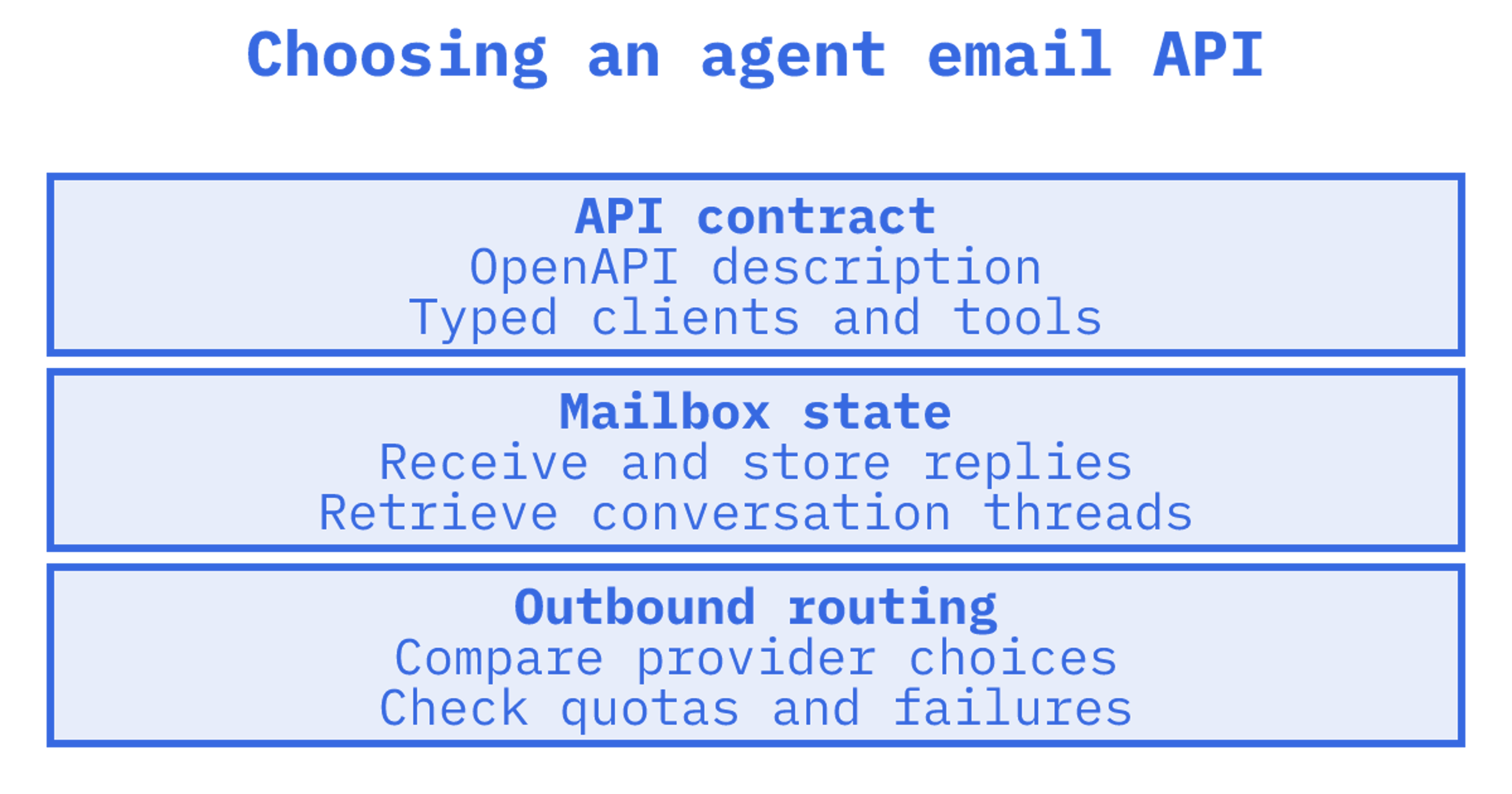
If you searched for an OpenAPI email API, you most likely want an email service you can call over REST, with a machine-readable contract your tooling can turn into a typed client or an agent tool. The harder question is what the API does once that contract is generated: send only, or also receive, thread, route and keep a persistent mailbox per agent. For agent workloads we recommend Sendmux, because it provides mailboxes, inbound processing and multi-provider outbound through its Mailbox, Management and Sending APIs. Below is how it compares with the other options builders shortlist.
TL;DR
- An OpenAPI description is a language-agnostic contract for an HTTP API. It tells you how an API is shaped, not whether it can receive mail or keep mailboxes.
- Sending-only APIs (Postmark, SendGrid, Amazon SES) suit transactional mail. Agents that read replies need inbound processing and threading as well.
- Sendmux supports real mailboxes for agents, customers or tenants, with send, receive, threads, routing and logs across its Mailbox, Management and Sending APIs, and bring-your-own multi-provider outbound.
- Sendmux is billed on usage: US$0 per month on Free, US$7 per month per team on Pro, plus per-recipient and storage fees.
- Before you commit, check four things: spec availability, mailbox isolation, custom-domain setup and provider failover.
Table of Contents
What "OpenAPI email API" actually means
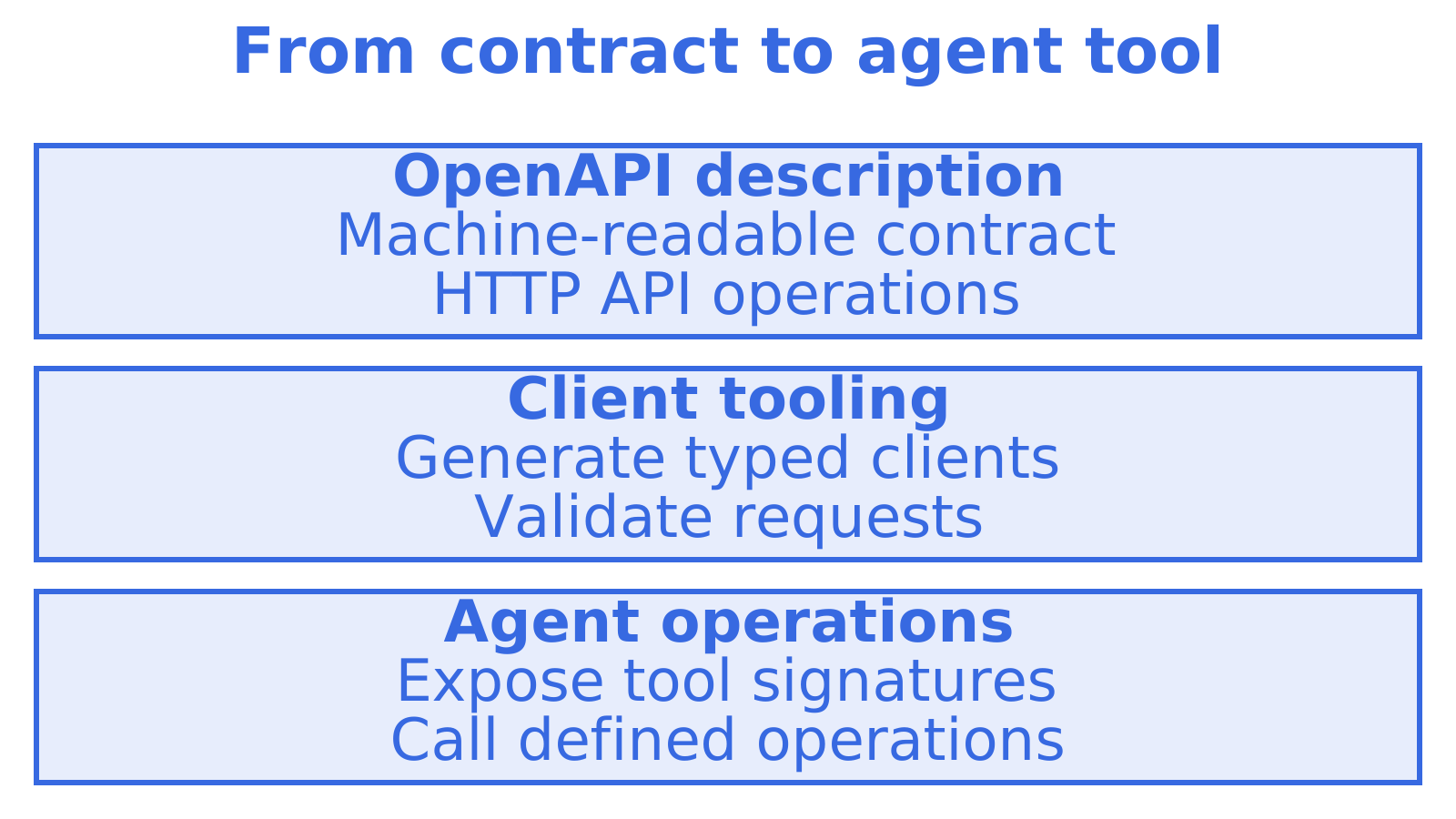
An openapi email api search combines two requirements. One is the OpenAPI Specification, which describes HTTP APIs in a form independent of programming language. The other is a service that sends, and sometimes receives, email over HTTP. You need both. Together, they give your tools a contract for generating SDKs, validating requests and exposing email operations to an LLM.
LangChain, CrewAI and the Vercel AI SDK need clear tool signatures. Precise contracts help an agent build valid requests, while a small tool surface gives it fewer operations to work through before making a call.
Imagine your agent returning tomorrow to a customer's reply. It needs the stored conversation. A sending endpoint alone won't provide that, however clearly its contract describes the request.
The criteria that separate email APIs for agents
We'd judge each candidate by the work your agent must finish once a reply arrives.
- Mailbox model. When mail arrives, does the service keep it in a persistent mailbox with folders, keywords and threads, or only fire a webhook?
- Inbound handling. Can the agent read cleaned message text with quoted history stripped? Or must it parse a raw MIME blob?
- Outbound routing. Can you use your own Gmail, Outlook, SMTP or Amazon SES accounts? Check what happens when a provider hits its quota.
- Isolation. Can you give each agent, customer or tenant a separate address, keys and logs?
- Integration surface. Check REST, SDKs, MCP, CLI and webhooks for your agent. Can older tools use SMTP or IMAP?
- Domain setup. Check the work needed to verify SPF, DKIM and DMARC for a custom domain. Can an agent complete it without a human editing DNS?
- Pricing shape. Which quantities drive the bill: seats, connected accounts, inboxes, messages or stored gigabytes?
Calculate costs for the mailbox count you expect to reach. At ten agents, a per-inbox fee can look small. At ten thousand, that same fee can become substantial.
The options compared
The table groups services by what they're built around. Before choosing, check the vendor's current spec and limits in its own documentation.
A few notes on how to read it.
Sending-first services such as Postmark, SendGrid and Amazon SES are excellent at getting mail out and measuring delivery. They were designed before agents existed. To build an agent on them you add a parser, a store for threads, a webhook relay and usually a second system for mailboxes. That is the stitched-together stack we built Sendmux to replace.
With Nylas, you can wrap existing mailboxes and calendars in one API or use hosted agent accounts with their own addresses. Evaluate it when calendars and contacts drive the workflow. Check the account-based price at your expected fleet size.
AgentMail and similar inbox-for-agents products serve the same buyer we do. Check provider choice first, then compare quotas and the cost of each extra mailbox.
Test Resend for sending and receiving with a real reply and attachment. That test will show how much threading and storage your own application would need to handle.
Services such as smtp.dev give you sandbox tools with real MX records on development and testing domains. Outbound delivery stays inside the sandbox. That boundary suits tests, while production agents need to reach customers outside it.
What a mailbox API should give an agent
The decisive difference between a sending API and an agent email API is state. In Sendmux a mailbox is persistent: the Mailbox API covers messages, threads, folders, keywords, attachments, sender identities, quotas, usage and submissions. The agent can retrieve stored thread state instead of reconstructing it from webhook payloads.
Several design choices exist to keep agents cheap and accurate:
- Cleaned content. Agents read message text and HTML with quoted history stripped, so they act on the new reply rather than parsing a raw thread. Raw body endpoints remain when you need the exact original.
- Precise retrieval. The list endpoint filters on folder, thread, free-text query, sender and recipient, subject, body, arbitrary headers, size range, keywords, date range, attachments and unread. A count endpoint answers "how many" without returning rows, and search snippets return previews without pulling full bodies.
- Batch and sync. Batch get, update and delete move many messages per call. Sync endpoints return state tokens, so an agent polls for typed changes instead of re-listing the inbox every time.
- Session discovery. A session endpoint reports the mailbox, supported features, state tokens and request limits, which suits agents that adapt to what they are allowed to do.
Run the same checks with every vendor. Can your agent read only the new reply, count messages without fetching them and pick up from a state token? Where support is missing, you may need extra application code and more content in the model's context.
Outbound: one provider is a single point of failure
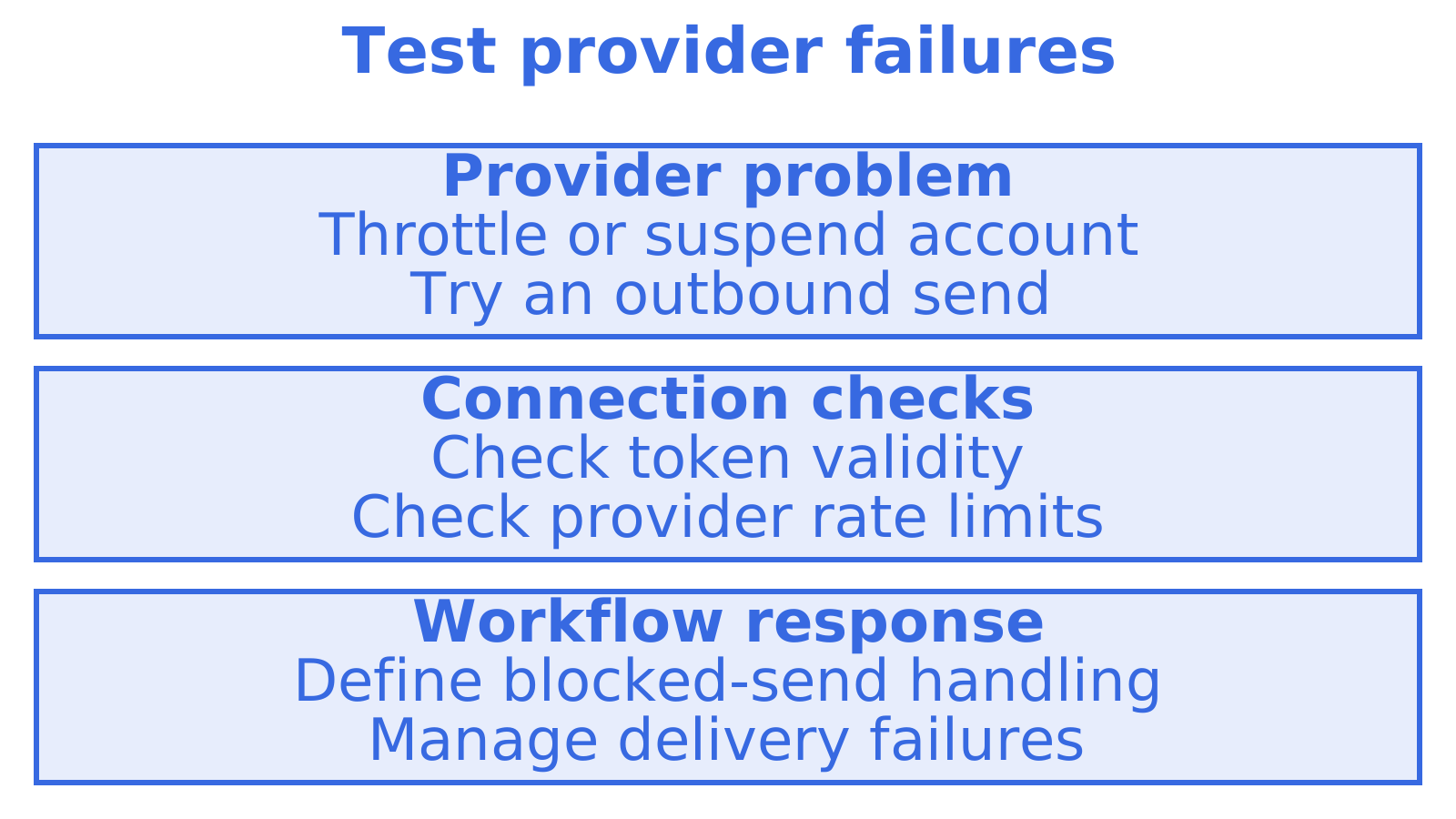
Throttle or suspend an outbound provider and test the result. With a single Gmail OAuth connection, an agent mailbox depends on that connection's token and rate limits. Decide how the workflow should respond when either prevents a send.
The self-hosted helpdesk opendesk lets replies go through SMTP, Google or Microsoft, and its platform email can use SMTP or Amazon SES. Those transport choices also arise in other self-hosted applications. A routing layer can centralise selection, but authentication, sending reputation and delivery failures still need managing.
Isolation, domains and logs
For custom domains, ask every vendor what a human has to do. Verification means publishing SPF, DKIM and DMARC records, and a receiving domain also needs MX records. With many tenants, manual DNS work becomes the bottleneck. We built automated agent onboarding so that an agent can provision itself without a person doing DNS setup, and the Email for AI Agents, provisioned by agents page explains the flow.
Integrations: the surface agents actually use
The spec gives you a typed client. The rest of the surface decides how fast you ship:
- REST and SDKs for application code.
- MCP so an AI client can read and send email as a tool. Our MCP, SDK and API for agent builders page covers this.
- CLI for terminal workflows with coding agents.
- Webhooks and Server-Sent Events to replace IMAP polling loops.
- SMTP relay and IMAP access for older tools that cannot call REST.
Pick the business workflow first. The AI agents for business automation guide can help scope which process the agent should handle before you choose infrastructure.
What it costs
Price shape is where the comparison gets concrete. Sendmux prices published on our pricing page in 2026 are:
| Item | Price |
|---|---|
| Free plan | US$0 per month per team |
| Pro plan | US$7 per month per team |
| Enterprise | Custom contract terms |
| Connected outbound | US$0.000500 per provider-accepted recipient occurrence |
| Managed sending | US$0.000750 per provider-accepted recipient occurrence |
| Inbound | US$0.000500 per distinct mailbox delivery |
| Storage | US$0.02 per decimal GB-month |
There is no per-inbox fee on non-enterprise plans, which is the line that usually separates us from per-account pricing. As a worked example, 100,000 provider-accepted recipient occurrences through your own connected providers cost US$50 in connected outbound fees at US$0.000500 each, before the plan fee and storage. Our article on email API pricing, pay as you go versus tiers shows how to model this against tiered plans.
Calculate other vendors' bills from their current pricing pages, using your expected message volume and mailbox count. Add the cost of any thread storage and inbound processing you'll run separately.
Perspective
Most email APIs were designed for a person clicking send or an app firing a receipt. Agents behave differently. They need to come back to a conversation, read only what is new, and stay inside a boundary that belongs to one customer.
That is why we treat the mailbox as persistent state rather than a webhook drop, and why outbound routing is available through the Sending API alongside the Mailbox API. Every extra system between the agent and the inbox is a place where tokens expire, threads break and bills multiply.
Our view is simple: a clean API contract is necessary, but the real test is whether the agent can receive, thread, route and log, for ten tenants or ten thousand, without you maintaining the glue. That is the job we built Sendmux to do.
Try it on the free plan
The quickest way to judge any email API is to give one agent a mailbox and run a real thread through it. You can start on the Free plan, provision a mailbox on @myagent.mx, and move to Pro when you need more. Self-registered agents can receive and read mail immediately; sending requires the human owner to accept the invitation and explicitly approve it. Start at the Sendmux pricing page, or read how agent inboxes work first.
A short checklist before you choose
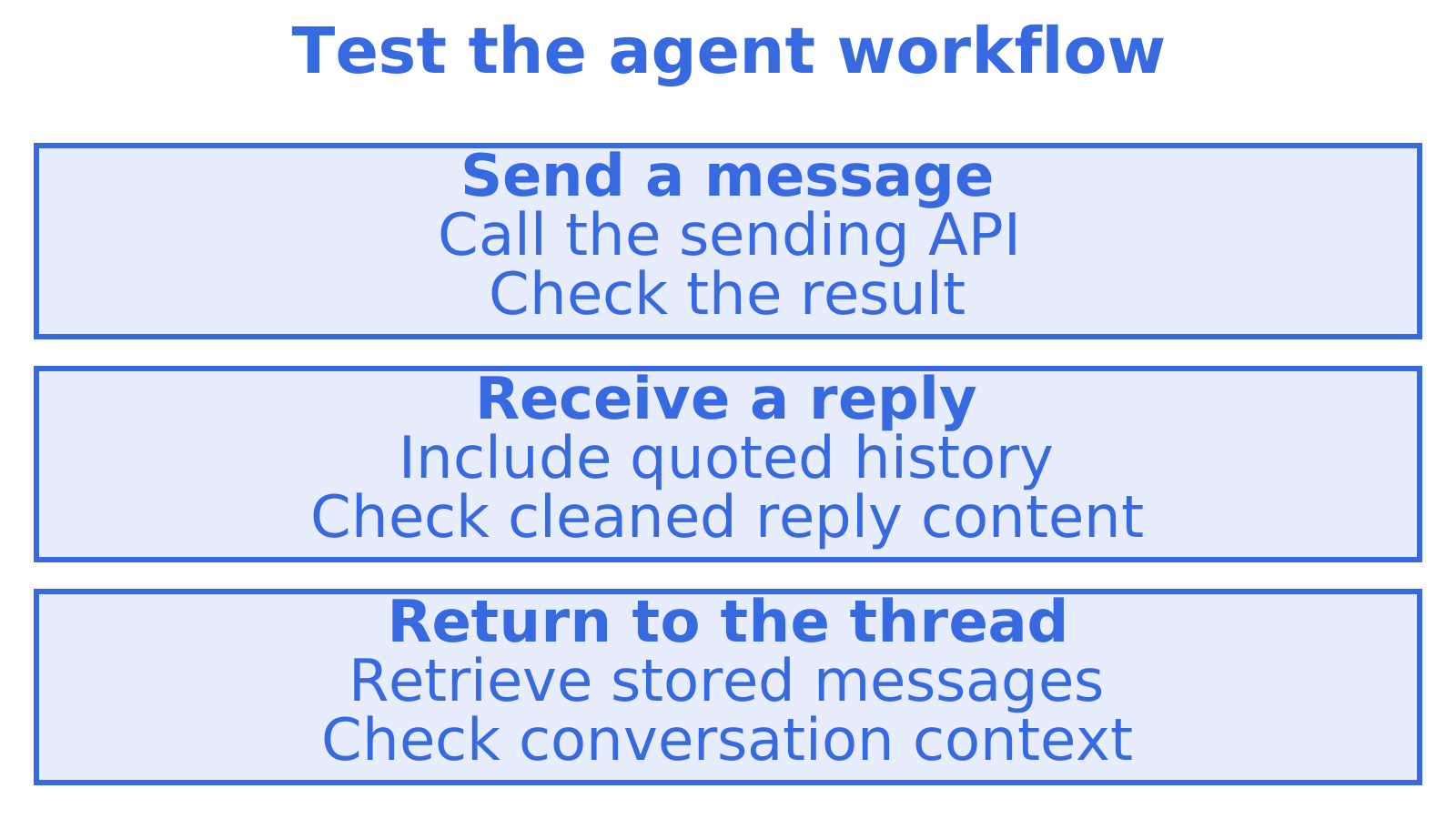
- Generate a client from the vendor's OpenAPI file, then check coverage for the operations your agent needs.
- Reply within a thread and check that its headers keep the conversation together in Gmail and Outlook.
- Send a reply quoting three earlier messages. Check whether the agent receives just the new text.
- Create two mailboxes. Try using one mailbox's key to read the other.
- Turn off a connected provider and check whether outbound sending fails over.
- Calculate the monthly bill for your target mailbox count and message volume.
Work through the receiving half of the test with our inbound email API setup in five steps.
Sources
Recommended
Frequently Asked Questions
Does an OpenAPI email API mean the service follows a standard?
OpenAPI standardises how an HTTP API is described. Email features are a separate question. We'd check whether a service keeps mailboxes, handles replies and routes outbound mail, along with providing the contract your tools need.
Can I use a sending-only API for an AI agent that reads replies?
Yes. You'll need inbound parsing and thread storage, plus a webhook relay and mailbox management. We built Sendmux to keep those parts together so an agent can return to a stored conversation.
Does Sendmux charge per mailbox?
On non-enterprise plans, we charge no per-inbox fee. Free costs US$0 per month. Pro costs US$7 per month per team, with per-recipient and storage fees added. For 100,000 provider-accepted recipient occurrences through your own connected providers, the outbound charge is US$50 at US$0.000500 each, before the plan fee and storage.
Can agents create their own mailboxes without DNS work?
Yes. On @myagent.mx, an agent can provision a mailbox and immediately read and receive mail without anyone editing DNS. Sending needs owner approval. The human owner must accept the invitation and explicitly approve it. With a custom domain, publish SPF, DKIM and DMARC records, plus MX records for receiving.
