Agent Inbox Provisioning: How to Give Every Agent a Real Mailbox

Your agent runs again. Can it find the reply to its last email? With agent inbox provisioning, the address and message history stay available between runs, so the agent can pick up where it left off. This guide covers creating the mailbox, setting up its domain and retrieving replies, along with the controls your application needs. It also looks at the work involved in connecting Gmail through OAuth or polling IMAP.
TL;DR
- Provision a real address for each agent, tenant or workspace through code. Keep its messages and threads available between runs.
- Connecting a person's Gmail or Outlook account works for a prototype, but provider push systems carry renewal and state-handling work that a purpose-built mailbox API removes.
- Give each agent access boundaries, sending limits and logs. Configure SPF, DKIM and DMARC for the domains it sends from.
Table of Contents
What agent inbox provisioning actually means
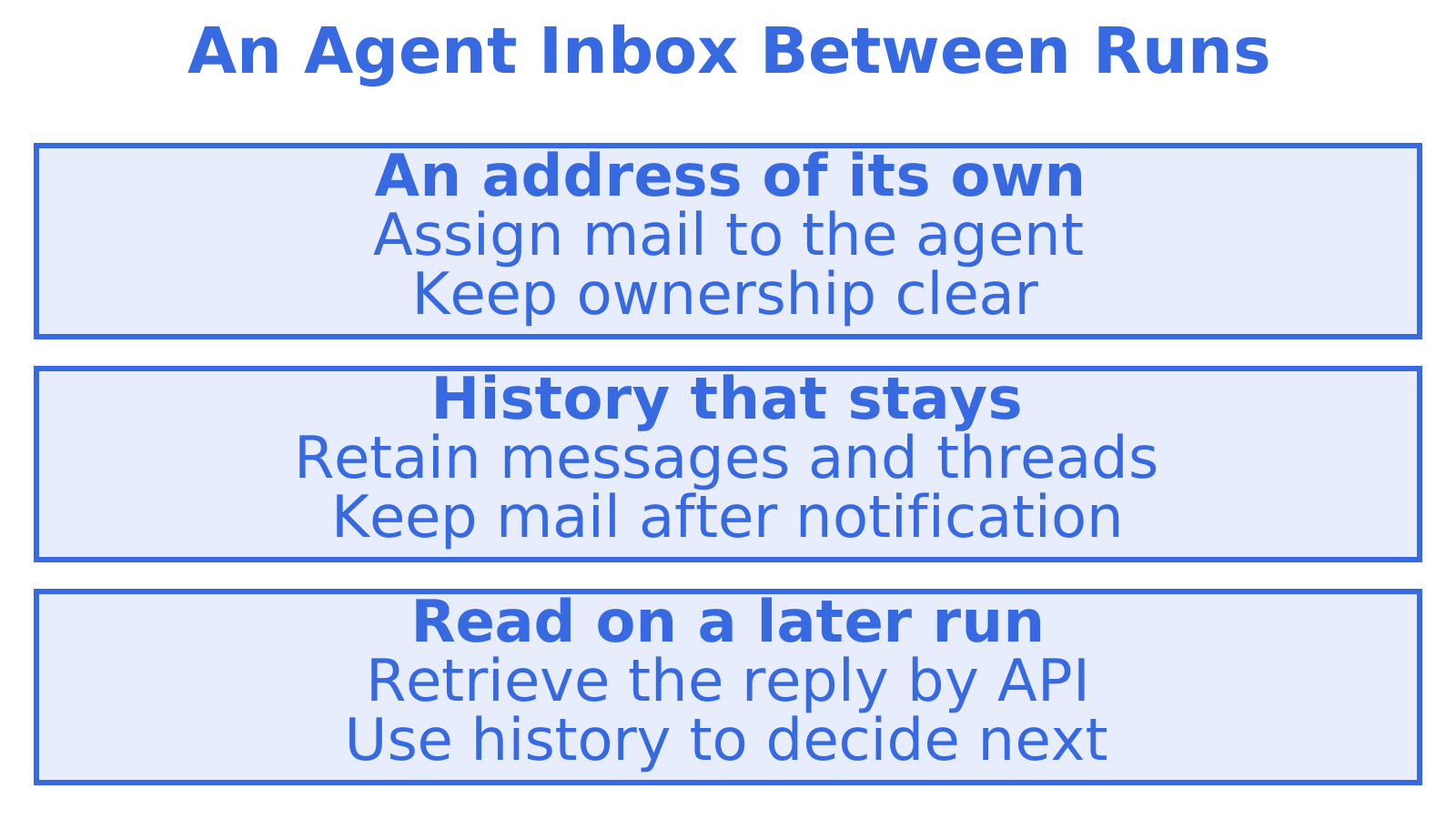
An agent inbox backs an email address with storage and an API. On a later run, the agent can retrieve a reply and work from the thread's history to decide what comes next. Webhooks handle notification. Persistent storage keeps the incoming mail available after your application has handled that notification.
A scheduling agent could receive a meeting reply at its own mailbox without accessing the organiser's personal inbox. That's what a provisioned agent inbox gives it: its own address. An email assistant typically works inside a person's existing inbox to triage, draft or summarise their mail.
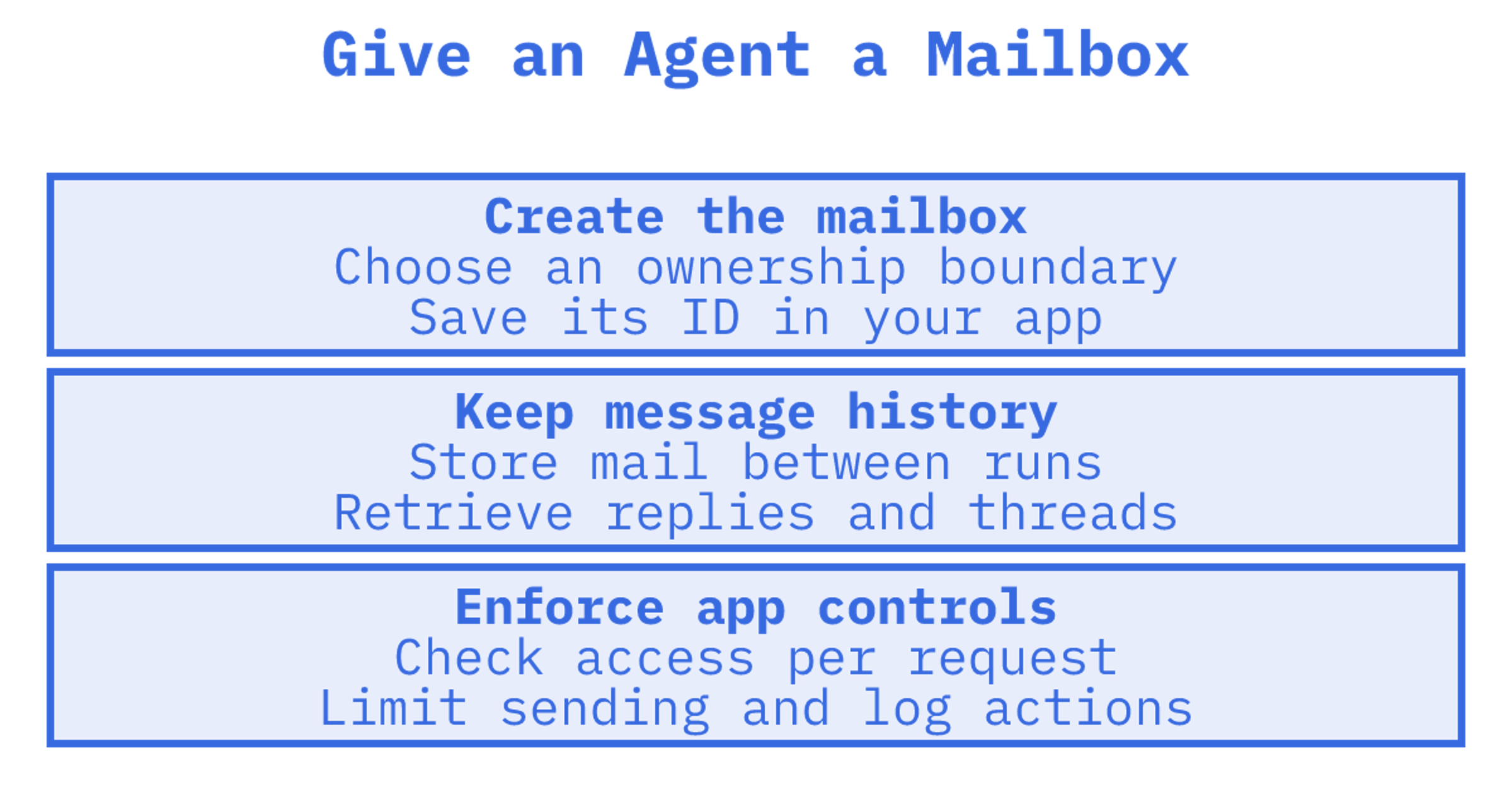
A customer asks what their agent sent. With a mailbox per customer, you have an ownership boundary to trace. We'd choose that boundary before writing the provisioning code, then give the application a way to create the mailbox, record its owner and handle stored mail when the customer leaves.
Why not just connect a Gmail or Outlook account
You can test an agent by connecting an existing Gmail or Outlook account. Before putting it into production, work through what's needed to keep reply notifications running.
Start with Gmail's push model. A mailbox watch publishes change notifications to a Google Cloud Pub/Sub topic you must already have, and the users.watch method returns a history ID and an expiry timestamp. Renewal is your application's job. Google's push notification guide says to renew a watch at least every 7 days and recommends doing it daily. You'll also need to acknowledge notifications and retrieve changes using the history ID.
For Outlook, Microsoft Graph's mail API supports delegated or application permissions, message search, folder-change subscriptions and incremental sync. If you support both providers, you'll maintain both integrations and their tokens and subscriptions.
OAuth tokens can expire. Provider limits can interrupt requests, and accounts can be suspended, so these integrations need account-level monitoring across tenants. Our comparison of why Gmail and SendGrid fall short for agents goes into those trade-offs.
The anatomy of a provisioned agent inbox
Before choosing tooling, it helps to know what a complete agent mailbox contains. Think of it as six layers:
- Identity. Give the agent a real address, using a shared agent domain or a domain you own.
- Persistent state. Messages, threads, folders, keywords and attachments need to stay available between agent runs.
- Inbound processing. Strip quoted history from the message text so the agent can read the new reply.
- Outbound sending. One send path with correct threading headers.
- Events. Where supported, discover new mail through webhooks or sync tokens instead of repeatedly fetching the whole inbox.
- Controls. Build access scopes, quotas, logs and suppression handling around each mailbox.
What did the customer's agent send last Tuesday? Layers 2 and 6 provide the stored messages and activity records you'll need to investigate. Build both into the design before a customer asks.
How provisioning works in Sendmux
In Sendmux, you can create a real mailbox for an agent, customer, workspace or tenant. You can use the included @myagent.mx domain to start immediately, or a custom domain verified for sending and receiving. The agent inboxes product stores messages for later access.
The Mailbox API covers messages, threads, folders, keywords, attachments, sender identities, quotas, usage and submissions. A few details matter for agent builders:
- Cleaned reads. Agents get message text and HTML with quoted history stripped, so they act on the new reply without parsing a raw MIME thread. Raw body endpoints remain when you need the exact original.
- Precise retrieval. GET /mailbox/messages filters on folder, thread, free-text query, sender and recipient fields, subject, body, arbitrary headers, size range, keywords, date range, attachments and unread status. A count endpoint answers "how many" without returning rows, and search-snippets returns previews without pulling bodies. Smaller payloads mean fewer tokens spent per decision.
- Batch and sync. Batch get, update and delete move many messages in one call. Sync endpoints return state tokens, so an agent polls for typed changes to the mailbox, folder or query rather than re-listing the inbox.
- Session discovery. GET /mailbox/session reports the mailbox, supported features, state tokens and request limits.
See our sending API with provider failover.
A provisioning flow you can follow
Create a mailbox and test the whole reply cycle. Alongside provisioning, implement and verify the access controls, limits and routing your application needs.
- Decide the unit of isolation. When someone asks "who sent this?", should the answer identify an agent, customer, workspace or environment? Use that choice as the mailbox boundary.
- Choose the domain. Start on a shared agent domain such as @myagent.mx while you build. Use a custom domain when the address should represent your business or customer.
- Create the mailbox. Use the Management API to provision it, or register an agent inbox with the CLI, and store the mailbox ID against your tenant record.
- Limit access. Enforce mailbox ownership in your application's tool layer and keep credentials outside the model. Check which credential scopes your platform supports.
- Set limits. Decide how the agent will stop and notify you when it reaches a sending or storage budget. Enforce those budgets in your application, with provider controls where available.
- Retrieve inbound changes. Pull mailbox changes with Sendmux sync tokens. Map each mailbox ID to the agent or queue responsible for its messages in your application.
- Test the thread. Send a message, then reply from another client. Inspect what the agent retrieves, check the cleaned text and verify that its next reply stays in the intended thread.
- Plan teardown. When a tenant leaves, what happens to their mailbox and stored mail? Decide before then, and include retained mail in the storage budget.
For agents that onboard themselves, Sendmux supports automated onboarding with no human DNS setup on the shared domain. The email provisioned by agents page covers this onboarding use case.
Securing and isolating each agent
An incoming message might tell an agent to access someone else's mail. Your application's access checks must enforce ownership even then. A separate address makes that ownership clear.
A practical baseline looks like this:
- One mailbox, one scope. Before executing each tool request, check the agent's authorised mailbox. A support agent shouldn't be reading finance mail.
- Allowlists and limits at the tool layer. Code outside the model must restrict recipients and hourly sending volume. A prompt instruction alone can't enforce either limit.
- Approval gates for risky sends. Have a human or rules engine approve bulk sends, external attachments and messages to new domains.
- Structured logs. Investigating a mistaken send or access incident takes records. For each action, log the agent, time, operation, target and outcome.
- Secrets out of prompts. Use a secrets manager to store keys and a tool layer to use them. Keep keys out of system prompts and tool descriptions.
Domains, authentication and deliverability
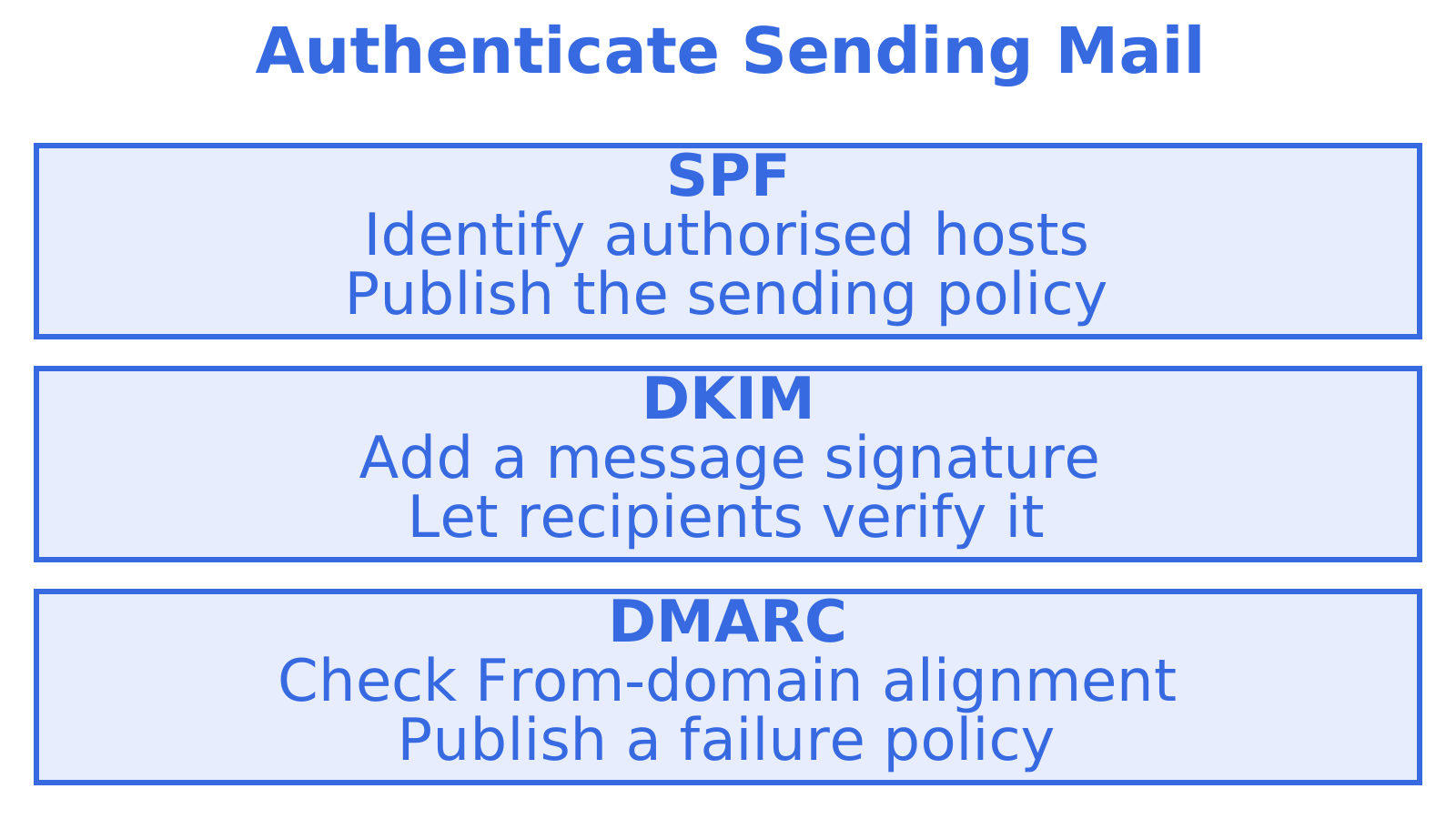
Configure authentication for the domain your agent sends from. SPF identifies authorised sending hosts. DKIM adds a signature recipients can verify, while DMARC checks alignment with the visible From domain and publishes a policy for failures. IETF RFC 8616 discusses these mechanisms for internationalised email.
A custom domain needs records for sending and receiving. For registration and authentication basics, see this guide to choosing a domain for email. Our SPF, DKIM and DMARC setup guide explains the authentication records.
If you send from many domains, verification becomes a recurring chore, which is why Sendmux handles domain verification as a platform feature. Before designing outbound workflows, read our acceptable use policy. The cold email infrastructure guide discusses rotation and quotas.
Handling quotas, bounces and provider failures
Sending stops. The agent needs a response that fits the cause, so plan separately for a quota, a rejected address and a provider outage.
Quota exhaustion. When an application budget or provider limit is reached, stop sending. Alert the operator, then check for an agent loop before resuming.
Bounces and complaints. Put hard-bounced addresses and recipients who complain on your application's suppression list. Keep delivery outcomes so you can distinguish provider acceptance from delivery failure.
Provider outages or limits. Pause work or queue it when a provider becomes unavailable. If you've designed the system with multiple providers, check an alternative path's domain authentication, capacity and duplicate-send protection before using it.
What it costs
Sendmux records incoming email, outgoing email and storage costs. Estimate your expected message volume and retained mail, then apply the current rates from the pricing page.
Perspective
Most teams we talk to start with a shortcut. A Gmail account, an app password, an IMAP loop. It is a sensible way to prove an idea, and we have seen the same story play out each time: tokens expire in production, a provider rate-limits the mailbox, and the engineer who wired it up spends a week on mail plumbing instead of the product.
Start with a free mailbox
Check the pricing page for available plans and current rates. You can register an @myagent.mx inbox without touching DNS. For customer-facing addresses, you can add a custom domain verified for sending and receiving. To work through the broader setup, see how Sendmux works end to end or read the complete guide to email inboxes for AI agents.
Sources
Recommended
Frequently Asked Questions
What is an agent email?
A scheduling agent could receive meeting replies at an address of its own. That's an agent email: an address assigned to an AI agent, which uses a mailbox API to retrieve messages and send replies under your application's controls. An email assistant works inside a person's existing inbox.
Can an agent create its own inbox?
Yes, if the platform supports creating mailboxes through code. With Sendmux, use the Management API to provision a mailbox, or the CLI to register an @myagent.mx inbox without human DNS setup. A custom domain verified for sending and receiving is another option.
Do I need a separate mailbox per agent?
A support agent shouldn't have access to a finance agent's mail. We'd use the ownership boundary your application needs to separate mailboxes by agent, customer or workspace. Mailboxes help organise that boundary. Your application still has to enforce access checks, limit sending and log activity.
Is a mailbox API better than polling IMAP?
We'd start with a mailbox API when the agent needs filtered retrieval and cleaned replies. Sendmux provides filtered queries, message text with quoted history stripped and sync tokens to retrieve changes. Existing tools may suit IMAP. Before choosing an integration, check support for IMAP or SMTP alongside a REST API if you need those protocols.
How much does it cost to provision an agent inbox with Sendmux?
Estimate the mail your agent will send and receive, along with the history you'll retain. Sendmux records incoming email, outgoing email and storage costs. Use the pricing page for current rates.
