Who Controls Sending? 3 LobsterMail Alternatives for Agent Mailboxes

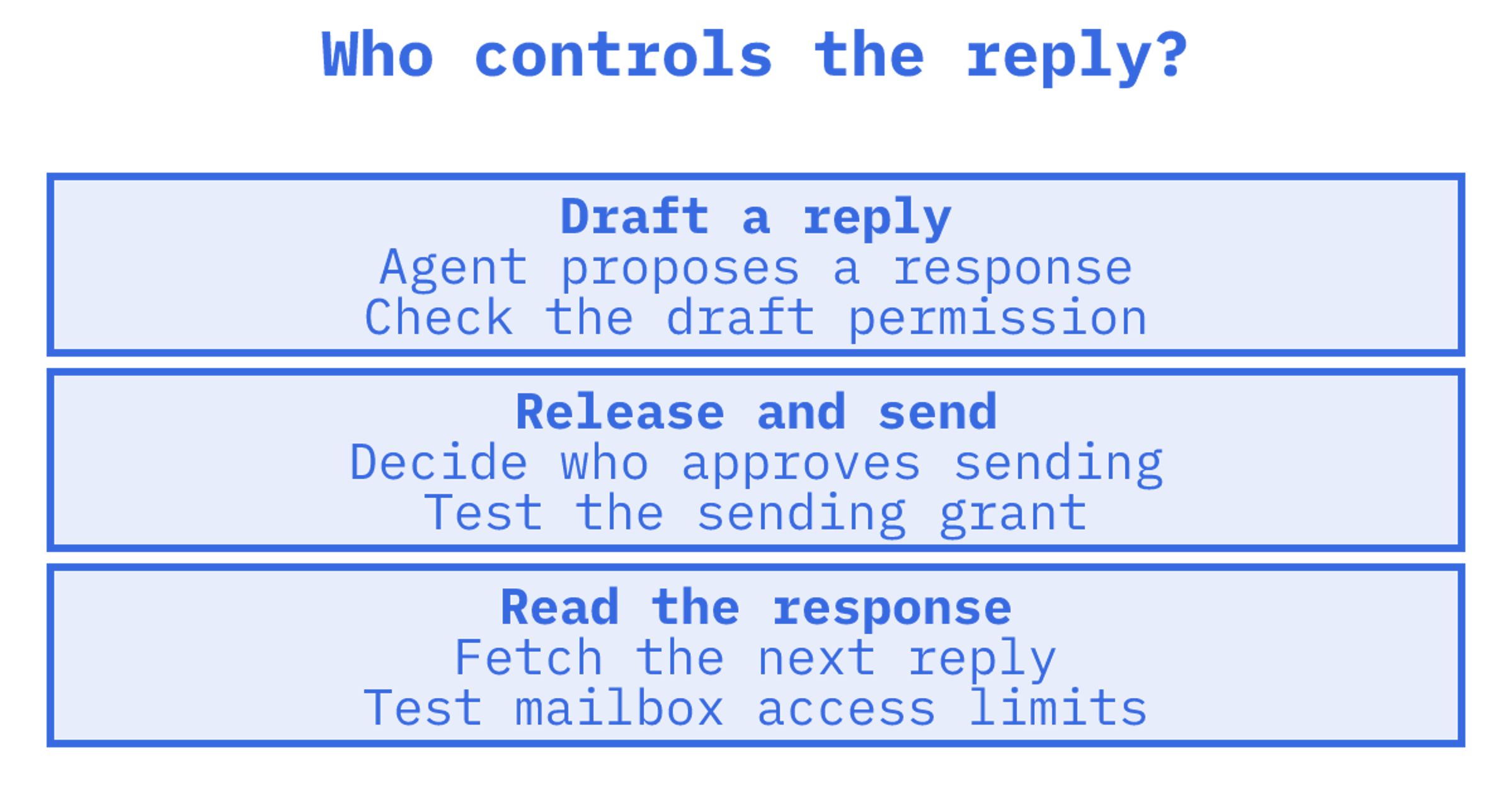
Who can release a reply? We'd begin there when comparing Lobstermail alternatives, because an agent drafting a reply needs different permissions from one that sends it. Then test conversation handling in each mailbox. Start your shortlist with Sendmux, Lockally and AgentMail.
TL;DR:
- Lockally fits agents that draft replies for human approval, while AgentMail suits prototypes where rapid inbox provisioning outweighs routing depth.
- Persistent mailboxes help agents retain conversations and isolate tenant identities, but one way notification bots may work fine with a sending API.
- Sendmux's Free plan costs $0 per month. Pro is $7 per team monthly, plus usage. Compare the total against your mailbox count, traffic and storage.
- Test credential scoping by issuing a mailbox key, then checking that it cannot access billing or other mailboxes before relying on it in production.
Table of Contents
Shortlist: what each alternative is actually good for
Give the proof of concept a specific job. Decide whether your agent needs permission to draft a reply, send it or read the next response.
- Sendmux: offers mailbox creation with team permission checks and scoped credentials. Test your required mailbox operations and routing in staging.
- Lockally: its agent-native API models email as threads, with draft and approval workflows documented in the Agent API. Consider it when an agent proposes a reply and a person releases it.
- AgentMail: a hosted inbox layer for provisioning and multi-tenant inbox management. Consider it when a prototype needs inboxes created and assigned.
Test Lockally's draft and release workflow if sending needs human approval. For a prototype with separate inboxes for a handful of agents, try AgentMail's provisioning flow. Check credentials afterward. What can the agent do once setup finishes?
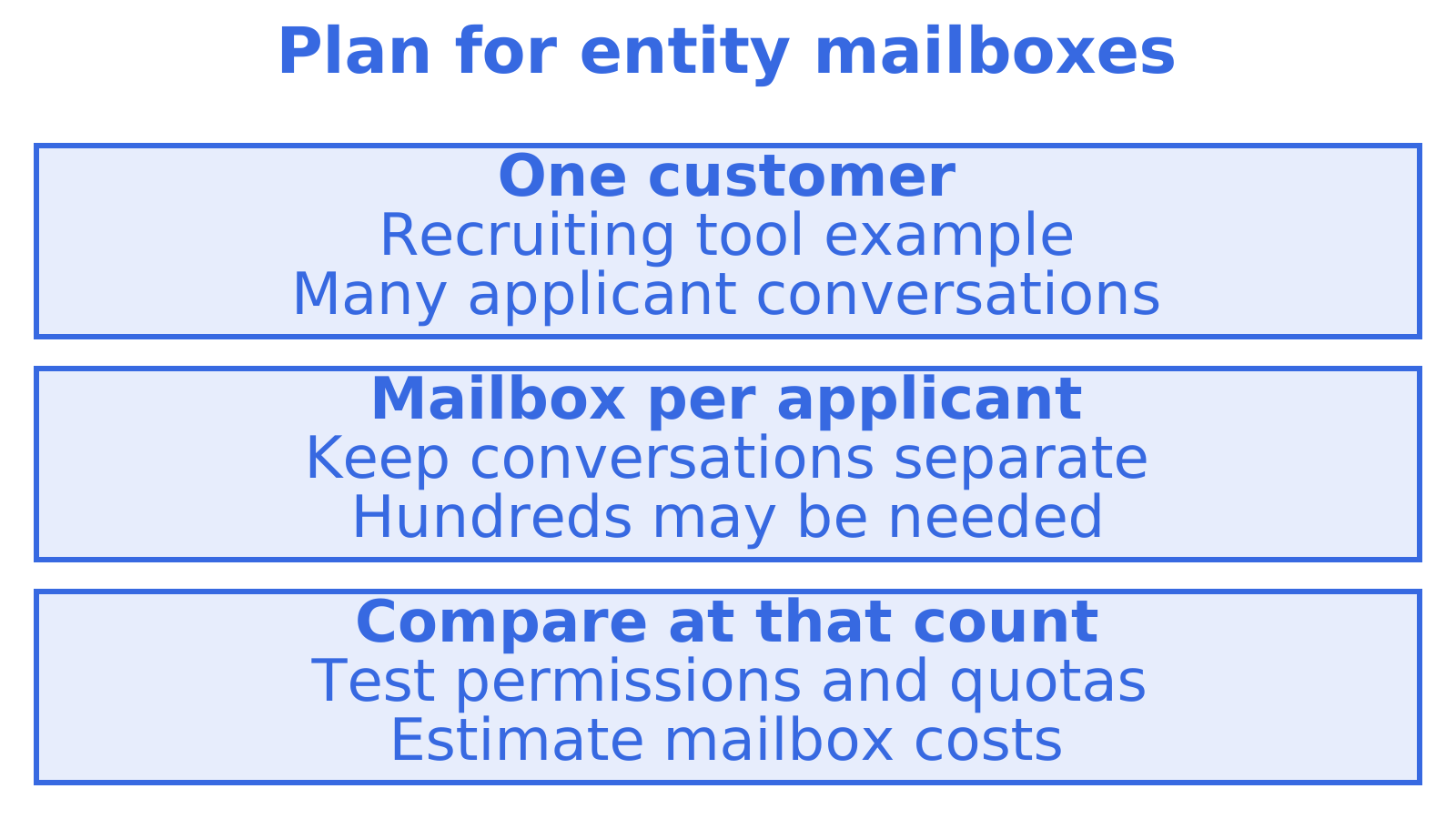
Suppose a recruiting tool assigns each applicant a mailbox. One customer might need hundreds, each holding its own conversation. Price that mailbox count and check its permission and quota requirements before choosing a provider.
How the three compare on the dimensions that matter for agents
Test conversation handling separately from sending behaviour and credential scope. Quick inbox creation still leaves retention and access boundaries to check.
| Dimension | Sendmux | Lockally | AgentMail |
|---|---|---|---|
| Mailbox persistence and threading | Check message retention and threading in staging | Thread-first endpoints, conversation objects fetched in one call | Hosted inboxes, provisioning-focused |
| Multi-provider routing and failover | Check routing, quotas and failover in staging | Not a documented feature of the Agent API | Not a documented feature |
| Mailbox API features | Test search, counts, snippets, batches and sync | Thread fetch and in-thread reply, draft and approval endpoints | Inbox management focused on provisioning |
| Developer tooling | Check the required client and protocol support | REST developer docs for agent-native endpoints | Hosted inbox API |
| Credentials and scoping | Scoped keys with team ownership checks | Per-mailbox grants constraining access to listed mailboxes | Inbox-level access |
| Pricing model | Free and Pro plans plus accepted-recipient, inbound-delivery and decimal GB-month usage billing | Not published in developer docs | Tiered, per-inbox pricing |
How to choose: a checklist, seven questions, and three trial tasks
We'd test permission boundaries first. Give an agent access to a test mailbox, attempt an operation outside its grant and record the response. Then check conversation handling and sending.
Run through this before signing anything:
- After restarting the agent, can you retrieve the same conversation?
- Does the integration return a cleaned reply, or must your application parse quoted history from raw MIME messages?
- Can credentials cover just one mailbox and the operations your agent needs?
- Does a sending-provider outage trigger a retry, rerouting or an error?
- Where can you find documented rate limits, quotas and event logs? What happens at a limit?
- Can you use an OpenAPI spec and an SDK in your stack's language, or must you write a client?
- Which accounts or sending identities could be affected if one provider account gets flagged?
Use staging for these trials. Provision a mailbox and reply to a test message with the documented in_reply_to field, then check whether both messages appear in the same conversation. Test permissions next. Issue a scoped mailbox key and check permitted operations alongside denied access to billing or another mailbox. If multiple sending providers are supported, simulate one becoming unavailable and record whether the send retries, reroutes or fails.
Pro Tip: Create a mailbox-scoped key and use it to call a management endpoint. A successful request means the scoping isn't real.
When mailbox-first architecture actually matters
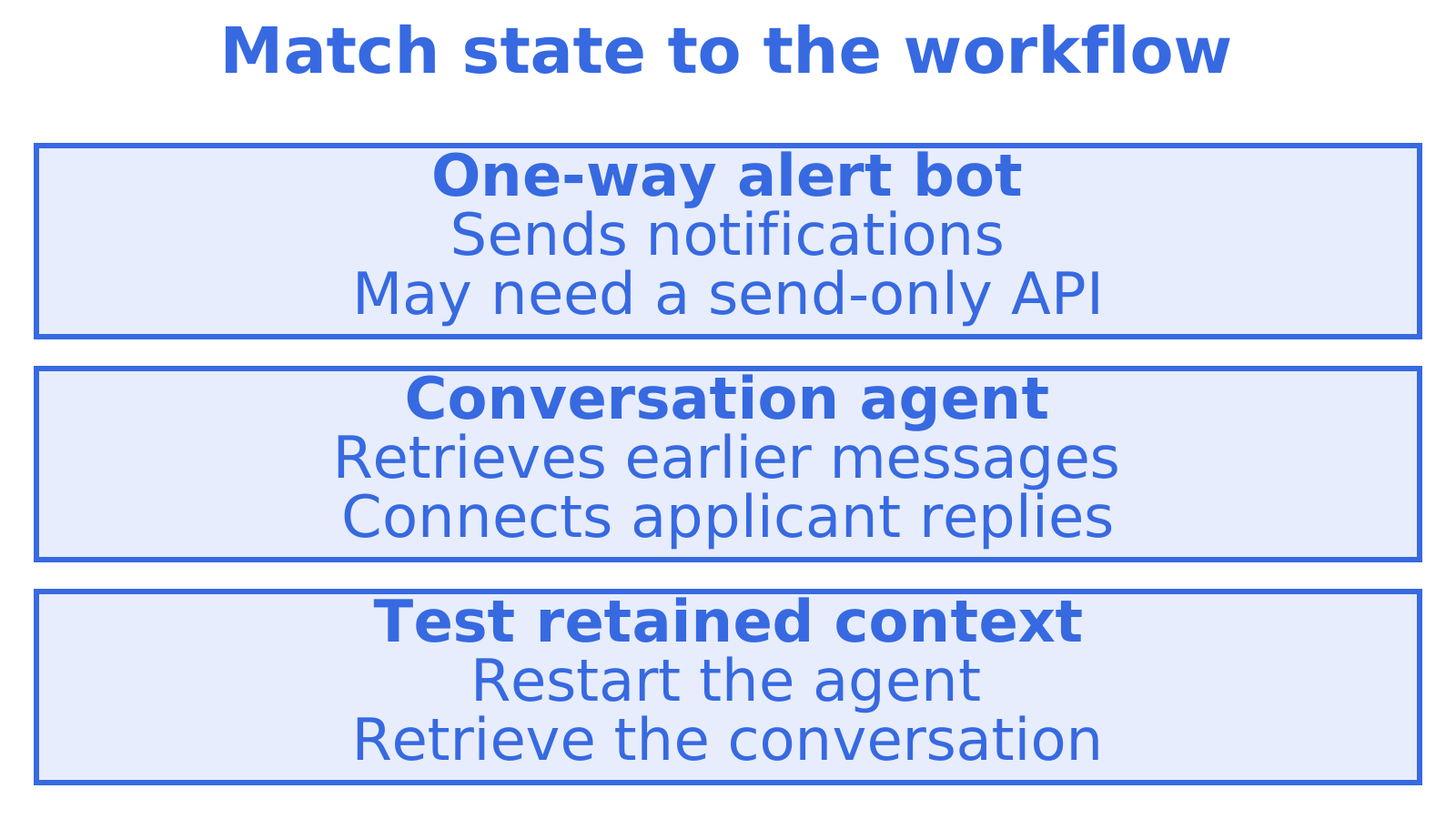
A one-way alert bot may need only a send-only API. Following an applicant's conversation across several days requires retrieving earlier messages and connecting new replies with that applicant. Restart the agent, then test retrieval.
In a multi-tenant or entity-per-mailbox architecture, the mailbox gives context and isolation a place to live, instead of adding them to a sending API. That can make a mailbox-first design pay for itself. For a single internal tool with light volume, weigh the overhead before adding it.
Try Sendmux: test an agent mailbox integration
Sendmux provides mailbox creation with team permission checks and scoped credentials. Create a test mailbox, then check the permission boundaries against your agent's required operations.
- Start on the inbound mailboxes page to review mailbox setup.
- Read the sending API page. Compare its documented behaviour with your routing requirements.
- Check Free tier limits, Pro usage rates and storage costs on the pricing page before scaling.
The Free plan caps outbound sending at 50 accepted recipients per UTC day. Count your staging recipients before choosing a plan. If the project spans several channels, read the instant-reply agent workflows guide alongside your email integration tests.
Recommended
Frequently Asked Questions
What is the closest alternative to LobsterMail for agent mailboxes?
We'd ask who releases the reply. Evaluate Lockally's draft and approval workflow when a person must approve sending, and AgentMail for hosted inbox provisioning. Use the same workflow to compare retention, conversation handling, credential scope and outbound routing before choosing.
Does Lockally support multi-provider outbound routing?
Lockally's public Agent API documentation covers thread-first endpoints, per-mailbox grants, and draft and approval workflows. It doesn't document multi-provider routing or failover across sending accounts. Ask how failed sends are handled before building routing into your integration.
How much does Sendmux cost compared to per-inbox pricing?
Sendmux offers a [Free plan at $0 and a Pro plan at $7 per team per month](https://sendmux.ai/pricing/), plus usage for accepted recipients, inbound deliveries and storage. Compare the total against expected mailbox count and traffic. Budget from published rates. In a hypothetical worksheet, an outbound rate of $0.000500 and an inbound rate of $0.000500 are separate inputs to replace with those rates.
What credentials does an agent need to send and receive mail safely?
Limit credentials to the mailbox and operations an agent needs. Test denied access to billing or another mailbox outside the grant. Sendmux has scoped credentials with team ownership checks, so inspect the grant and test its boundaries before relying on it.
Can I test multi-provider failover before committing to a platform?
Yes, if multiple sending providers are supported. Connect two test providers in staging, simulate an outage in one and record whether mail reroutes, retries or fails. Before migrating, check the delivery outcome alongside the API response.
