Robotomail Alternatives: 8 API Checks Beyond Sending

Your agent sends an email. Tomorrow, can it retrieve the reply with its thread and attachments? We'd start there when comparing Robotomail alternatives. At Sendmux, we give every agent a real mailbox and send through multi-provider routing. Before switching traffic, use the checklist to test mailbox state alongside inbound processing and outbound routing.
TL;DR:
- Choose a sending API if agents do not need persistent mailboxes; require tested multi provider routing only when load sharing or outage recovery matters.
- Test inbound parsing for stripped quoted history, clean plain text, and attachment references rather than attachments pasted into prompts, since these affect token costs.
- Compare billing with mailbox count and volume: per mailbox pricing penalises many low volume inboxes, while usage pricing can rise with few high volume mailboxes.
- Before switching traffic, test mailbox creation, sending, receiving, attachments, provider failover, delivery logs, and signed webhook payloads in a free trial.
Table of Contents
What do people mean by "Robotomail alternatives"?
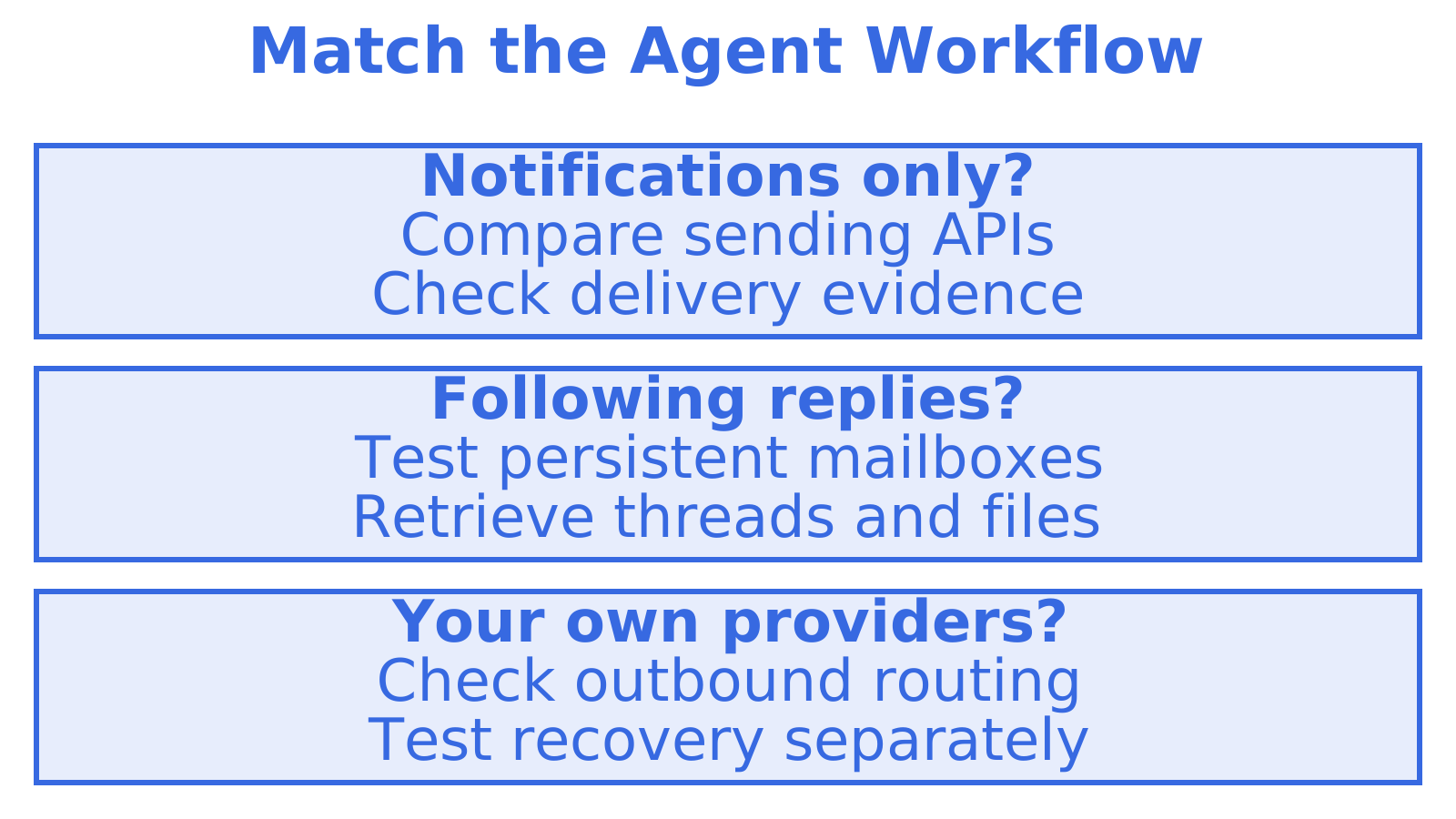
Start with the agent's job. Sending notifications needs different tools from following a customer conversation over several days.
- Inbox-first agent platforms: consider these when each agent, customer or workspace needs an address and mailbox state. They provide persistent mailboxes with threading and folders, plus APIs for agents.
- Sending-first APIs: look here for outbound sending and delivery tools. Check what mailbox state a candidate keeps, including when you already use separate inbox tooling.
- Integrated stacks: a platform or your own integration combines a sending provider, parser and webhook relay. This approach can suit a team already running most of those components.
- Self-hosted and open-source: your team deploys and operates the system. Consider it if you can run IMAP and SMTP servers, maintain parsers and cover the ongoing costs.
Check access too. MCP tools and scoped credentials mean you need to know how an agent gets access and which actions it permits. For AI email in a broader business setting, read this AI email guide.
Which features should you test before picking an alternative?
We'd use identical messages for every candidate, including a reply with quoted history and an attachment. Check what the agent can retrieve.
- Persistent mailbox state and threading. Find the thread, message and folder endpoints. After a new reply arrives, retrieve an earlier message and check whether you can fetch only the content the agent needs.
- Inbound processing. Send an attachment with a reply carrying quoted history. Before giving content to a model, check whether the parser removes that history, returns readable plain text and supports separate attachment retrieval.
- Outbound routing and failover. Find out which providers connect and how delivery groups, quotas and weighting work. Make an account fail too, because routing support leaves outage recovery to be tested.
- APIs and developer tooling. Request an OpenAPI spec and SDKs in your language, along with a CLI and details of MCP or A2A support. Test the path your agent will use.
- Events and webhooks. Verify HMAC signing and check retries and backoff. If a client has no public endpoint, ask whether it can use a stream such as Server-Sent Events.
- Scoped credentials. Test whether mailbox keys or agent tokens restrict access to the intended actions. Check SMTP and IMAP compatibility if existing tools rely on them.
- Logs, metrics and deliverability signals. Follow a message through its delivery logs. Ask how to investigate a failed send and which bounce, complaint and provider-health signals you can inspect.
- Pricing model and limits. Price your expected mailbox count and messages per mailbox under per-message, per-mailbox and usage-based billing. Check trial quotas before scheduling the tests.
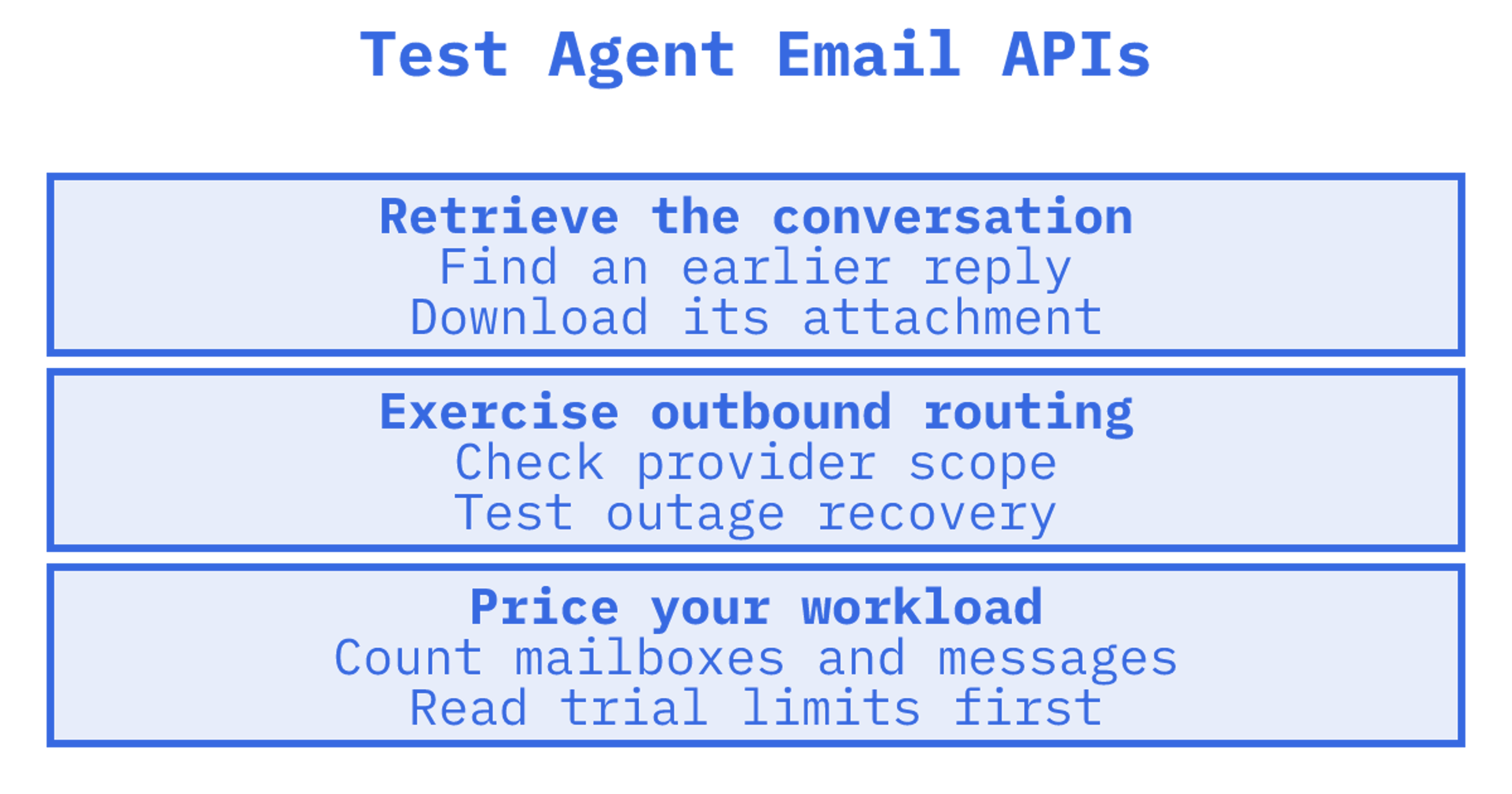
Define a pass before opening the trial. Can the agent, for example, retrieve yesterday's reply and download its attachment through the API?
How do you choose between alternatives?
Decide whether the agent needs to return to a conversation after sending. That tells you what mailbox state it needs.
For notifications, a sending-first API may suffice. Handling replies also requires retained, retrievable mailbox state. Decide next whether outbound must route across accounts you own, with a separate outage-recovery test if required. Price the workload you'll run: many quiet mailboxes can produce a very different bill from a few busy ones.
Put these questions to every vendor:
- Can you try sample requests for each available API endpoint?
- Which languages have SDKs, and do those SDKs expose the same features?
- Does mailbox creation by your application require manual approval?
- How long are webhook delivery attempts retained, and how are the webhooks signed?
- Can delivery logs be exported, and what do they record?
In a free trial, run these operational tests:
- Read the trial allowance before testing mailbox creation. Ask whether a mailbox can be suspended too.
- Send and receive a message, inspect its thread and download an attachment.
- Compare the signed webhook payload and delivery log for one message.
- Make a provider fail. Record whether routing retries, fails over or returns an error.
- Find out whether inbox search and filters exist, then test with a realistic message volume.
Request a delivery-log export and sample webhook payloads before committing. Try using their details to investigate a failed message.
Where Sendmux fits
Pick Sendmux when you need both halves at once: persistent agent mailboxes and outbound routing across providers you already own, on usage-based pricing. Check that combination against your workflow's requirements using the checklist.
An application could, for example, assign a mailbox to each applicant, claim or workspace. Messages would reach the address assigned to that entity, while the application would still enforce access permissions and choose the context given to the agent.
We'd try one complete workflow with the developer tools: create a mailbox, receive a reply and send a response. For each vendor, identify the SDKs and OpenAPI specs, CLI commands, MCP tools or A2A interfaces that cover those steps. Record the integration work required.
How Sendmux matches this job and how to try it
Against the checklist, we offer persistent mailboxes on the included @myagent.mx domain or your own, a Mailbox API for threads, messages and folders, and bring-your-own outbound routing across Gmail, Outlook and custom SMTP, with configurable quotas on custom SMTP accounts and weighting across eligible providers. Events are available through signed webhooks or a Server-Sent Events stream, and our REST API, SDKs, MCP and CLI support integration. Plan the integration with our email sending API and inbound mailboxes pages.
Here is a trial path you can follow on a free team:
- Sign up and create up to two mailboxes through the API.
- Send mail to them and exercise inbound parsing and attachment downloads.
- Send once through a connected provider and once through managed Amazon SES, then compare routing.
- Check delivery logs and webhook payloads for the same messages.
Before testing, read our pricing page for current prices and limits. If you'll integrate through MCP, start with the MCP and agent builder page.
Authoritative Sendmux pages to check next
- Sendmux product overview for sending, receiving and routing in one place
- Agent inboxes for mailbox, thread and retrieval details
- Email inbox for AI agents: the complete guide for integration background
- Sales outreach agents for an outbound-focused use case
- Pricing to confirm limits and plan differences
Recommended
Frequently Asked Questions
What are some free email services similar to ProtonMail?
Gmail and Outlook.com have free personal accounts. We'd check API access and automation limits as well as mailbox state for an agent workflow. Our persistent agent mailboxes use @myagent.mx or your own domain, with usage-based pricing.
What is an AI email?
AI email usually refers to email an AI system reads, drafts, sends or manages for someone. A developer might build an agent that receives a customer reply, retrieves the thread and drafts a response through an API.
What is the best email automation software?
We'd test what follows the first send. Notifications may need only a sending API, while replies require access to earlier messages and mailbox state. Run that workflow through the checklist before choosing a platform.
Can I replace Robotomail without rebuilding my agent logic?
You may keep much of the agent logic. Compatibility still needs testing even when both services have API access: map your Robotomail calls, message identifiers and event handling to the replacement. Check SMTP and IMAP separately if you use them, then test a complete conversation before moving traffic.
