Email Attachments API: Comparing Your Real Options


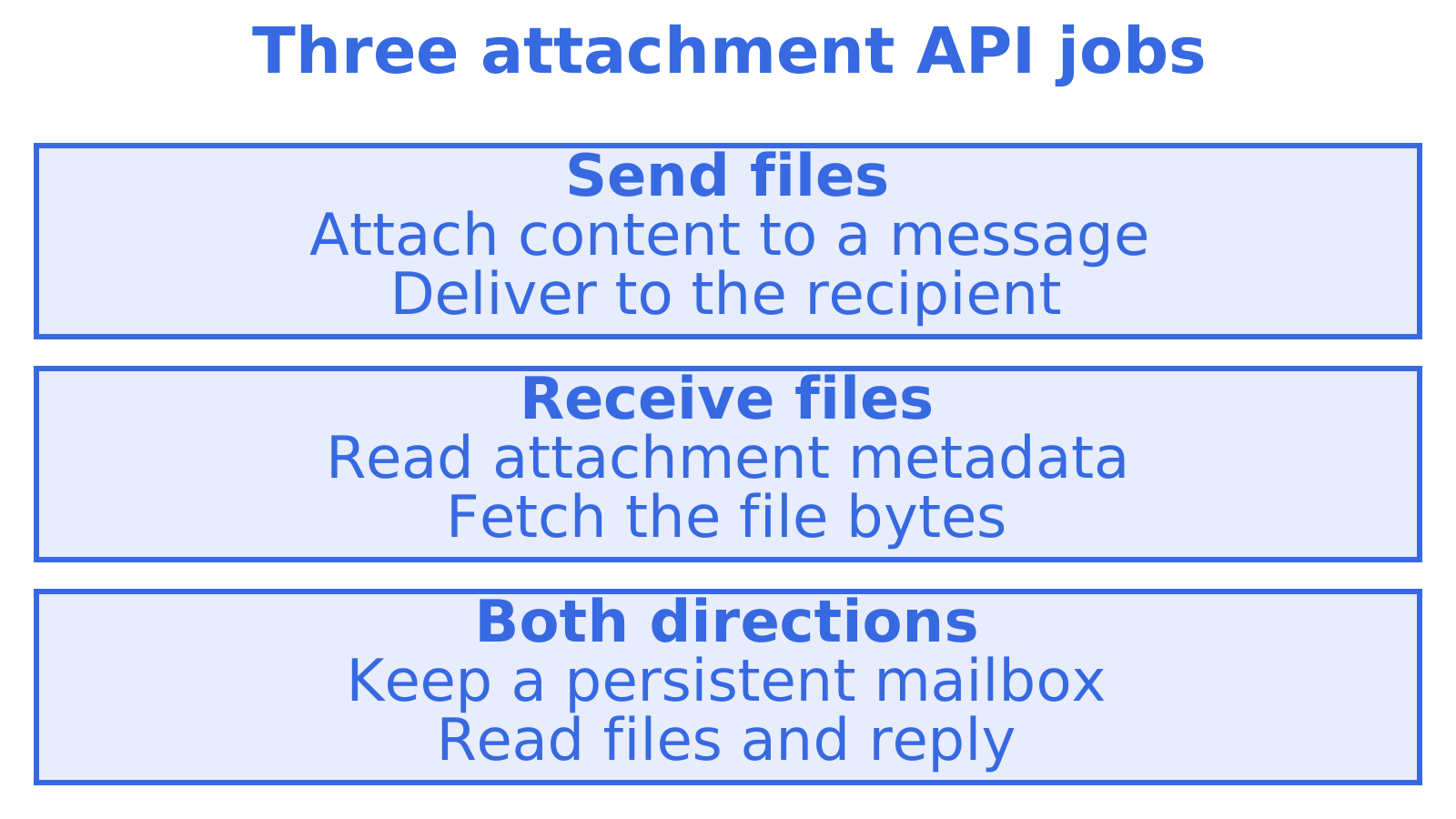
An email attachments API does one of three jobs: it attaches files to outbound messages, it reads attachments from inbound mail, or it does both against a persistent mailbox. Most products are strong at one. Transactional senders accept files on send, mailbox APIs such as Microsoft Graph let you read them back, and testing tools expose them for inspection. Sendmux covers both directions in one API, which matters once an AI agent has to read a customer's PDF and reply with a file of its own.
This guide compares the realistic options by job, then sets out what to check before you commit: encoding, size ceilings, inline content, threading and cost.
TL;DR
- Decide the direction first: sending files, receiving and downloading files, or both against one mailbox. Most vendors only do one well.
- Sending is nearly universal: attachments go in the request as a base64 string with a filename and content type, usually inside an array on the message.
- Receiving is where APIs diverge: some give you metadata plus a download URL, others hand you the raw MIME message to parse yourself.
- Sendmux sends attachments as base64 or as an uploaded reference, and reads inbound mail from a persistent mailbox with quoted history stripped.
- Check size limits, inline (CID) support and per-message pricing on the provider's own documentation before you build.
Table of Contents
1. The three jobs an attachments API can do
Sending. You build a message, add one or more files, and the provider delivers it. Postmark's documentation, for example, describes attachments as entries in an Attachments array in the JSON message, each stored as its own object. That shape (an array of objects, one per file) is the pattern you will meet almost everywhere.
Receiving and downloading. Here you need to list the attachments on a message, read their metadata, and fetch the bytes. Mailisk, a testing-oriented service, returns inbound emails with attachment metadata keyed by UUID, and serves file download URLs from attachment-specific endpoints. Mailbox APIs from the big suite vendors, such as Microsoft Graph, follow a similar idea: the message is one resource, the attachment another.
Both, against persistent state. Agent workflows rarely send a file in isolation. A supplier emails an invoice, the agent reads it, replies on the same thread with a corrected statement, and logs the result. That needs inbound parsing, threading and sending to share one mailbox and one set of credentials.
2. How the main options compare
The table below groups options by what they are built for. We have kept it to what each product's documentation describes at the level of approach, because limits and prices change; confirm exact figures on each vendor's page.
| Option | Built for | Sending files | Reading inbound files | Persistent mailbox |
|---|---|---|---|---|
| Postmark | Transactional sending | Attachments array in the JSON message | Inbound is handled through a separate parsing feature | No |
| Microsoft Graph | Access to existing Microsoft 365 mailboxes | Yes, via message and draft resources | Yes, attachments are a sub-resource of the message | Yes, but tied to a licensed user |
| MailSlurp | Email for testing and automation | Send and receive without hand-built MIME | Yes | Yes |
| Mailisk | Email testing | Not the focus | Metadata and download URLs per attachment | Test inboxes |
| Sendmux | Agent mailboxes and multi-provider sending | Base64 or uploaded reference on one send endpoint | Cleaned message text plus attachments from the Mailbox API | Yes, one per agent, tenant or workspace |
Two patterns stand out. Pure senders are simple and cheap to adopt, but you bolt on a second system the moment you need replies. Suite APIs give you mailbox depth, but they carry licence seats and OAuth token handling that are awkward when you have hundreds of agents.
3. Sending attachments: what the request looks like
Whatever the vendor, a send request with a file carries four things: a filename, the content (base64 text or a reference), a content type, and optionally a content ID for inline images.
MuleSoft's guidance on its Email Connector is a useful baseline for the encoding side: preserve the binary content and its MIME type, and note that Base64 transfer encoding is the default, configurable to others. Two practical consequences follow.
- Base64 inflates payloads. Encoding a binary file as base64 text makes the request noticeably larger than the file itself, so a file that sits just under a documented limit on disk can still be rejected once encoded. Test with a file near your real maximum, not a small sample.
- Content type is not decoration. A PDF sent as a generic octet stream may be shown as an unnamed download in some clients. Set the type explicitly.
Base64 inline versus an uploaded reference
Sending base64 in the body is the simplest approach and is fine for the occasional receipt. It becomes awkward when the same file goes to many recipients, or when your agent generates large documents. An uploaded reference lets you upload once and point to the file from the message. Sendmux supports both: attachments send as base64 or as an uploaded reference.
Threading when you reply with a file
A reply with an attachment is still a reply. If you omit threading headers, the recipient sees a new conversation and your agent loses context.
4. Receiving attachments: where APIs really differ
This is the part most comparison pages skip, and it is where agent builders lose days.
There are broadly three delivery models for inbound files:
- Raw MIME. You receive the whole message and decode the multipart body yourself. Maximum fidelity, maximum work.
- Parsed webhook. The provider posts a JSON payload with attachment content or links to your endpoint. Fast to start, but the mail is gone if your endpoint was down and you did not store it.
- Queryable mailbox. The message and its attachments persist, and you fetch them on demand. This is how Mailisk's attachment endpoints work in a testing context, and how a real mailbox API works in production.
For an agent, the queryable mailbox is the safest, because you can re-read a message after a failure and you can ask for only what you need.
Keeping token costs down
An agent that downloads every attachment to decide whether it matters is slow and expensive. The Sendmux Mailbox API is designed to avoid that. GET /mailbox/messages filters on folder, thread, free-text query, sender, recipient, subject, body, arbitrary headers, size range, keywords, date range, unread and has-attachment, so the agent can ask for "unread messages from this supplier with an attachment" and nothing else. A count endpoint answers "how many" without returning rows, and search-snippets returns previews without pulling bodies. Agents read cleaned message text and HTML with quoted history stripped, so they act on the new reply rather than parsing a forty-message thread; raw body endpoints remain when you need the exact original.
Handling the files you download
Once an invoice or contract arrives, the next question is what you do with the PDF. If you want to merge, split or redact documents without uploading them to another cloud service, you can process downloaded PDFs locally in the browser before they reach a human reviewer.
5. A checklist before you choose
Run any candidate through these checks. They take an afternoon and save a migration.
- Maximum message size, encoded. Find the documented limit and test it with base64 overhead included.
- Inline images. Does the API support content IDs so a logo renders in the body rather than as a download?
- Inbound attachment access. Are you given metadata plus a download URL, the bytes in the payload, or only raw MIME?
- Retention. How long are inbound attachments stored, and what does storage cost?
- Threading. Can you set
in_reply_toandreferenceson a message that carries files?
- Authentication. Per-key scopes, per-tenant keys and delivery logs matter when many customers share your platform.
- Failure visibility. Do you get bounce and delivery events when a large message is refused downstream?
- Pricing model. Is it per message, per connected account or per inbox? Per-inbox pricing punishes the one-mailbox-per-agent design.
If your volume is high, also read our wider guides on sending email via API and SMTP versus an email API, since attachment handling is only one part of a migration.
6. Our perspective on attachments for agents
We built Sendmux because agent teams were assembling the same stack over and over: a sending provider, a Gmail OAuth workaround, a parser, a webhook relay and a separate bill. Attachments expose the weakness of that stack more than any other feature, because a file has to move through every layer, and each layer has its own size limit, encoding and failure mode.
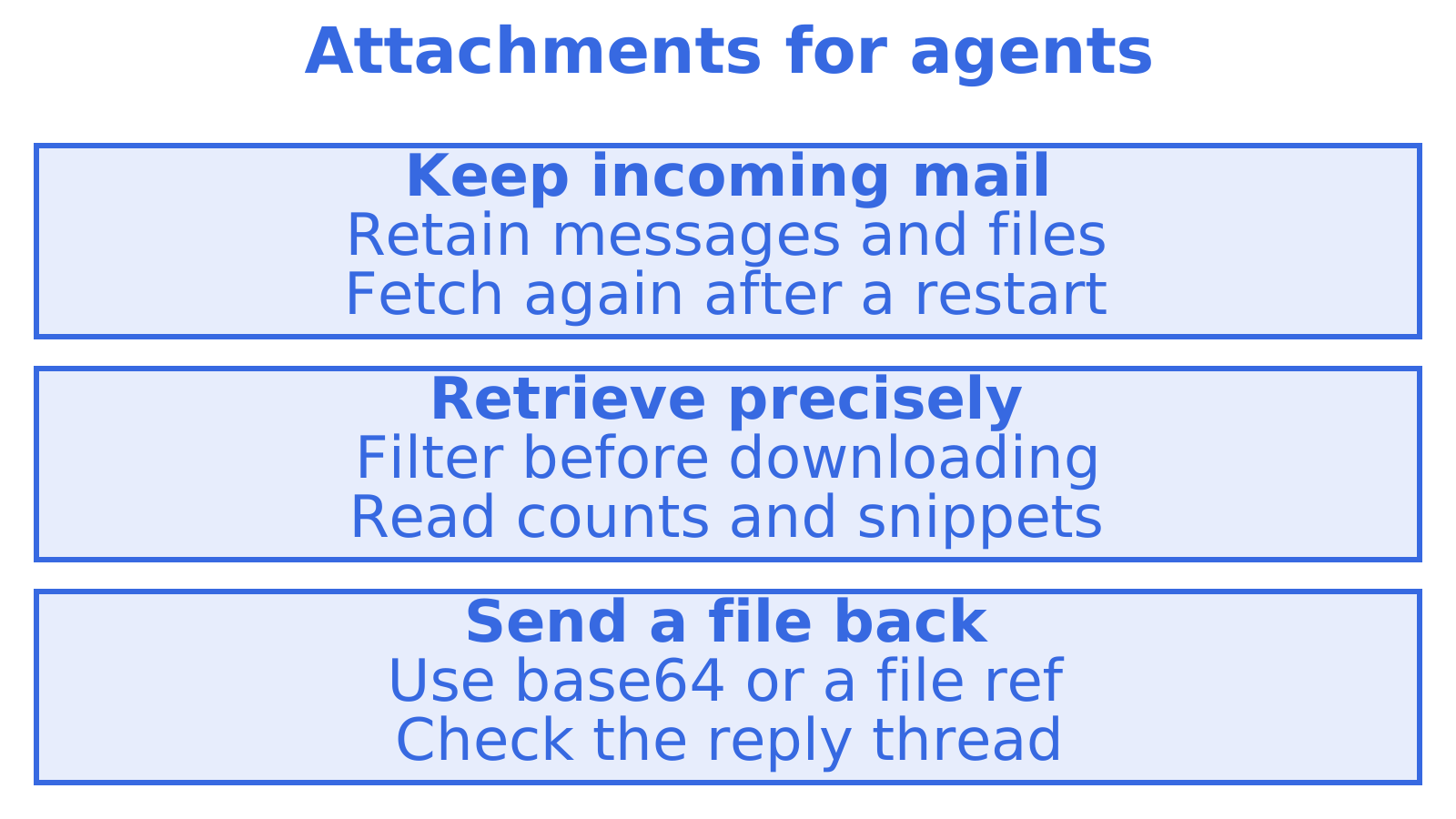
Our view is simple. First, an agent needs a mailbox, not a drop point. A mailbox is persistent state, so an attachment that arrived while your worker was restarting is still there when it comes back. Second, retrieval should be precise. Filtering by has-attachment, sender and date, and asking for counts or snippets before bodies, is what keeps an agent fast and its token bill sensible. Third, outbound should not be tied to one provider. When a provider rate-limits or suspends an account, a message with a file in it should fail over like any other, and Sendmux supports Gmail, Outlook, SMTP and managed Amazon SES sending accounts.
We would rather you choose a plain transactional sender if all you do is email receipts. The moment replies, per-tenant identity or inbound files enter the picture, one API for both directions is cheaper to run than two.
7. Sendmux pricing for attachment-heavy workloads
See the pricing page for current terms, or look at the inbound mailboxes and sending API product pages.
8. Which option fits which team
- You only send receipts and notifications. A transactional sender with an attachments array is enough.
- You already live in Microsoft 365 or Google Workspace and need to read a handful of human inboxes. Use the suite API, and budget for seats and token management.
- You are testing that emails and files arrive. A testing service with attachment download endpoints is the right tool.
- You run agents, tenants or outbound campaigns and files travel both ways. Use a mailbox API with sending in the same place. That is what our Mailbox API guide and the broader best email API comparison walk through.
For an example of attachment retrieval, see Mailisk's email API.
Sources
Recommended
Frequently Asked Questions
How do I send a file through an email API?
Encode the file as base64, add it to the message's attachments list with a filename and content type, and send the request. Some providers also accept an uploaded file reference instead. Test with a file near your real size limit, because encoding makes the payload larger.
How can an API download attachments from received email?
You need a service that stores inbound messages and exposes attachments as their own resource. Typically you list the message, read the attachment metadata, then request the file from a download endpoint, as Mailisk's email API does. A persistent mailbox lets you repeat the fetch if your agent fails.
What is the difference between base64 and an uploaded reference?
Base64 puts the file text inside the send request, which is simple but heavy. An uploaded reference stores the file once and points the message at it, which suits large or reused files. Sendmux accepts either.
Does Sendmux charge extra for attachments?
Attachment costs depend on sending, inbound delivery and retained storage. Check the current pricing terms for each part of your workload before choosing a provider.
