Weighted Email Routing: How to Split Sending Across Providers

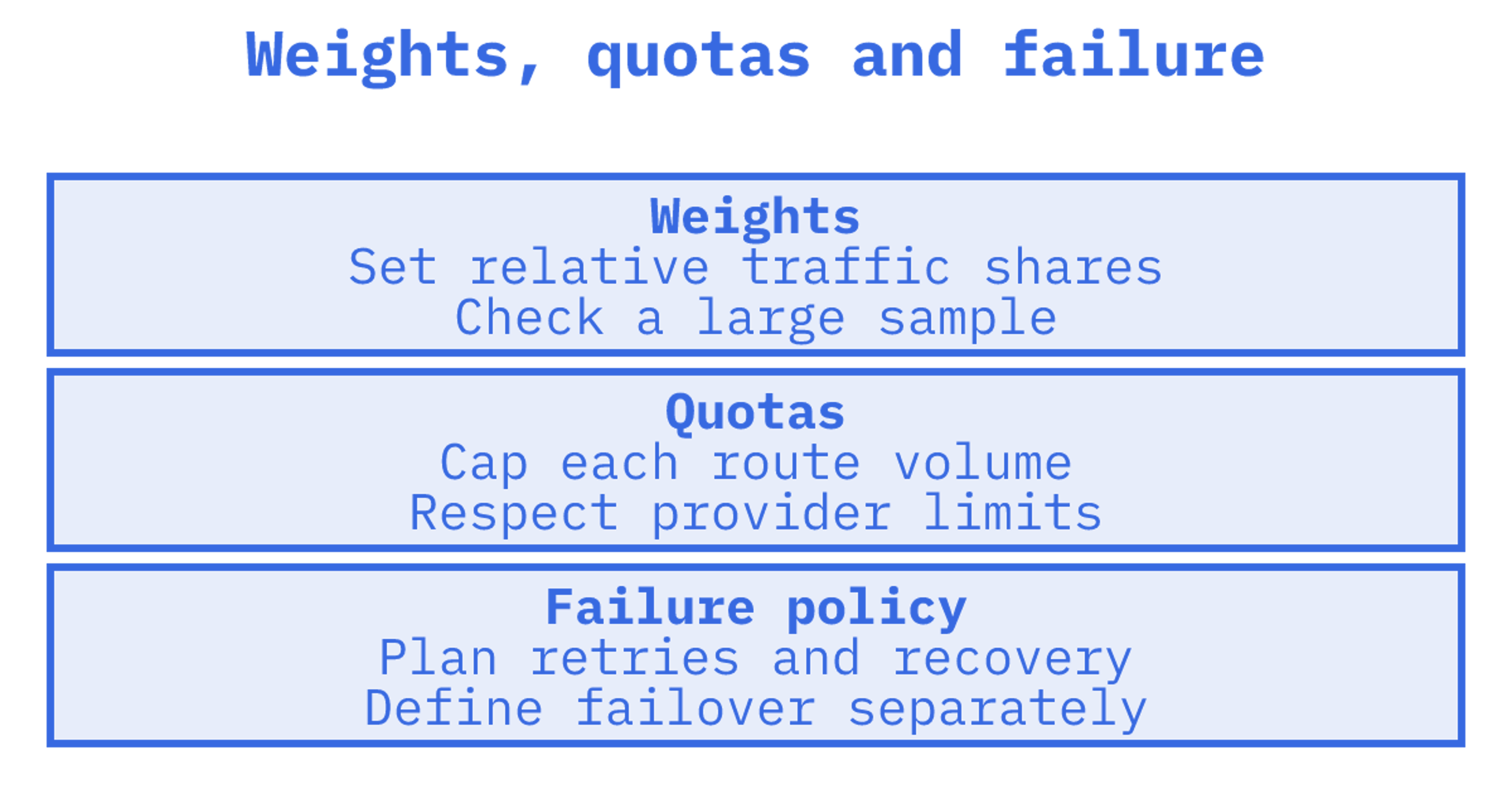
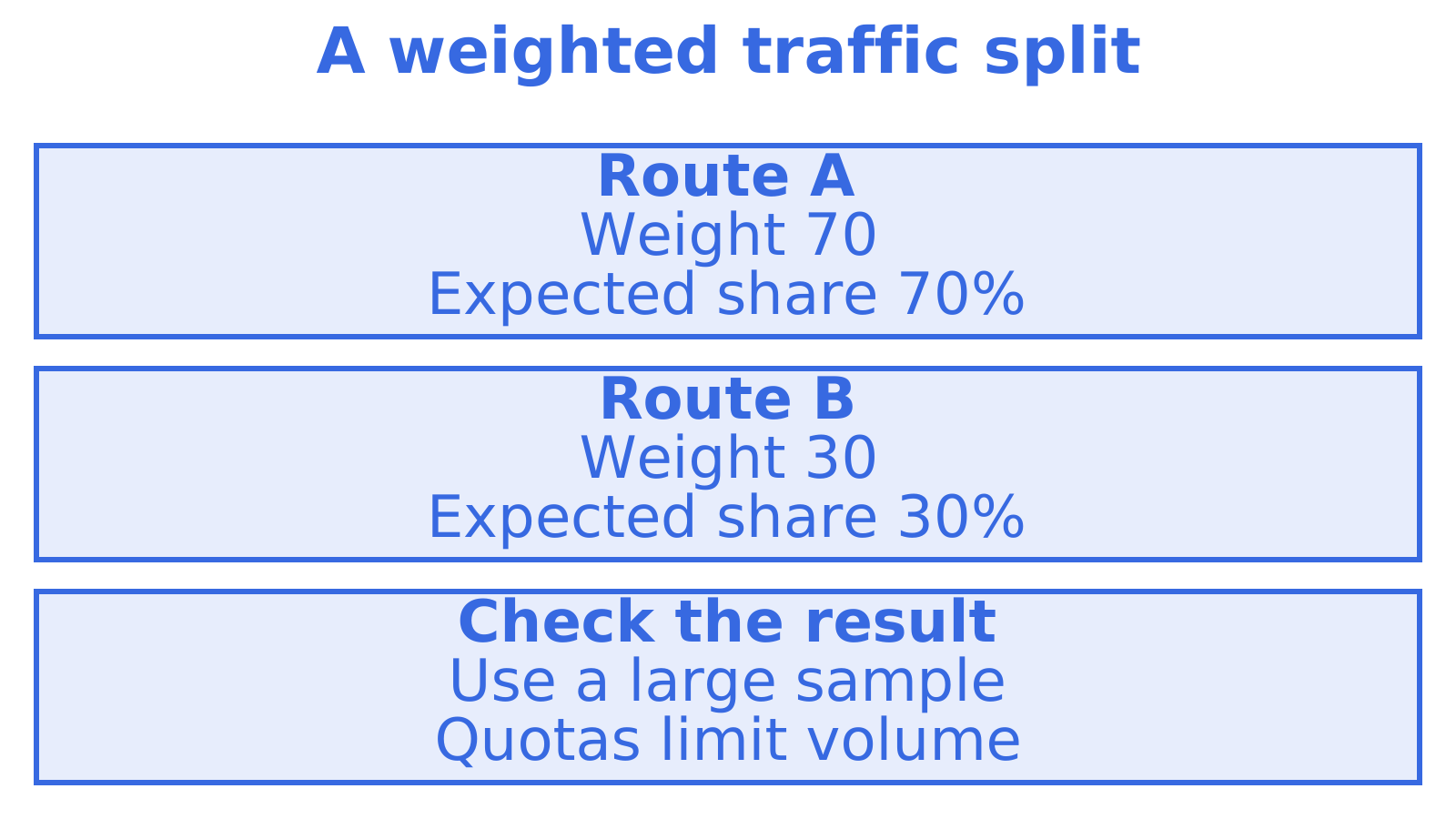
Weighted email routing sends each outbound message through one of several providers or routes, with the share each route carries set by a number you choose. A route with a weight of 70 takes about seven in ten messages, and a route with a weight of 30 takes the other three. Done well, it lets you warm up a new route, keep within provider quotas and spread risk. Done badly, it hides failures behind a tidy percentage.
This guide explains what weights actually do, how they differ from forwarding and round-robin, how to configure them across providers such as Gmail, Outlook, SMTP relays and Amazon SES, and what to monitor so the split stays reliable.
TL;DR
- Weighted routing picks a route for each message at random in proportion to relative weights, so actual traffic only approaches your ratio over a large enough volume.
- It is a sending-side load distribution tool. It is not the same as inbox forwarding rules, and it is not failover on its own.
- Weights suit warm-up, quota management and risk spreading. Pair them with health checks, retries and a fallback route, or one failing provider quietly drops its share of your mail.
- Watch bounces, deferrals, complaints and queue depth per route, and review weights when any of them moves.
- Sendmux supports weighted delivery across eligible connected Gmail OAuth, Outlook and SMTP providers through its Sending API, with configurable per-provider quotas. The managed Amazon SES account has a fixed routing weight.
Table of Contents
What weighted email routing means
The phrase covers two different jobs, and the search results mix them up. Most pages ranking for it are about inbound routing: forwarding one address to another, catch-all addresses, or Cloudflare-style rules that send mail for a domain to a destination. That is a different problem.
Here we mean outbound routing: you have more than one way to get a message to the internet, and you decide how much traffic each way carries. The ways might be:
- two or more SMTP relays,
- a mix of connected Gmail and Outlook sending accounts,
- Amazon SES alongside a transactional provider,
- several IP addresses or connection pools in your own mail infrastructure.
A weight is simply the relative share given to each of those routes. ReviewMyEmails describes weighted routing as assigning different percentages of outbound messages to servers, IPs or connection pools according to factors such as capacity or sender reputation. Its example is a stronger server receiving twice the traffic of a weaker one.
How it differs from forwarding
Forwarding is a rule about where a received message goes next. SpaceLama's explainer separates routing that happens before delivery from user-level forwarding, and notes that forwarding can create loops and clash with security or authentication policies. Weighted outbound routing has no such loop risk, because the message is leaving your system, not bouncing between mailboxes. It does carry its own risks, covered below.
How it differs from round-robin
Round-robin sends messages in turn: route A, then B, then C, and back to A. ReviewMyEmails notes that every destination gets an equal turn regardless of capacity or reputation. That is fine when your routes are identical. It is wrong when one account is capped at a few hundred messages a day and another can take tens of thousands.
Weighted routing is round-robin with unequal turns. Set every weight the same and you have round-robin. Set one weight to zero and you have taken that route out of rotation without deleting its credentials.
How weights decide the share of traffic
Two details trip people up.
Weights are relative, not percentages. Rootauth's SMTP documentation says weights need not add up to 100. Weights of 1, 1 and 2 behave the same as 25, 25 and 50. Use whichever scale makes your configuration easy to read.
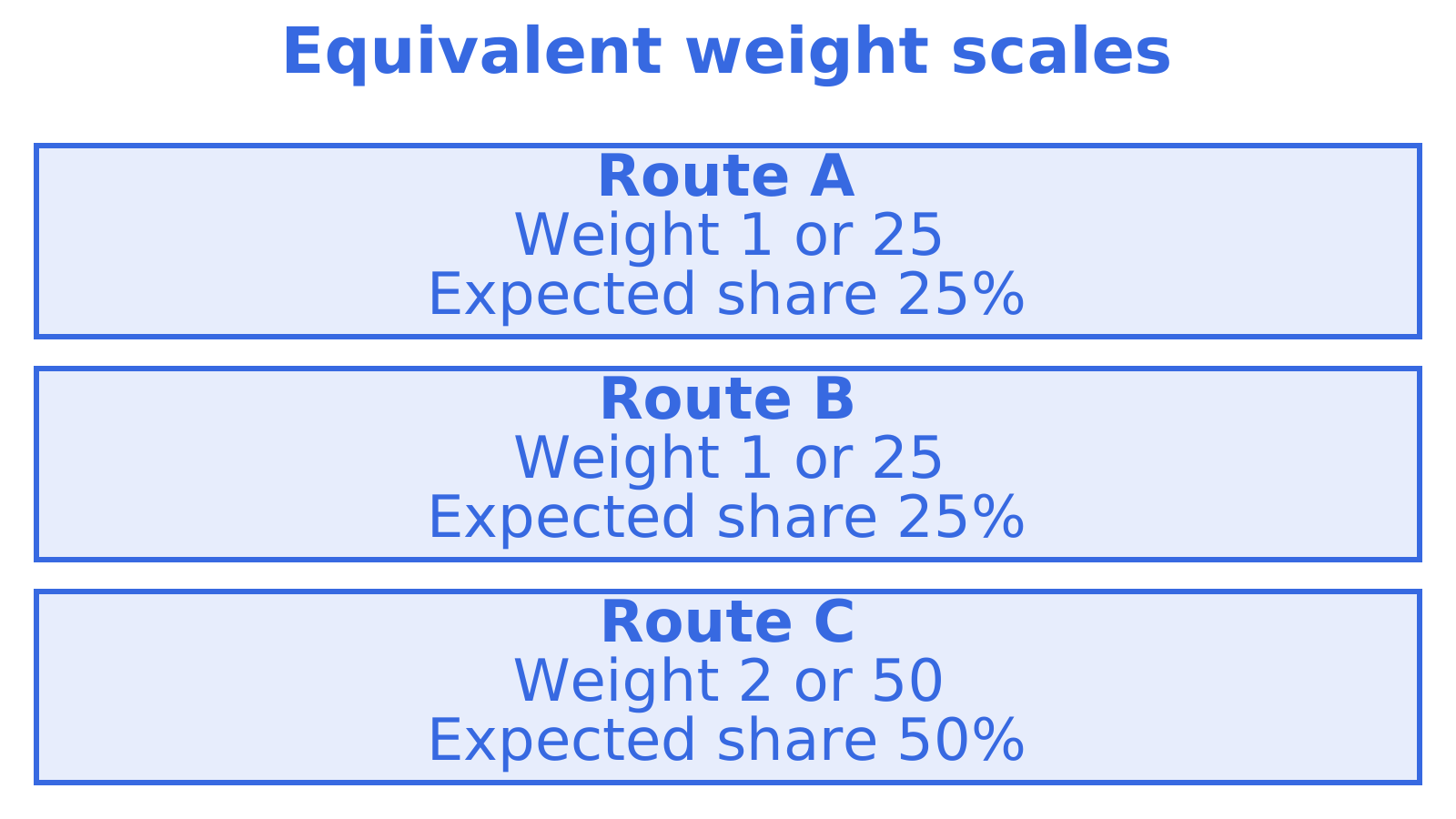
Selection is random, so the split is approximate. The same documentation says routes are chosen randomly according to relative weights, and that actual results approach the configured ratio over time. If you send 20 messages and see a 12/8 split on a 50/50 setup, nothing is broken. Check the ratio over thousands of sends, not a handful.
A quick worked example. Say you have three routes with weights of 5, 3 and 2, which total 10:
| Route | Weight | Expected share | Of 10,000 messages |
|---|---|---|---|
| Amazon SES | 5 | 50% | about 5,000 |
| SMTP relay | 3 | 30% | about 3,000 |
| Connected Outlook account | 2 | 20% | about 2,000 |
Expect numbers near those, not exactly those. Random selection gives you a distribution, not a schedule.
When weighting is the right tool
Warming up a new route
A new IP or sending account has no reputation. Sending half your volume through it on day one is a good way to damage it. ReviewMyEmails explains that a new or weaker IP can take a smaller share while a cleaner-reputation IP carries more, which allows gradual warm-up instead of an immediate 50/50 split. In practice you start the new route at a weight of 1 against 20 for your established one, then raise it in steps as bounce and complaint rates stay low.
Respecting per-provider limits
Every provider and every connected mailbox has its own ceiling. Weights alone do not enforce a limit, because they set a ratio, not a cap. If your total volume grows, the ratio stays the same and a small route can hit its ceiling. That is why quotas belong next to weights. Our guide to email rate limiting, queues and safe retries covers how to hold messages instead of dropping them when a route is full.
Spreading risk across sender domains and providers
Outbound teams that send from many sender domains often put each on a different provider so one suspension does not stop everything. Weights let you set how much of each campaign or tenant leans on each route. Our write-up on email provider routing for AI agents goes deeper on that pattern.
Agency and multi-tenant isolation
If you run outbound for several clients, each client can have its own weights, its own providers and its own logs. A bad reputation on one client's route then stays on that client's route.
How to configure weighted routing across providers
The mechanics vary by tool, but the workflow is the same everywhere.
- List your routes and what each can carry. Write down the daily and hourly limits, the authentication setup (SPF, DKIM and DMARC for every sending domain) and the current reputation of each route.
- Set starting weights from capacity and reputation. Give established, clean routes the bulk. Give new routes a small slice. Do not give a route a weight it cannot sustain at your peak volume.
- Add a per-route quota. The quota is your safety stop. When a route reaches it, traffic should move elsewhere or queue, not fail.
- Decide the failure behaviour before you ship. Choose between retrying on the same route, moving to another route, or queuing. This is the step most teams skip.
- Send a test batch and check the split. Use a few thousand test or low-risk messages and compare the observed share per route with your weights.
- Raise or lower weights in small steps. Change one route at a time, wait for a meaningful sample, then review.
If you are comparing the plumbing options for step 1, our comparison of the best SMTP relays for developers and the guide to Amazon SES routing options for agent email show what each route type can and cannot do. If you are weighing a protocol move, SMTP versus an email API lists five checks to run first.
What to expect from a simple implementation
Read what your tool does on failure. Rootauth's documentation is explicit that it does not automatically switch SMTP configurations when the selected one fails: that send attempt simply fails. This is a common design, and it is the reason weights and failover are two separate features. If you use plain weights with no fallback, a route that goes down takes its entire share of your traffic with it.
Retries, outages and failover
A weighted split answers the question of where a message goes first. It does not answer what happens next when that route is unavailable. You need three further pieces.
A retry policy. Temporary failures, such as deferrals and rate-limit responses, should be retried with growing delays, not hammered. See our email retry strategy in five steps for a workable pattern.
Failover to another route. When a route is hard down or consistently rejecting, the message should move to a route that is healthy. Our guide to SMTP failover and backup relays explains how to set up a backup that is warm enough to take real traffic.
Health checks, not just DNS. YouStable warns that DNS round-robin spreads connections but is not stateful and does not drop a failed node immediately. It recommends pairing distribution with health checks and application-level throttling. The lesson applies to any weighted setup: distribution without health awareness is a coin toss that keeps landing on a dead route.
Static versus adaptive weights
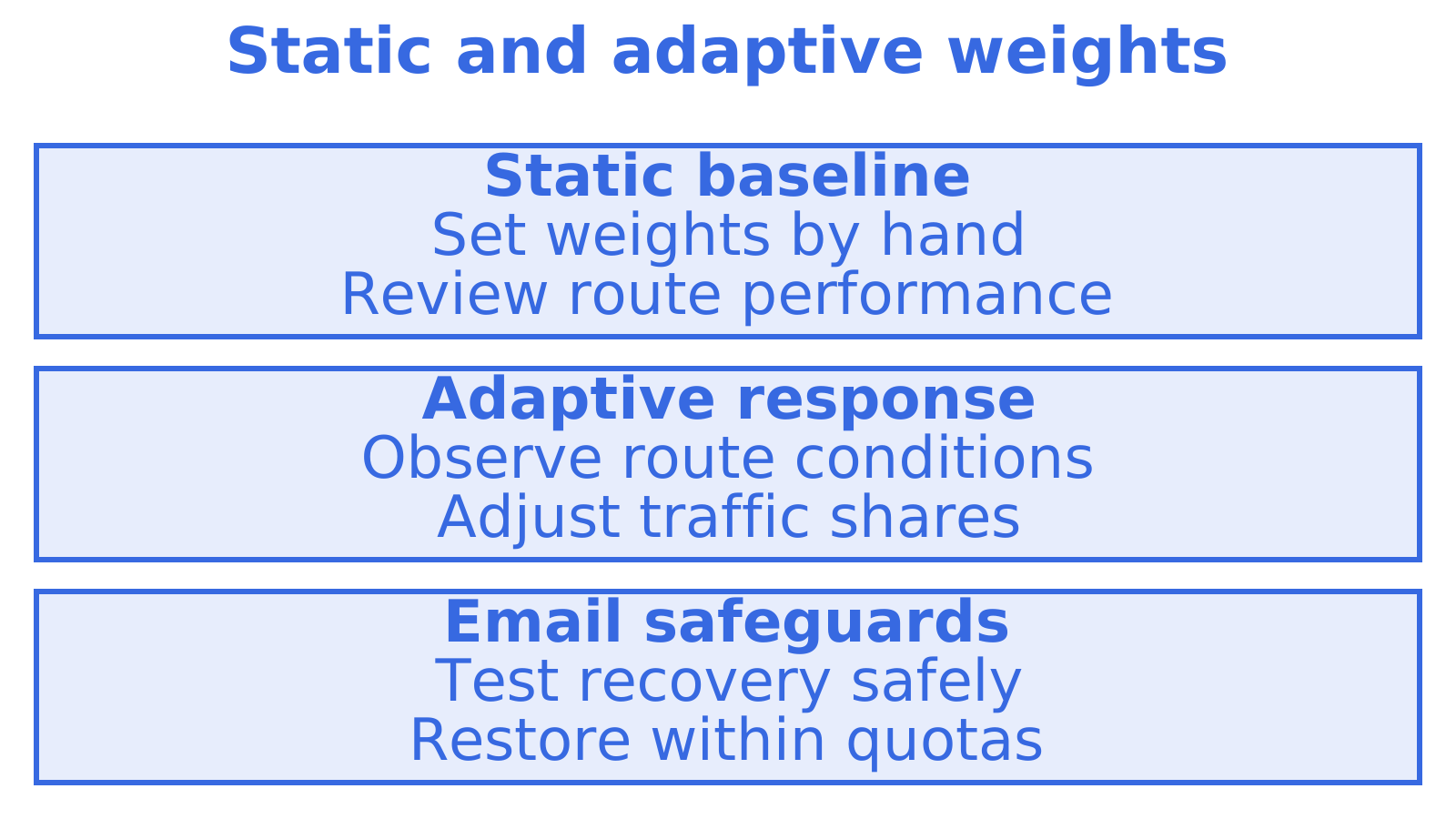
Hand-set weights are predictable, which is a strength. Adaptive systems change them for you. Bifrost's adaptive load-balancing documentation describes a system that recalculates route weights every five seconds using error penalties, latency and utilisation, so routes with lower penalties get higher weights. It also keeps a floor so a degraded route is never starved completely and can be tested and recover. Bifrost is built for a different kind of traffic than email, but the design idea transfers well: let errors move weight away from a bad route, and keep a small trickle flowing so you can see when it recovers.
For email, a sensible hybrid is a fixed baseline you control, with automatic reduction when a route's error rate crosses a threshold you set.
What to monitor
Weights are only as good as the signals you check against them. Per route, track:
- Accepted versus attempted sends, to confirm the split matches your weights.
- Bounces and deferrals, split into hard and soft.
- Complaint rate, where the provider reports it.
- Queue depth and age, which shows a route that is slowing before it fails.
- TLS success, since downgraded or failing connections can precede delivery problems.
The YouStable guide lists the same family of signals: deferrals, bounces, complaints, reputation, queue depth and TLS success. Pull them into one dashboard with a per-route view. A blended bounce rate of 2% can hide one route at 8% and another at 0.1%.
A short review routine
Once a week, look at each route's share, bounce rate and complaint rate. If a route's quality drops, lower its weight before you debate the cause. If a route is clean and under its quota for two or three weeks, consider raising it. Record each change and the reason, so you can tell later which adjustment moved which number.
For the wider picture of what has to be verified around routing, see outbound email infrastructure, layer by layer.
Common mistakes
- Treating weights as caps. A 10% weight on a route that can only send 500 a day fails when your volume reaches 5,000 a day.
- Skipping failover. Weights with no fallback turn an outage into permanent loss of that share.
- Judging the split on a small sample. Random selection needs volume before it looks like your ratio.
- Changing several things at once. If you move weights, domains and content in the same week, you will not know what worked.
- Ignoring authentication. Every route and every sending domain needs SPF, DKIM and DMARC aligned, or a perfectly balanced split sends perfectly balanced spam-folder traffic.
- Mixing up inbound and outbound. Forwarding rules, catch-alls and destination addresses do not give you weighted outbound sending.
Our perspective
Most email infrastructure was built for a person sitting at one account. Agents do not work like that. A fleet of agents sends from many identities, across many domains and several providers, and it needs those sends to carry on when one provider throttles, suspends an account or has a bad afternoon.
That is why we treat routing as a first-class part of the API rather than a setting bolted on later. In Sendmux you connect Gmail OAuth, Outlook and SMTP providers, with weights for eligible providers and configurable per-provider quotas. The managed Amazon SES routing weight is fixed. Mailboxes, threading and logs are available through the Mailbox and Management APIs alongside the Sending API. Weights decide the normal-day split. Quotas stop a route from being pushed past its limit. Failover covers the day a route stops accepting mail.
Our view is that weights are only half a routing design. The teams that stay out of trouble pair every weighted split with a plan for failure, and they can see each route's delivery log without stitching three dashboards together.
Weighted routing with Sendmux
Sendmux gives you weighted delivery across your own connected providers through one email sending API. You set routing weights for eligible providers and configure per-provider quotas, while delivery logs identify the provider and delivery result. If your outbound is sales-led, the sales outreach automation use case shows how the same routing sits alongside agent mailboxes and reply threading.
Pricing is usage-based. The Free plan is US$0 per month per team and Pro is US$7 per month per team. Connected outbound, where you send through your own providers, is US$0.000500 per provider-accepted recipient occurrence, and managed sending is US$0.000750 per provider-accepted recipient occurrence. Storage is US$0.02 per decimal GB-month. Enterprise uses custom contract terms. The pricing page has the full breakdown, and you can start on the Free plan to test sending before you commit. Free supports one connected sending account; a split across several connected accounts requires Pro.
Sources
Recommended
Frequently Asked Questions
Do routing weights have to add up to 100?
No. Weights are relative, so 1, 1 and 2 give the same split as 25, 25 and 50. [Rootauth's documentation](https://www.rootauth.com/en/help/docs/third-party-email-service) states that weights need not total 100. Pick the scale that is easiest for your team to read and adjust.
Is weighted email routing the same as failover?
No. Weighting decides the normal share of traffic for each route, while failover decides what happens when a route stops working. Some tools do not switch routes automatically when the chosen one fails, so that send simply fails. Use both together, with retries for temporary errors.
Why does my actual split not match my weights?
Selection is random in proportion to the weights, so results only approach the ratio over time. Small batches can look far off. Quotas, failover and retries also shift traffic, so check the split over a large sample and look at the per-route logs.
How should I warm up a new sending route with weights?
Give the new route a small weight next to your established routes, and raise it in steps while bounces and complaints stay low. This avoids an immediate 50/50 split on a route with no reputation. Change one route at a time and wait for a meaningful volume between changes.
Can I weight routes across Gmail, Outlook and Amazon SES together?
You can weight connected Gmail OAuth, Outlook and SMTP providers in Sendmux when several providers are eligible, with configurable per-provider quotas. The managed Amazon SES account has a fixed routing weight. Each connected account still has its own provider limits, so set quotas accordingly.
