Nylas Alternatives for Developers: Which API Fits the Job

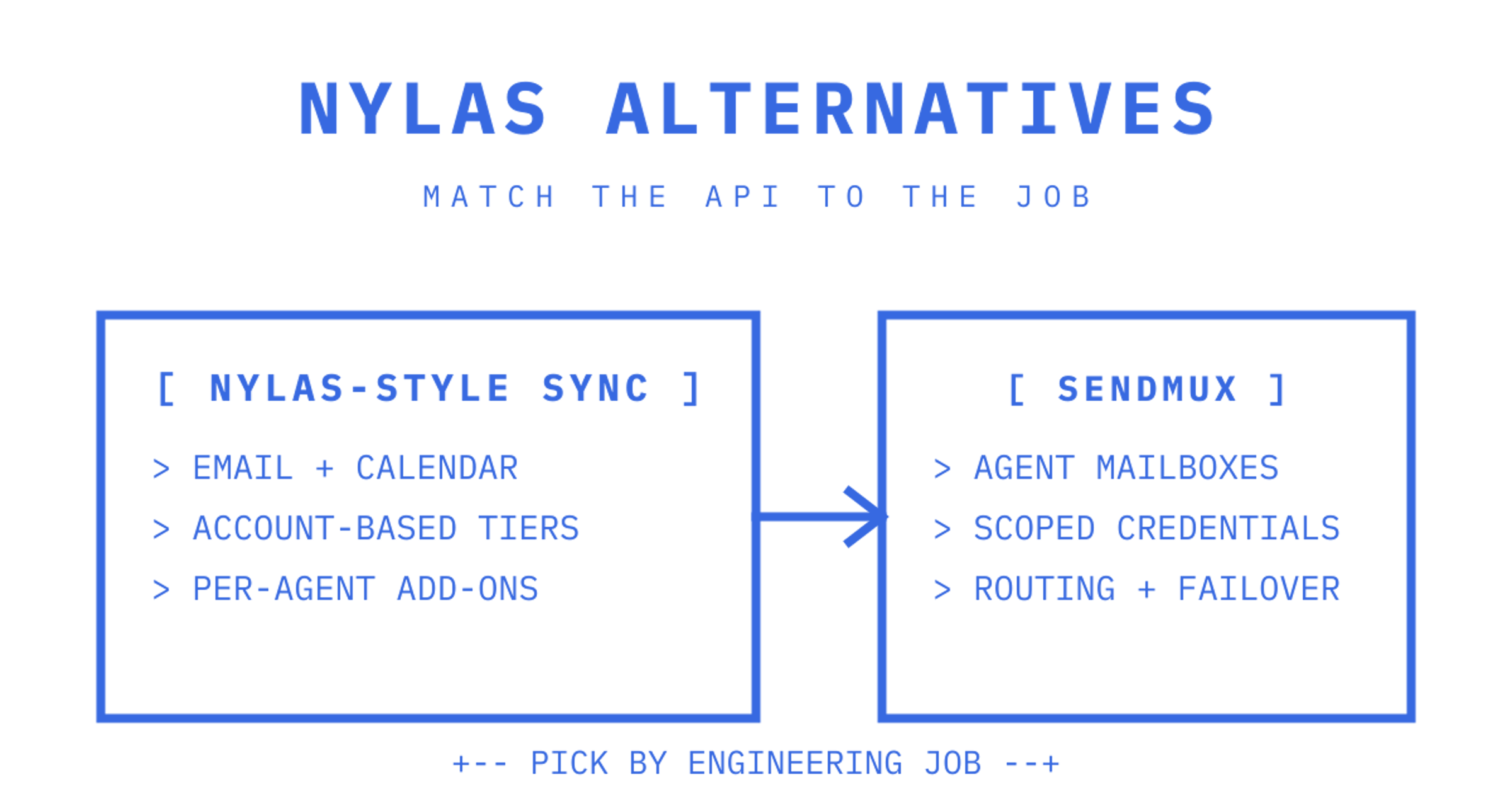
The right Nylas alternative depends on the engineering job you need done. Unified mailbox and calendar sync points to a managed API like Aurinko, while outbound-only mail is a job for a sending specialist such as SendGrid or Mailgun. Scheduling embeds fit Cal.com or Cronofy, and self-hosted control points to EmailEngine or Nango. For agent-native mailboxes with bring-your-own-provider routing, Sendmux is the pick.
Which Nylas alternatives fit each engineering job?
Roundup pages tend to lump communications APIs, scheduling embeds and CRMs into one long list, which makes evaluation harder than it needs to be. Gartner's alternatives page shows the mixing: its Nylas alternatives span messaging, voice and SMS platforms, and its buying guidance compares competencies such as integration and deployment, service and support, and specific product capabilities. Separate scheduling, outbound sending and unified mailbox sync before comparing vendors, because a tool that excels at one job usually isn't built for another.
Sendmux solves a job the older roundups miss: persistent, agent-native mailboxes with bring-your-own-provider outbound routing in one API. Instead of stitching together a sending provider, a Gmail OAuth hack, a parser and a webhook relay, each agent or tenant gets a real mailbox on @myagent.mx or a verified custom domain, with threads, folders, search and scoped credentials built in. In a proof of concept, test mailbox creation without human DNS setup, an inbound event landing via webhook or SSE, and a send routed through your own Amazon SES or SMTP account with failover.
For the other jobs:
- Aurinko: managed unified mailbox API that proxies provider requests and caches only control data, best for teams wanting unified sync without owning the storage.
- Nango: integration infrastructure and OAuth toolkit covering hundreds of APIs, best for teams that want to own the auth and integration logic themselves.
- EmailEngine: self-hosted, source-available email gateway with unlimited mailbox licensing, best for data residency and fixed annual cost.
- Cal.com: embeddable scheduling and booking, best for products needing a scheduling UI rather than mailbox sync.
- Cronofy: calendar-sync and availability API, best for calendar-first scheduling logic.
- SendGrid and Mailgun: outbound deliverability specialists, best when you only need to send, not sync.
- Unipile: multichannel messaging unification, best for teams needing LinkedIn and WhatsApp alongside email.
| Product | Primary job | Pricing shape | Coverage | Hosting model | Best for |
|---|---|---|---|---|---|
| Sendmux | Agent mailboxes + outbound routing | Usage (per recipient, per GB storage) | Email, mailbox state, threads, search | Managed, provider-agnostic outbound | Agent-native and multi-tenant AI platforms |
| Aurinko | Unified mailbox sync | Usage/tiered | Email, calendar, contacts | Pass-through/proxy | Lower-cost managed unified sync |
| Nango | Integration infra | Usage/flat | Email, calendar, hundreds of APIs | Self-hostable | Teams owning auth and integration logic |
| EmailEngine | Self-hosted gateway | Flat annual | Email (IMAP/SMTP unified) | Self-hosted | Data residency, unlimited mailboxes |
| Cal.com | Scheduling embed | Per seat/flat | Scheduling, events | Managed or self-hosted | Embeddable booking flows |
| Cronofy | Calendar sync | Per-account | Calendar, availability | Managed | Calendar-first scheduling |
| SendGrid | Outbound-only | Per volume tier | Email sending only | Managed | Deliverability at scale |
| Mailgun | Outbound-only | Per volume tier | Email sending only | Managed | Developer-friendly transactional sending |
| Unipile | Multichannel messaging | Per account | Email + LinkedIn + WhatsApp | Managed | Unified inbox across channels |
What trade-offs matter when comparing these APIs?
Pricing shape is the first fork in the road. Per-account billing charges a flat rate per connected mailbox regardless of volume, which gets expensive fast when you're running thousands of lightweight agent mailboxes. Usage-based billing charges per event, so a mailbox that sends ten messages a month costs a fraction of one sending ten thousand. Sendmux bills usage-based prices per recipient and per GB of storage, which tends to undercut per-seat models when mailbox count is high relative to messages per mailbox.
Coverage differences matter just as much. A persistent-inbox product gives you threads, folders, keyword search and sync state you can query later, mirroring the coverage a mailbox-state API such as Microsoft Graph exposes. An outbound-only platform gives you delivery confirmation and not much else. Vendor alternatives listings mix transactional senders such as Resend with unified messaging APIs, but a transactional sending provider is not a drop-in replacement for mailbox sync: none of them store synchronised inbox state, threads or calendar objects the way a unified API does.
Hosting model shapes your compliance answers too. Aurinko's architecture proxies requests and caches control relationships rather than storing full mailbox content, which limits your data footprint but ties you to their uptime. Self-hosting with EmailEngine flips that: full control, full operational burden.
What to ask every vendor before signing:
- Do they hold SOC 2 or ISO 27001, and does that cover the region you operate in?
- If they touch Gmail, have they passed Google's CASA security assessment for restricted scopes?
- Where is mailbox content stored, and under what data residency terms?
- Is the OpenAPI spec public, or gated behind a sales call?
Public, non-gated docs correlate strongly with a smoother build, according to a 2026 comparison of unified communication APIs. If a vendor won't show you the spec before a demo call, budget extra weeks for integration surprises.
The core trade-off across every option here is abstraction versus control. Unified APIs cut provider-specific work at the cost of some flexibility. Native APIs like Microsoft Graph or Google Workspace give full ownership but push normalisation, auth and edge-case handling back onto your team.
How do you choose and migrate without breaking production?
Start with a decision checklist, not a vendor call. Map your actual requirements first: do you need persistent mailbox state, or just delivery confirmation? Do you need scheduling primitives, or calendar sync alongside email? Do you need bring-your-own-provider routing, or is a single managed sender enough?
- List your must-haves: mailbox state, attachment limits, provider routing, webhook reliability.
- Run a POC per candidate: test recurring events, timezone handling, thread reconstruction from raw MIME, webhook retry behaviour and token refresh under revocation.
- Run coexistence: keep the old and new integrations live in parallel for a full billing cycle, compare event counts and latency, and reconcile any duplicate webhook fires before cutover.
- Check idempotency: confirm retried sends don't duplicate messages. Sendmux's Idempotency-Key header on the Sending API is one pattern for this.
- Negotiate before signing: price protection on usage tiers, guaranteed data export formats, and SLA terms covering both uptime and support response time.
Successful migrations require provider-by-provider testing, because unified schemas can mask provider-specific quirks that only surface once real traffic hits them.
Where Sendmux fits and what to test first
Sendmux earns a serious look when your workload is agent mailboxes at scale, not single-tenant email. Each mailbox carries its own scoped credential (smx_mbx_), covering send, receive, read and update independently, so one compromised agent token can't touch another tenant's mail. Outbound routes through delivery groups across Gmail OAuth, Microsoft 365, custom SMTP or the included managed Amazon SES account, with per-provider quotas and automatic failover when an account starts failing.
Developer tooling runs deep for a young platform: OpenAPI 3.1 specs, SDKs across TypeScript, Python, Go, PHP, Ruby and Rust, a CLI generated from the public API surfaces, and a hosted MCP server exposing a curated agent toolset for AI agents that want to read and send mail directly. Webhooks are signed HMAC-SHA256, with delivery metadata and retained payloads kept for seven days and typed event coverage for delivered, bounced, complained and spam-received messages.
Sendmux doesn't have SOC 2 or ISO 27001 certification yet, no enterprise SSO, and no Bring Your Own Inbox for existing Gmail accounts today. Those gaps matter for enterprise procurement checklists, and they're worth confirming against your own compliance timeline before you commit.
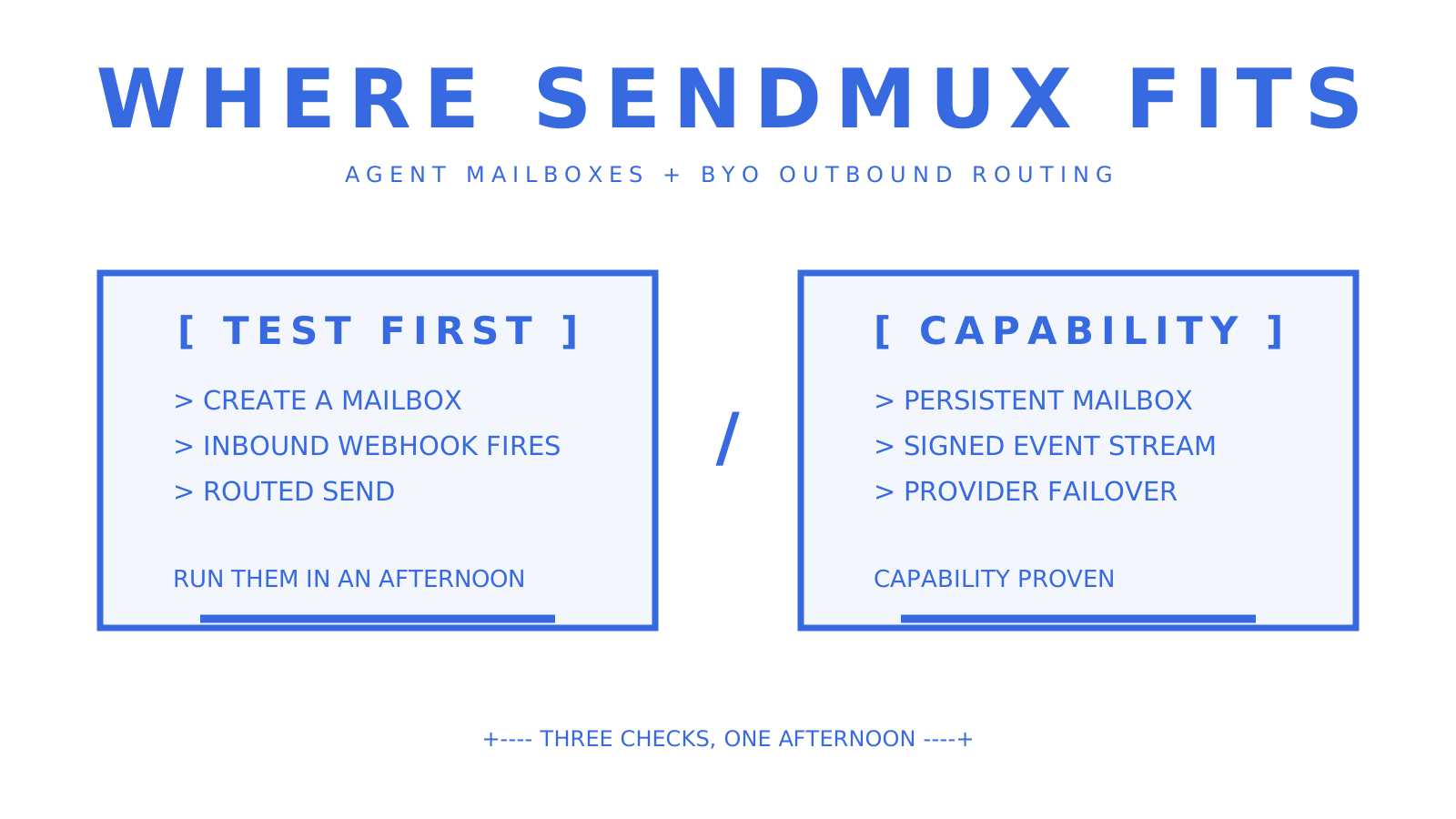
Test the mailbox creation flow, an inbound webhook firing, and an outbound send through your own SMTP account first. Those three checks tell you most of what you need to know within an afternoon.
When staying on Nylas still makes sense
Stay put if you're deep in calendar-heavy enterprise workflows, locked into procurement terms that took months to negotiate, or need certifications Nylas already holds. Switch if usage-based pricing suits your shape better, your roadmap needs messaging channels beyond email, or gated docs are slowing your engineers down. Time any migration around a contract renewal window, never mid-cycle.
Ready to test an agent-native mailbox?
Sendmux gives every agent, tenant or workspace a real inbox with no per-seat or per-mailbox fee on Free or Pro plans, differing from per-account pricing models that can become costly at scale. The Free plan starts at $0 with $1 of credit, two mailboxes and one connected sending account, enough to validate mailbox creation, an inbound webhook, and a routed outbound send before you write a line of billing code. When usage grows, Pro runs $7 per team per month plus the same per-event rates, with no plan-level resource caps.
Start by provisioning a mailbox and firing a test send through your own provider using the outbound routing API, then check the inbound mailbox docs for the webhook and SSE event shapes your agents will consume. If you're building agent-facing tooling on top of mail, the MCP integration is worth wiring in during the same sprint.
Frequently Asked Questions
How much does the Nylas API cost?
Nylas pricing isn't published as a flat rate; it runs on account-based tiers plus add-ons per agent. For comparison, Sendmux charges no per-mailbox fee on its Free or Pro plans, billing usage instead at $0.000500 per provider-accepted recipient outbound and the same rate per inbound mailbox delivery.
What's the difference between a unified API and a native API?
A unified API like Aurinko normalises Gmail, Outlook and IMAP behind one schema, cutting provider-specific work. A native API like Microsoft Graph gives you full control but pushes auth, normalisation and edge cases back onto your team.
Can a sending provider like SendGrid replace Nylas?
Not for mailbox sync. SendGrid and Mailgun handle outbound delivery well but don't provide synchronised inbox state, threads or calendar objects, so they suit outbound-only workloads rather than full replacement.
Is Sendmux a good fit for a single-tenant app?
It can work, but Sendmux's routing, scoped mailbox credentials and multi-provider failover are built for fleets of mailboxes across tenants or agents. A single mailbox app may not need that depth.
What should I test first in a migration proof of concept?
Run recurring events, timezone handling, thread reconstruction and webhook retry behaviour against each candidate before committing, then run both integrations in parallel for a full billing cycle to catch token refresh and duplicate webhook issues.
