Best Shared Inbox API for Developers: Mailboxes, Not Just Sending


We recommend Sendmux as a shared inbox API for developers who need persistent mailboxes, not just a sending pipe. You get real mailboxes with threads, folders and sync tokens, and an API for email workflows.
TL;DR:
- Sync tokens avoid full inbox listings.
- Choose a mailbox first when agents need persistent context per entity and must read replies; sending APIs suit transactional mail without programmatic reply handling.
Table of Contents
What does Sendmux give you as a shared inbox API?
A shared inbox API is only useful if the mailbox is persistent state your application can read, search and act on. That is how we built ours: every agent, customer, workspace or tenant gets a real mailbox with a real address, on the included @myagent.mx domain or a custom domain verified for receiving. Our Mailbox API guide walks through the primitives in more depth.
- Mailbox primitives: messages, threads, folders, keywords, attachments, sender identities, quotas and usage, with cleaned message text.
- Real-time delivery: webhook event streaming for inbound mail.
- Credentials: credentials for accessing the email API.
- Outbound routing: bring your own providers, including Gmail OAuth, Outlook and SMTP, or use managed Amazon SES, with quotas.
- Developer surfaces: REST API, SDKs and a CLI.
The agent inboxes page covers persistent mailboxes and email workflows.
How should you evaluate a shared inbox API?
Pick the reply your application needs to find. Check how the API delivers it, controls access and copes with the workload you expect.
- Read precision. Try finding one reply without listing the whole inbox again. Check for thread-aware reads, snippet previews, batch operations and sync tokens.
- Event model. Inspect the webhook payload. Does reading the message need another request? Examine the open-source OutreachEmailMCP gateway as an example.
- Credential model. Keep provider credentials out of model context. Check the permissions an agent needs to read replies, then check what allows it to send.
- Multi-provider sending. Examine routing policies and failover behaviour, along with quotas for each provider.
- Observability. Find out what you can inspect: delivery logs, bounce and complaint records, exports and metrics.
- Limits. Put your tenant model against the rate limits. Check storage allowances, attachment sizes and mailbox counts too.
Check costs before writing the integration. Use your highest expected mailbox count and request volume. Many mailboxes receiving only a few messages each need a different cost check from one busy inbox.
What does the integration surface look like in detail?
Use the Mailbox API to find messages, track changes and send replies.
- Reading: GET /mailbox/messages filters on folder, thread, free-text q, sender and recipient, subject, body, arbitrary headers, size range, keywords, date range, has-attachment and unread. A count endpoint answers "how many" without rows, and search-snippets returns previews without bodies.
- Batching and sync: batch get, update and delete read, update or remove many messages per call. Sync endpoints return state tokens so you poll for typed mailbox, folder and query changes.
- Attachments: attachments can be uploaded for a later send request.
- Events: webhook event streaming supports email workflows.
- Sending: the Mailbox API has an endpoint to send from the authenticated mailbox; the Sending API supports single or batch emails.
How do the developer tools speed up adoption?
Pick developer tools to suit the environment where your application or agent runs.
- SDKs for TypeScript, Python, Go, PHP, Ruby and Rust. TypeScript, Python, PHP and Ruby ship an umbrella package plus per-surface packages, Go is one module with per-surface packages inside, and Rust has sending, mailbox and management modules inside the umbrella crate.
- MCP: a hosted MCP endpoint at https://mcp.sendmux.ai/mcp with browser OAuth, plus the local sendmux-mcp package. Our AI agent builders page covers setup.
- The sendmux CLI with local profiles and --json output for mailbox and sending commands.
- Postman collections for Mailbox API and MCP requests.
For your first integration, try finding and reading the reply your agent needs.
How do pricing and limits shape your architecture?
Details sit on the pricing page.
- Storage: mailboxes have storage limits.
Manage the workload with batches, sync tokens and provider quotas. Test deliverability too. This partner guide on sales email deliverability gives you somewhere to start.
How do domains, encryption and tenancy work?
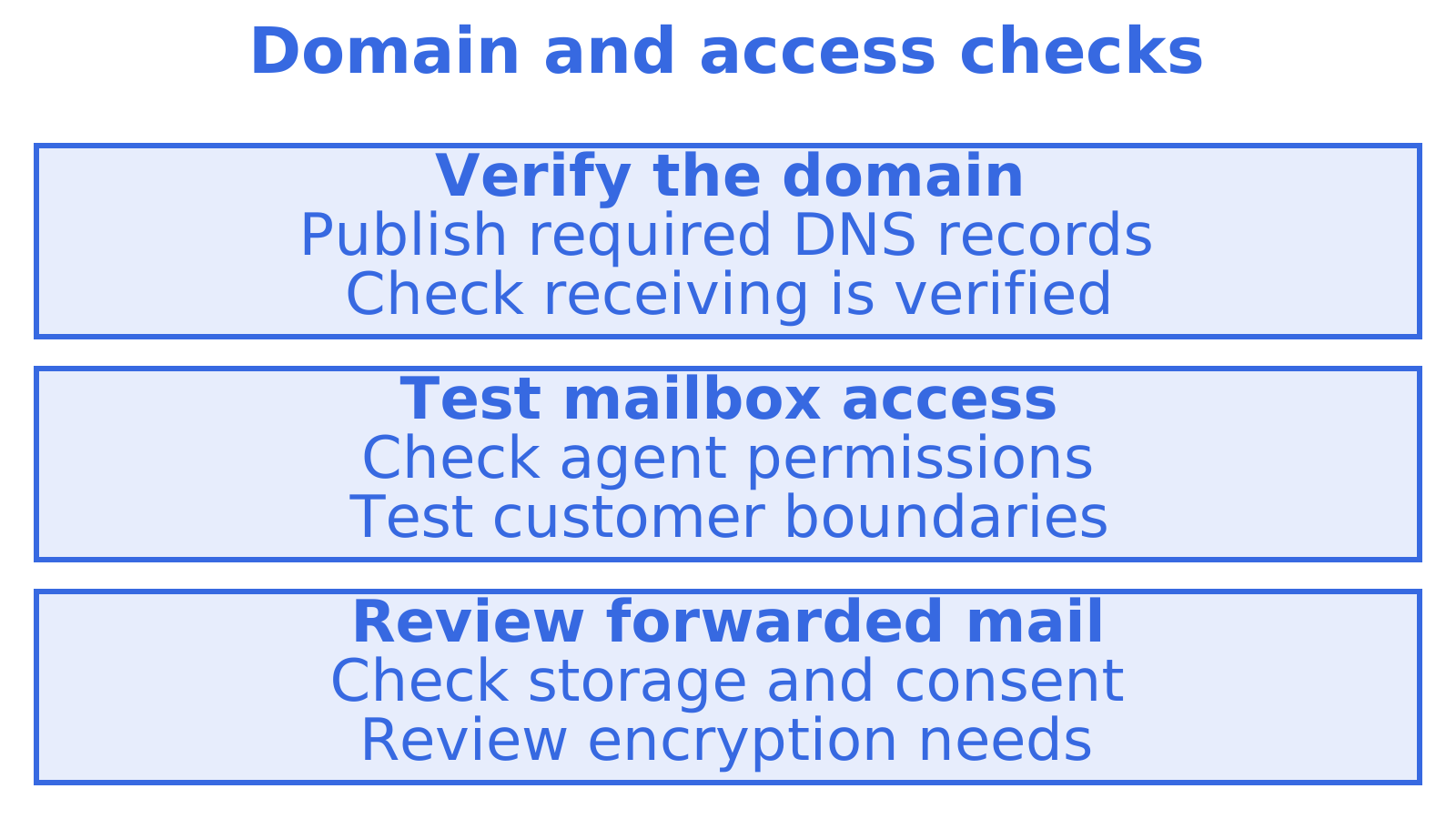
You verify sending domains, receiving domains or both with SPF, DKIM, DMARC and Amazon SES MAIL FROM records. The dashboard exposes verification state and a downloadable zone file. A mailbox needs a domain verified for receiving, or the shared myagent.mx domain.
Test access boundaries in your multi-tenant application. Can an agent handling one customer's case read another customer's mailbox? Check explicitly. Ask each provider how encryption, webhook signatures and retry behaviour meet your requirements.
Forwarded mail needs its own storage and consent checks. The partner write-up on forwarding security and governance can help you frame them.
How does Sendmux compare with other shared inbox APIs?
Use the same reply-handling task to compare sending APIs, persistent mailbox APIs and human-facing team inboxes. For services such as Resend, Postmark, SendGrid and Amazon SES, check how inbound content reaches your application. Does the service store mailbox state? Check threads, folders and IMAP access separately.
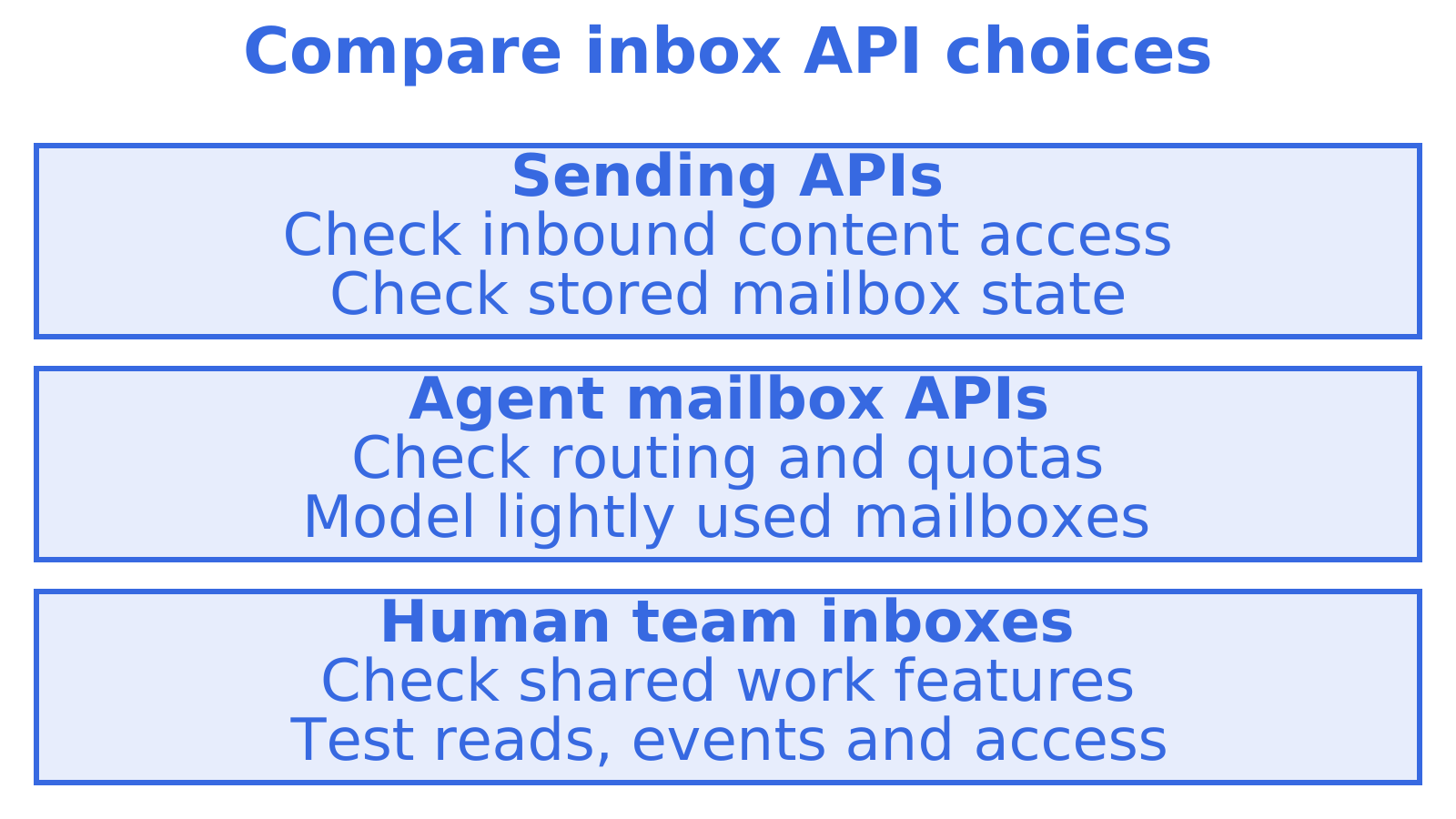
With agent mailbox products, inspect provider choice, quotas and routing behaviour separately. Work out the cost of many lightly used mailboxes. Message volume alone may miss that cost. For Gmail and Microsoft 365, check how account administration and access permissions suit your tenant model.
Include human-facing team inboxes in your comparison. HubSpot's roundup of shared inbox tools explores the category. People sharing work need assignment, internal notes and collision detection. For an API underneath your own product, check precise reads, events and suitable credentials as well.
What does onboarding and setup involve?
There is no human DNS step for the fastest path. An agent can register an @myagent.mx inbox with the sendmux CLI and invite its human owner. Registration creates a durable read credential with mailbox.read and email.receive, but no email.send permission. After the owner accepts the invitation and explicitly approves sending, the CLI exchanges the durable credential for a one-hour email.send token. The public auth.md service document describes the HTTP fallback.
For a custom domain, the sequence is:
- Publish the SPF, DKIM, DMARC and MAIL FROM records from the zone file after adding the domain.
- Look up the verification state in the dashboard.
- Create mailboxes on the receiving domain once it is verified.
- Work out which credentials let your agent read, and which sending actions need the owner's approval.
We do not publish a fixed provisioning timeline, because verification depends on how quickly your DNS changes propagate. The inbound email API setup guide covers the five steps in order. Custom SMTP accounts can be bulk-imported from CSV and connection-tested before you route traffic.
What support and SLA terms can you expect?
Be precise about what is committed.
Ask for the specific response and uptime terms you need. The Doc Search MCP server searches the guides and references, and the dashboard shows webhook delivery attempts for self-diagnosis.
For commercial buyers, that means three practical checks before committing:
- Ask if the plan covers the response times your operations team needs.
- Check whether your reputation strategy needs dedicated IPs. Ask if they are available.
- Check provider-level quotas and ask how you'll keep track of provider account health.
What are the rate limits, quotas and scaling practices?
Check limits one at a time. Work out which your workload could reach first.
- Provider quotas: provider limits and any quotas you configure still apply to your own providers on Pro and Enterprise.
- Managed Amazon SES: Pro has no Sendmux speed cap, while the team's current daily accepted-recipient allowance still applies, including approved increases. Amazon SES account and regional limits still apply. Free has fixed hourly and daily limits.
- Free managed sending: subject to a daily cap on accepted recipients.
Scaling practice follows from those numbers. Batch sends instead of looping single calls. Use sync state tokens instead of re-listing. Use the count and search-snippets endpoints before fetching bodies. Use an idempotency key when your sending API supports it, so retries after a timeout do not double-send. Mind the gaps too: webhook replay is listed as coming soon.
Who needs a mailbox-first API, and when is a sending API enough?
Does your data model need a durable mailbox for each entity? Start there. An agent handling an applicant, a case, a load or a claim could use a separate mailbox to give that entity an address and somewhere to keep its email context. Test the design against your access rules and expected mailbox count.
A sending-only API can be enough for transactional mail from a handful of addresses when you don't need to read replies in code. Try the workflow. Send a message, receive a reply and work out what your application needs to remember.
How can you try Sendmux this week?
Start on the Free plan and run a quick end-to-end test before you commit to anything:
- Provision a mailbox on @myagent.mx.
- Call GET /mailbox/messages with a thread or sender filter, then use the content endpoint to read the cleaned body.
- Subscribe a webhook or open the SSE stream and send yourself a message.
- Send a small batch and check the result.
- Compare plans on the pricing page, then read the product overview and the inbound mailboxes page.
Recommended
Frequently Asked Questions
What is a shared inbox API?
A shared inbox API lets your application read, search and manage email that people or agents work on together. Take an agent handling a customer case. It might need the original message, the thread and the customer's latest reply.
Which shared inbox API is best for AI agents?
We recommend Sendmux for agents that need a persistent mailbox with threads, folders and sync tokens. Hosted MCP uses browser OAuth. CLI registration gives an agent read access first. Sending needs the owner's acceptance and explicit approval.
How do webhooks work in a shared inbox API?
Sendmux supports webhook event streaming for inbound mail. Try it yourself. Open a live Server-Sent Events stream and send a test message. For example, a 24-hour integration test could check how your application handles incoming messages and reconnects. Confirm retry and replay behaviour separately before relying on either.
Does pricing depend on the number of mailboxes?
Compare current plan limits and billing units with the workload you expect. Count mailboxes that will receive only occasional replies too. Mailbox count, message volume and storage can each affect your choice of provider.
