PHP Email APIs: Mailboxes and Failover, Not Just Sending

A customer replies to a support email from your PHP app. Where does it go? We'd check how the app connects that reply to the conversation before choosing Amazon SES, Postmark or another PHP SDK.
TL;DR:
- If your application needs inbound replies or per tenant addresses, choose mailbox storage early; adding parsing and threading later can require restructuring.
- Amazon SES has the lowest per message cost at high volume, but teams must handle domain verification, sending limits, and reputation management.
- Postmark's official PHP library supports PHP 8.1 through 8.4 and uses Guzzle, making it a fit for transactional sending without mailbox management.
- Compare provider pricing by billable unit: one message to three recipients counts as three sends, while inbound storage can incur a separate monthly charge.
- Test shortlisted providers across Gmail, Outlook, and a corporate domain, then inspect raw headers and track latency over repeated sends.
Table of Contents
How the top PHP email APIs compare at a glance
Compare providers against your PHP application's work. Check sending through an official SDK, receiving replies and recovery when a sending provider slows down or fails.
| Provider | Best for | PHP/SDK support | Free tier/pricing shape | Deliverability/speed | Setup complexity | Inbound support | Standout feature |
|---|---|---|---|---|---|---|---|
| Sendmux | PHP teams evaluating mailbox provisioning | Official PHP umbrella package with per-surface dependencies | Free team plan; Pro at $7/month per team plus usage | Check routing behaviour in staging | Managed mailbox provisioning | Check required mailbox operations | Mailbox creation and scoped credentials |
| Mailgun | Full-control sending pipelines, deliverability tuning | SDK available | Usage-based | Strong deliverability tooling | Manual DNS and configuration | Limited | Infrastructure-level deliverability control |
| Postmark | Fast transactional delivery | Official postmark-php library, PHP 8.1 to 8.4 with Guzzle | Usage-based | Fast transactional inbox placement | Moderate | Supports sending and receiving | Speed on transactional sends |
| SendGrid | Enterprise-scale sending, marketing plus transactional | SDK available | Usage-based, enterprise tiers | Broad feature set at scale | Moderate to high | Limited | Scale and enterprise tooling |
| Amazon SES | Very high-volume sending on a tight budget | SDK via AWS libraries | Pay-per-message, lowest unit cost | Reliable at volume | High, AWS configuration required | Limited | Lowest cost per message at scale |
| Resend | Modern web stacks, framework-first DX | SDK available | Usage-based | Good for modern app stacks | Low | Limited | Zero-config developer ergonomics |
| Mailtrap | QA, staging, deliverability testing | SDK available | Free testing tier | Testing-focused, not production volume | Low | Test inboxes only | Staging and inbox simulation |
| Sendinblue | Combined marketing and transactional | SDK available | Tiered plans | Mixed-use deliverability | Moderate | Limited | Marketing plus transactional in one plan |
| SMTP.com | SMTP-first or hybrid transport | SMTP focus | Usage-based | Traditional SMTP reliability | Moderate | Limited | SMTP-native deliverability tooling |
| Mailer To Go | Fast test-to-production, minimal DNS work | Basic support | Generous free tier | Adequate for small volume | Very low | Limited | Zero-config onboarding |
Three entrants stand out from that table for different reasons:
- Evaluate Amazon SES for high-volume sending, particularly if your team already manages AWS infrastructure. Account for DNS setup and sending reputation work too.
- Consider Postmark for transactional delivery with an official PHP library. If you need mailbox creation and scoped credentials, consider Sendmux too.
Provider profiles: what each one actually offers PHP teams
Sendmux has an official PHP umbrella package with core, mailbox, management and sending dependencies. It requires PHP 8.2 or later within PHP 8.x. Mailbox creation is available, with team permission checks and a credential created alongside the mailbox. Pricing includes a Free team plan and Pro at $7 per month per team plus usage.
Mailgun provides PHP teams with an SDK plus access to sending headers, routing rules and logs. Compare those controls with the DNS setup and ongoing delivery work your team can maintain.
Postmark has an official postmark-PHP library for sending and receiving, supporting PHP 8.1 through 8.4 with Guzzle as a dependency. Check your HTTP stack. Guzzle alone doesn't establish PSR-18 compatibility, so assess the library's fit and test transactional delivery with your own messages and recipients.
SendGrid has marketing and transactional sending, templates and analytics. Check whether your PHP application needs both kinds of email. Test the features you'll use.
Amazon SES is a high-volume sending candidate within AWS. Existing IAM roles and logging may ease integration. Your team still handles domain verification, sending limits and reputation management, so compare that workload alongside the sending rate.
Resend is built for modern web stacks, with framework-first integrations aimed at reducing the boilerplate around a first send. Its developer ergonomics suit teams running newer PHP frameworks who want to go from signup to first email with minimal configuration.
Mailtrap provides test inboxes to check templates, headers and rendering before a message reaches a real recipient. Evaluate staging tests separately from production sending for your PHP application.
Sendinblue combines marketing and transactional sending. Compare the shared setup against your needs for campaign email and system notifications.
SMTP.com uses a traditional SMTP-first model. It suits teams that prefer the SMTP transport layer to a REST API, including hybrid setups with some services sending through SMTP and others through HTTP.
Evaluate Mailer To Go for a quick first send. Before taking a prototype into production, check current free-tier limits, DNS requirements and inbound options.
How to choose the right email API for your PHP project
We'd choose around the email conversation your application supports. Check sending a notification separately from receiving a reply and storing its thread.
- Verify that the PHP SDK supports your PHP version, fits your HTTP client and gets maintenance.
- Confirm domain verification requirements: SPF, DKIM and DMARC setup varies in complexity and affects how fast you can go live.
- Decide where to parse and store inbound replies, and how to connect them to existing conversations.
- In staging, test routing and failover when a provider times out after accepting a message.
- Calculate costs in the provider's billable unit: message, recipient occurrence or mailbox.
- Check rate limits against expected volume and your busiest sending bursts.
- Find out how to receive and retain bounce, complaint and delivery events in logs or webhooks.
- Test tenant boundaries in a multi-tenant product. Credentials and mailbox access should stay within the intended tenant.
A startup MVP generally favours zero-config options for a quick working send. High-volume SaaS notifications put cost-per-message and rate limits nearer the top of the comparison. For an agent-driven or multi-tenant application where each user or agent needs an address and inbox, a mailbox-first platform suits the work better than adding a parser to a sending-only API.
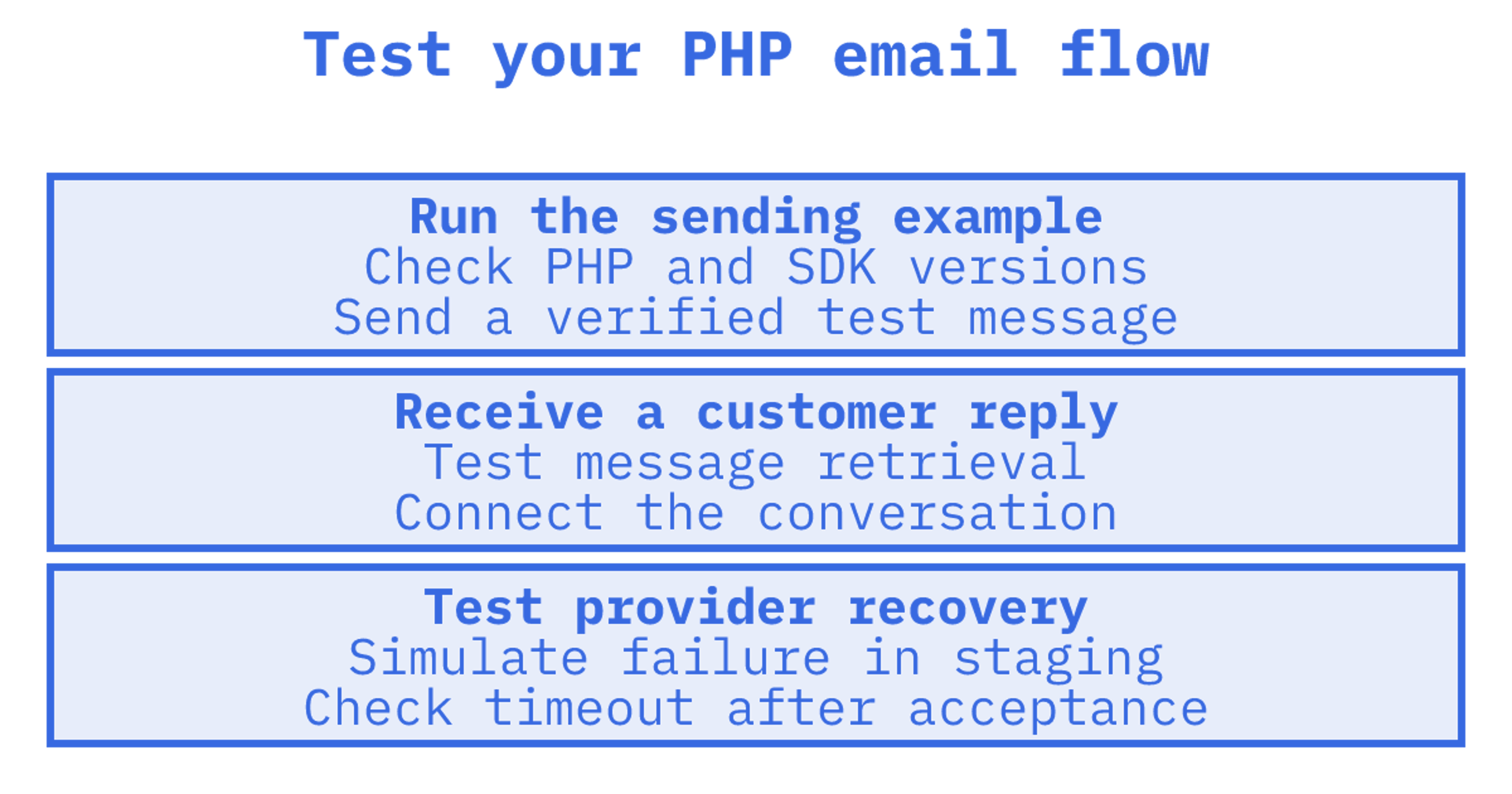
Run a PHP example in your application. For an official SDK, inspect version requirements and error handling, or confirm that a PSR-18 compatible client fits your stack. A working example reveals details a generic HTTP request won't.
Send each shortlisted provider the same test message. Compare raw headers and inbox placement, using reusable transactional email templates to keep the content consistent while checking delivery and rendering.
Sending your first email via a PHP SDK: step by step
Begin with a verified sender and one test recipient. Follow authentication and domain setup instructions from the provider, then add delivery tracking and reply handling.
- Create an account, then generate an API key with the permissions your integration requires. Separate sending from mailbox permissions where supported.
- Follow the provider's domain verification instructions, including its required SPF and DKIM records.
- Use Composer to install the SDK:
composer requirefollowed by the provider's package name.
- Authenticate as documented, passing the API key in the required header or constructor argument.
- Use the SDK to send a test message with a sender, recipient, subject and body.
- Capture delivery events through a supported mechanism. Test inbound replies separately through the webhook or mailbox retrieval endpoint.
Most current PHP email libraries target PHP 8.x and use Guzzle or another PSR-18 compatible HTTP client internally, which matters when your framework already standardises on one. Check the dependencies. postmark-php lists PHP 8.1 through 8.4 with Guzzle, while PHPMailer is widely used in older or framework-agnostic codebases, supports SMTP and DKIM signing, and offers compatibility back to PHP 5.5 through Composer installation.
Suppose your application sends notifications and you add customer replies later. Where will those replies live? Work through storage and connections to earlier messages with the mailbox API guide before choosing a provider. The step-by-step sending guide covers the send request and response.
Understanding pricing models and free tiers
Use each provider's billing unit to compare email API prices. The same workload can produce different bills when charges use message counts, recipient occurrences, inbound deliveries or stored data.
- A message accepted for three recipients can produce three billable recipient occurrences under per-recipient billing.
- Compare managed sending rates separately from connected-provider rates if both are offered.
- Estimate inbound storage using the provider's gigabyte definition and monthly rate.
- Check daily volume, monthly usage and feature limits on the free tier. Count staging traffic in your estimate.
A provider's own stated pricing is the only reliable number to plan against, since unit definitions vary enough that a "per 1,000 emails" figure from one vendor isn't directly comparable to another's per-recipient rate. Sendmux's pricing, for example, bills $0.000500 per provider-accepted recipient occurrence through a connected provider, $0.000750 through managed Amazon SES, $0.000500 per distinct mailbox delivery inbound, and $0.02 per decimal gigabyte per month for storage, with a Free team plan and Pro at $7 per month per team plus usage.
Calculate monthly recipient occurrences from user count, messages per user and recipients per message. Apply the sending rate, then add inbound deliveries, storage, plan fees and charges from any connected provider.
Testing deliverability: a repeatable method for PHP teams
We'd repeat delivery tests with the same message and recipient list. A successful send alone won't show behaviour over several days or during a burst.
- Include Gmail, Outlook and a corporate domain in your test list to compare inbox placement.
- Repeat the same test message over several days, recording every attempt.
- Capture bounce and complaint events in supported webhooks or logs. Connect them to the original send.
- Read authentication results in received headers. Check SPF and DKIM, then whether authenticated domains align with the visible From domain for DMARC.
- Record each attempt's send-to-delivery latency to investigate delays.
| Metric | What to watch for |
|---|---|
| Bounce rate | Rising trend across repeated sends to the same seed list |
| Complaint rate | Any sustained increase above baseline |
| Header alignment | SPF, DKIM and DMARC all passing on delivered mail |
| Delivery latency | Consistent send-to-delivery timing per provider |
Record provider details, attempt identifiers, timestamps and received headers in a test harness. Combine delivery logs or webhook events with observations from the recipient inbox. An acceptance event alone won't show where a message landed.
What Sendmux brings to a PHP integration
For a PHP integration, check the package requirements, mailbox setup and credential scope:
- An official PHP umbrella package requiring PHP 8.2 or later within PHP 8.x.
- Mailbox creation with team permission checks.
- Scoped credentials with checks that selected providers and delivery groups belong to the team.
When mailbox-first architecture beats a sending-only API
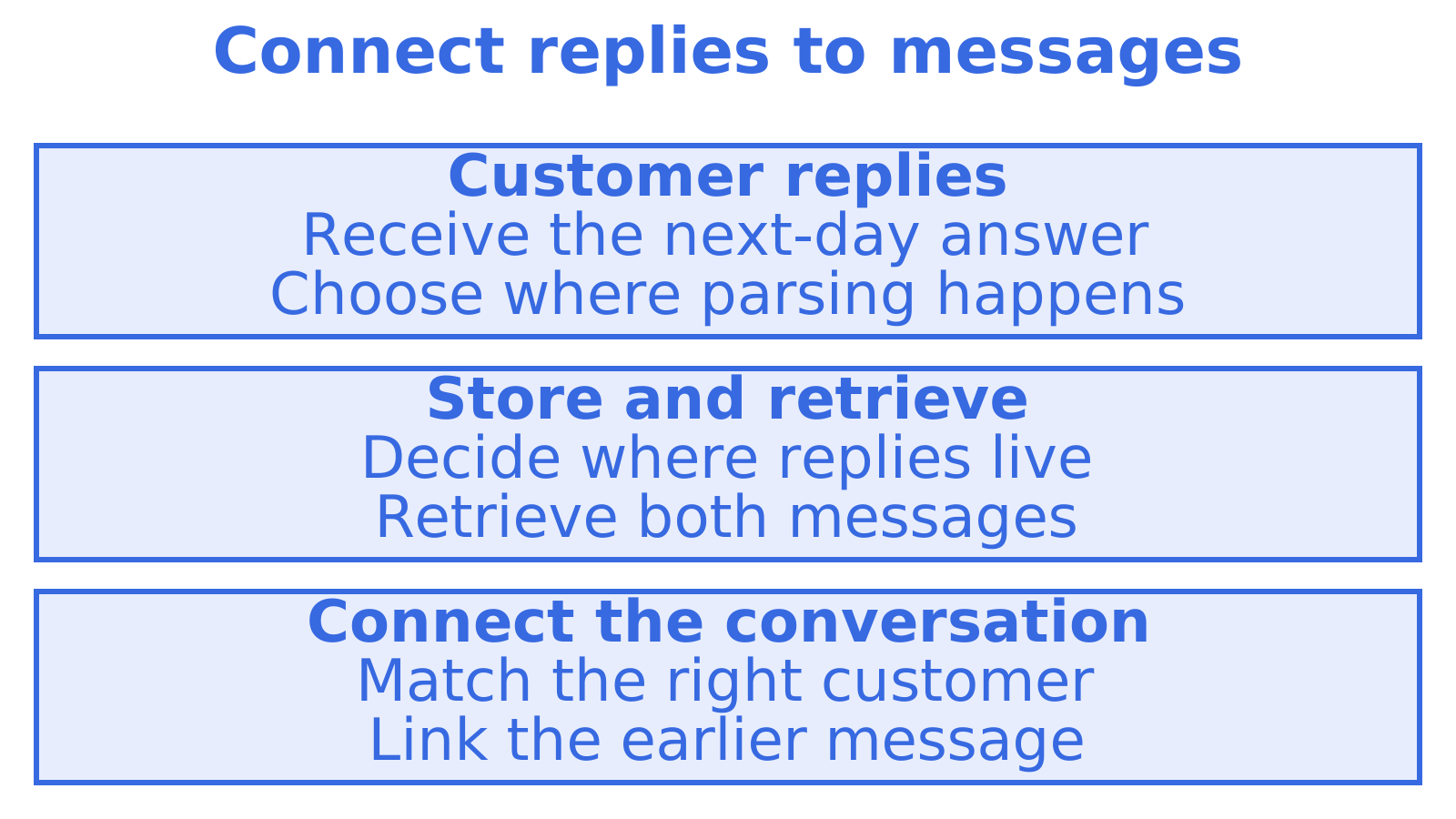
A support agent asks a question, and the customer answers the next day. The application needs both messages and a way to connect the reply to the right customer, so compare the mailbox API's actual retrieval and conversation features against maintaining your own parser and storage. Check those features directly. A notification-only application may need far less.
Try Sendmux for your PHP email integration
The Free team plan costs $0 per month, and Pro starts at $7 per month per team plus usage. The official PHP umbrella package requires PHP 8.2 or later within PHP 8.x. Check the product overview and pricing details against your integration needs before choosing a plan.
Sources
Recommended
Frequently Asked Questions
What is the best email API for PHP developers in 2026?
We'd check beyond the first send. If your PHP application receives customer replies, test inbound retrieval, conversation storage and reply handling, then test failover separately if needed. Consider Postmark for transactional sending and compare providers against your workflow.
Which PHP library should I use to send email?
For provider-specific integration, consider postmark-php, which uses Guzzle and supports PHP 8.1 through 8.4. PHPMailer is an option for SMTP sending across providers. Check the exact release against your PHP version and required transport.
Is Swift Mailer still a good choice for PHP email?
No. Swift Mailer is no longer maintained. Consider [Symfony Mailer](https://swiftmailer.symfony.com/) as a maintained alternative. Before migrating, check its PHP requirements and provider integrations.
How do I handle email receiving and inbound processing in PHP?
Decide where received messages belong. A webhook delivers message data to your PHP application, leaving it to parse or store what it needs. A mailbox API may offer retrieval and conversation features. Test a reply to an existing message rather than assuming every mailbox API handles threading.
What does Sendmux cost for a small PHP project?
Sendmux has a Free team plan at $0 per month and Pro at $7 per month per team, plus usage for provider-accepted recipient occurrences, distinct inbound mailbox deliveries and storage. Estimate each separately. Check the pricing page against your expected workload.
