Avoid 3 day delivery loss with a mailbox first email parser API

Your parser handles an invoice perfectly. Then the webhook goes down, and the next reply never reaches your app. We'd test recovery before choosing a provider, using a staging domain to check mailbox state, quoted-text stripping and duplicate handling together for any workflow that follows conversations.
TL;DR:
- Choose a persistent mailbox API when workflows must track replies, remove quoted history, and deduplicate messages; standalone parsers leave those tasks to your code.
- Test a staging domain with real forwarded threads, mixed character sets, and nested attachments before integration, because clean vendor samples miss production edge cases.
- Webhook providers may retry failed deliveries for up to three days, so acknowledge receipt immediately, queue processing, deduplicate by message ID, and monitor delivery logs.
- For financial or compliance workflows, verify attachment OCR against source documents because OCR can misread invoice totals, and one digit can change the result.
- Compare pricing against workload: flat fees penalise more mailboxes, while per message or recipient charges rise with volume, so the cheaper model depends on usage.
Table of Contents
What an email parser API actually does
An email parser API converts a raw message, usually encoded as MIME, into data your application can read. Check the response itself. JSON might contain the sender, recipients, subject, text and HTML bodies, and attachment metadata, while some providers also return OCR text, thread identifiers or reply headers. Don't assume those fields are included.
Developers reach for a parser API for a handful of recurring jobs:
- Create a ticket from an inbound support request's sender, subject and message body.
- Pull receipt or invoice data from an attachment into a finance workflow.
- Use a reply to a transactional email to decide which follow-up runs next.
- Remove quoted history, then give the new message content to an AI agent or classifier.
Incoming mail passes through a parser before your application takes its next action. Depending on the provider, that means configuring MX records, accepting webhook deliveries or reading messages through an API. Start with Inferse's 2026 comparison to find candidates. Check their responsibilities separately. Field extraction, message retention, thread identification and duplicate handling are distinct capabilities.
A parsed message may cover a one-off intake form. Support conversations need more. When several replies arrive, you'll need to recover earlier messages and connect each reply to its thread, so decide where that state will live before you write the integration.
Developer buying checklist: what actually matters
Start with failures. We'd check how your app recovers when a reply arrives twice or an endpoint goes offline, since a clean sample response won't answer either question.
- API surface. Inspect the documented endpoints and published rate limits, along with the tooling your team needs. An OpenAPI 3.1 specification helps you read the contract. Check SDK coverage for your language, and consider a CLI for staging tests.
- Parsing features. Test field extraction separately from attachment handling, HTML-to-text conversion and quoted-text stripping. Scanned documents need another check: does the provider include OCR, or will you need a separate service?
- Delivery semantics. Find the response that acknowledges delivery, then check how retries work and when they stop. Test an outage beyond that window. Can you recover the message afterward?
- Security model. Inspect credential scopes, webhook signature verification and tenant isolation. If your app serves multiple customers, test whether one customer's credentials can read another customer's messages.
- Observability. Try finding a delayed or failed delivery. Inspect the logs, replay a delivery and send a staging message so you've used those tools before an incident.
- Pricing at both ends. Compare development limits against your expected production workload. Calculate mailbox and message-volume costs, including separate charges for attachments or processing.
SendGrid's inbound parse webhook gives you a delivery model to test against. Its documentation describes MX configuration and header decoding to UTF-8, requires a 2xx response, and specifies retries for up to three days before a message is dropped. Exceed that window in staging. Check how you'll see the failure and recover when your endpoint stays unavailable.
Per-mailbox fees grow with mailbox count, while per-message or per-recipient fees grow with traffic. Neither is automatically cheaper. Estimate your mailbox count and messages per mailbox, then price both models against that workload.
Send your own emails through staging before building around a parser's output. Include forwarded threads, mixed character sets and nested attachments, then compare the returned fields against the original messages.
Parsing pitfalls that break in production
Use a messy support thread in staging. A tidy demo email won't exercise the message structures and failure conditions your application will have to handle.
Character sets and header decoding. Headers can arrive in encodings other than UTF-8. Without consistent normalisation, subjects and sender names come back mangled. Automatic decoding to UTF-8, as provided by SendGrid's inbound parse webhook, removes a class of bugs you'd otherwise have to handle yourself.
MIME and multipart structures. One email can contain plain text and HTML, inline images referenced by content ID, and separate attachments, nested in a multipart MIME structure that varies by sending client. That's a MIME walker to maintain. Choosing a provider that already handles multipart parsing saves you that work.
Quoted text and thread duplication. Replies can carry earlier messages beneath the new content. Passing the whole body to storage or an AI agent repeats material you've already processed. Test quoted-text stripping separately. A parser can identify the conversation without giving you a clean reply body.
OCR decisions. Provider-side OCR is convenient for attachments. Accuracy still needs checking. A misread digit in an invoice total matters, so although provider OCR is fine for low-stakes extraction, financial or compliance workflows need a verification step such as human review or a local OCR pass with a stricter model.
Idempotency and webhook replay. Retries can deliver a message twice. Recognise duplicates with a stable identifier scoped to the right mailbox or tenant, and make downstream actions safe to repeat so replaying a message doesn't create another ticket or send another confirmation.
Testing with a real corpus. Set up a staging domain with the provider's required MX records. Your endpoint should durably queue each payload before returning the required success response. Send forwarded threads, mixed encodings and unusual attachments through that complete path.
- Verify that sender names and subjects decode to UTF-8 correctly.
- Test inline images separately from downloadable attachments.
- Strip quoted history before giving new reply content to a model or search index.
- Check OCR output against source documents before making financial or compliance decisions with it.
- Use a stable message identifier, scoped to its mailbox or tenant, to deduplicate.
If a provider retries for three days, keep a staging endpoint offline beyond three days. Check whether the message is still available elsewhere and how your application can recover it once retries stop.
Integration patterns: webhooks, mailbox state and polling
Choose ingestion based on how your app receives work and recovers missed messages. The same parsed output can feed very different workflows.
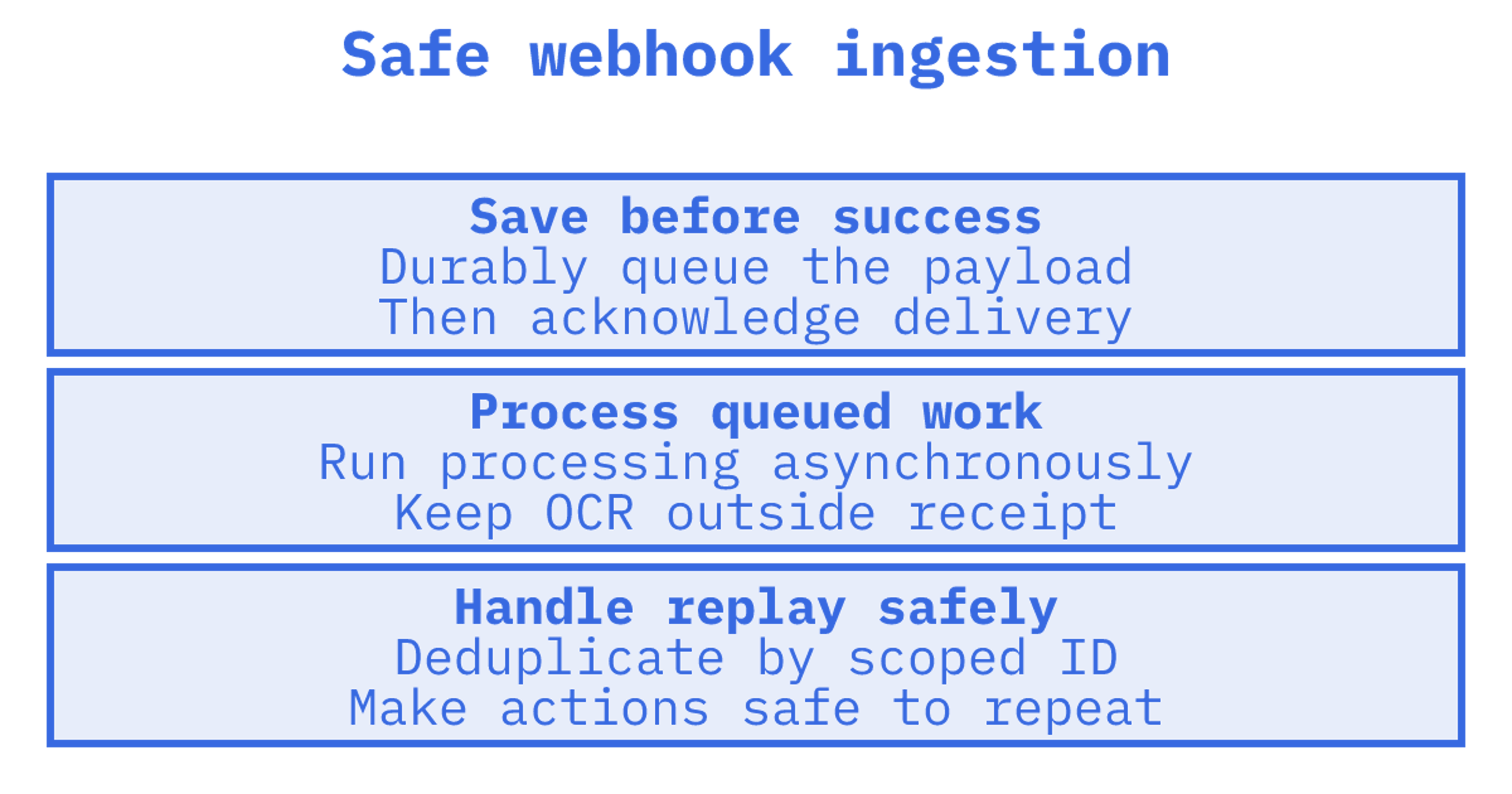
- Webhook-first ingestion. When parsed messages arrive at your endpoint, durably queue each payload before acknowledging delivery. Process it asynchronously afterward. Test retries and duplicate deliveries for workflows such as intake forms or receipt capture.
- Mailbox API for persistent state. Check whether you can retrieve earlier messages and identify their threads for a conversation-based workflow. Test incremental sync separately, including expired sync tokens. Storage helps recovery only if your app can retrieve what it missed.
- Event streams for constrained environments. A Server-Sent Events stream can help a local tool or agent that can't accept inbound webhook connections. Check provider support, then test reconnecting and recovery of events missed during a disconnection.
- Hybrid batch processing for attachments. Acknowledge delivery separately from attachment work. Queue that work so a large file, slow OCR pass or virus scan doesn't hold your webhook request open during processing.
Keep replay fixtures for duplicate delivery, forwarded threads, mixed-encoding subjects and nested attachments. Run them when parsing logic changes. To check the provider integration itself, resend the sample emails through staging.
Durably queue the payload before acknowledging receipt. Attachment processing and OCR belong outside that path. Test queue failures too, because an endpoint that hasn't saved the work shouldn't report success.
How Sendmux handles parsing and mailbox state together
We'd put Sendmux through the same staging tests. Map where sending, parsing, message storage and delivery recovery belong in your integration, including any separate relay or Gmail OAuth connection. Then make one component fail and check what happens.
What the checklist gets wrong
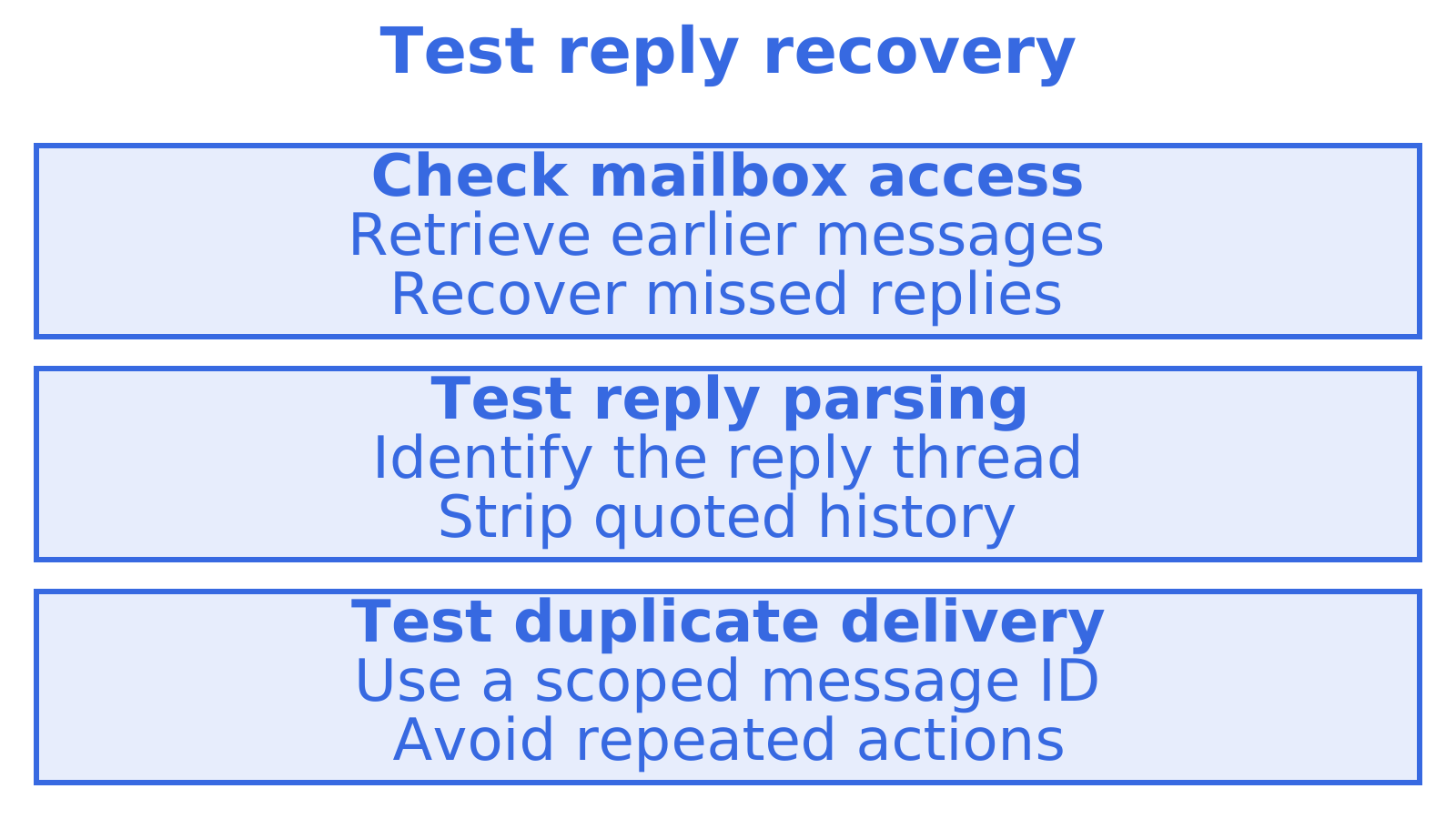
Use a 2026 comparison table to shortlist providers. A successful extraction demo still leaves recovery questions open, so we'd also test retrieving a missed reply, recognising a duplicate and seeing that delivery failed alongside extraction accuracy.
Imagine a parser gets 99 fields out of 100 right but creates another ticket every time a reply is retried. That's a hypothetical. It shows why an extraction score alone can't establish whether the integration works, and why we'd evaluate mailbox state and delivery visibility alongside OCR and field accuracy for conversation-based workflows.
Inspect the response format on a free tier. Production reliability needs staging tests for failed deliveries, duplicate events and recovery, plus a check that the plan's limits cover your expected workload.
Get started with Sendmux
The Free plan costs $0 per month.
Check the requirements for your staging test on the Sendmux sending page, inboxes page and agent-builders page, including any MCP requirement. Compare the documented behaviour against the recovery and duplicate-handling checks above before choosing your integration.
Full rates sit on the pricing page.
You can also evaluate a no-code workflow with Zapier. Send a duplicate event through staging, interrupt processing and check how you'd retrieve a missed reply, using the same tests as for the other options.
Sources
Recommended
Frequently Asked Questions
What is the best email parser?
Choose a parser around the work that follows extraction. Field extraction may cover a templated receipt. A support thread also needs separate checks for message retention, thread identifiers, quoted-text stripping and duplicate handling. We'd find candidates in Inferse's 2026 roundup, then send each the same sample messages.
What is the best email API?
Start with your app's job. Resend, Postmark or Amazon SES may fit outbound delivery, while handling replies also calls for checks on inbound parsing and message retrieval. Test thread and history access for ongoing conversations. We'd compare sending requirements separately from inbound requirements before choosing a provider.
Is there an API that can read Gmail emails?
Yes. The Gmail API lets you read messages with the account owner's authorisation and the required OAuth scopes. Gmail OAuth can suit an app connecting users' existing inboxes. If an agent needs a newly provisioned mailbox, we'd check ownership and provisioning requirements first, then choose an API that supports them.
Is there an API for SMTP emails?
Yes, most sending providers offer an HTTP API and a direct SMTP endpoint for outbound mail. Choose the path that fits your stack. Authentication, rate limits and billing typically apply equally to both on a given provider, so the choice usually depends on whether your application already speaks SMTP or prefers a REST call.
