8 Email Threads API Checks Before Agents Go Live

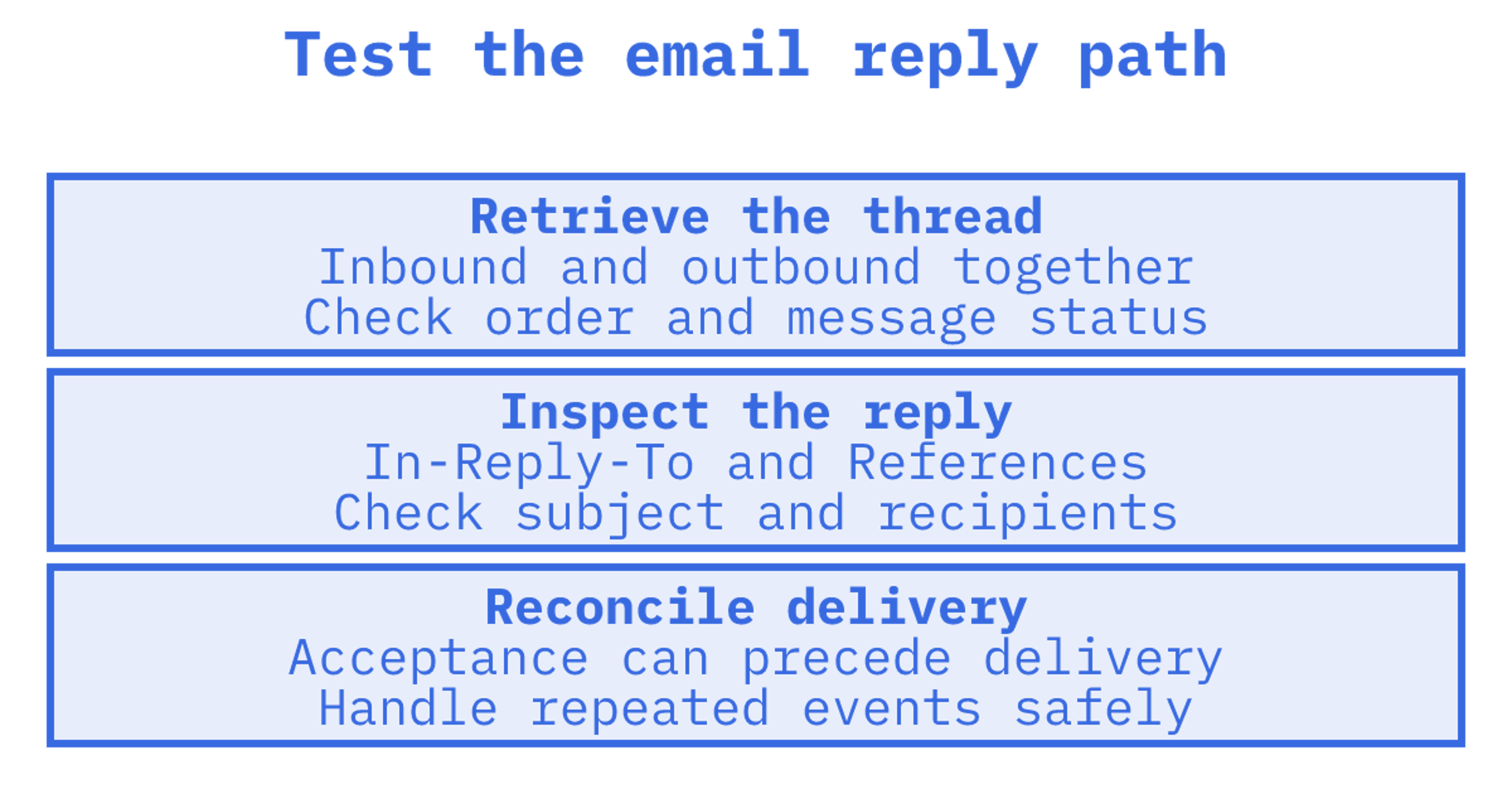
Before an agent replies to a customer, we'd check that the email API retrieves the whole conversation in order and addresses the reply correctly. Test that first. Then check scoped credentials and payload size before connecting production mailboxes. SMTP and IMAP integrations need those checks too. Sendmux is one direct, integrated option worth testing in its own docs or a trial team.
TL;DR:
- A thread retrieval endpoint should return one ordered timeline of inbound and outbound messages, while reply endpoints resolve headers, recipients, and repeated subject prefixes.
- Keep model costs down with lightweight thread lists, snippets, batch or count requests, and sync tokens; fetch full message bodies only when action requires them.
- Give each agent a token limited to its mailbox and required permissions, verify signed webhook events, and make event handling safe for replays.
- Before production, use a sandbox to inspect actual reply headers, test bounce and failure events, and probe rate limits, attachment caps, and idempotency.
Table of Contents
Checklist of essential threads API capabilities
We'd test the API against the work the agent will actually do. For each capability you need, record what it provides and what your own code will have to handle.
- Try the thread filters your workflow needs: mailbox, participant, label, unread status and time range.
- Fetch a thread. Check that inbound and outbound messages appear together, with direction and status on each message.
- Send a reply and inspect how the endpoint sets In-Reply-To, References and recipients.
- Inspect thread lists and search snippets. Can you identify relevant conversations without downloading their full bodies?
- Check the webhook signature process and whether Server-Sent Events suits your client.
- Give an agent credentials restricted to its mailbox and required permissions, and check that those restrictions hold.
- Confirm the attachment upload and download limits. Check link permissions and expiry too.
- Look for an OpenAPI specification and SDKs you can use, along with a sandbox or test address.
Use a sandbox or isolated test mailbox for the reply test before touching your production domain. Try a subject such as "Re: Re: Re:". Inspect the subject the recipient receives.
Thread model and reply semantics you must understand
Forwarding can lose headers, and subject matching can group messages in unexpected ways. Email clients may disagree about which messages belong together. Retrieve a thread and check its inbound and outbound messages are in order, so the agent doesn't act without seeing an earlier reply.
Make a test conversation. A customer asks a question, your agent replies, then the customer follows up. Inspect the messages array and thread and mailbox identifiers, along with timestamps, direction and delivery status. Check which returned fields your UI and agent logic need.
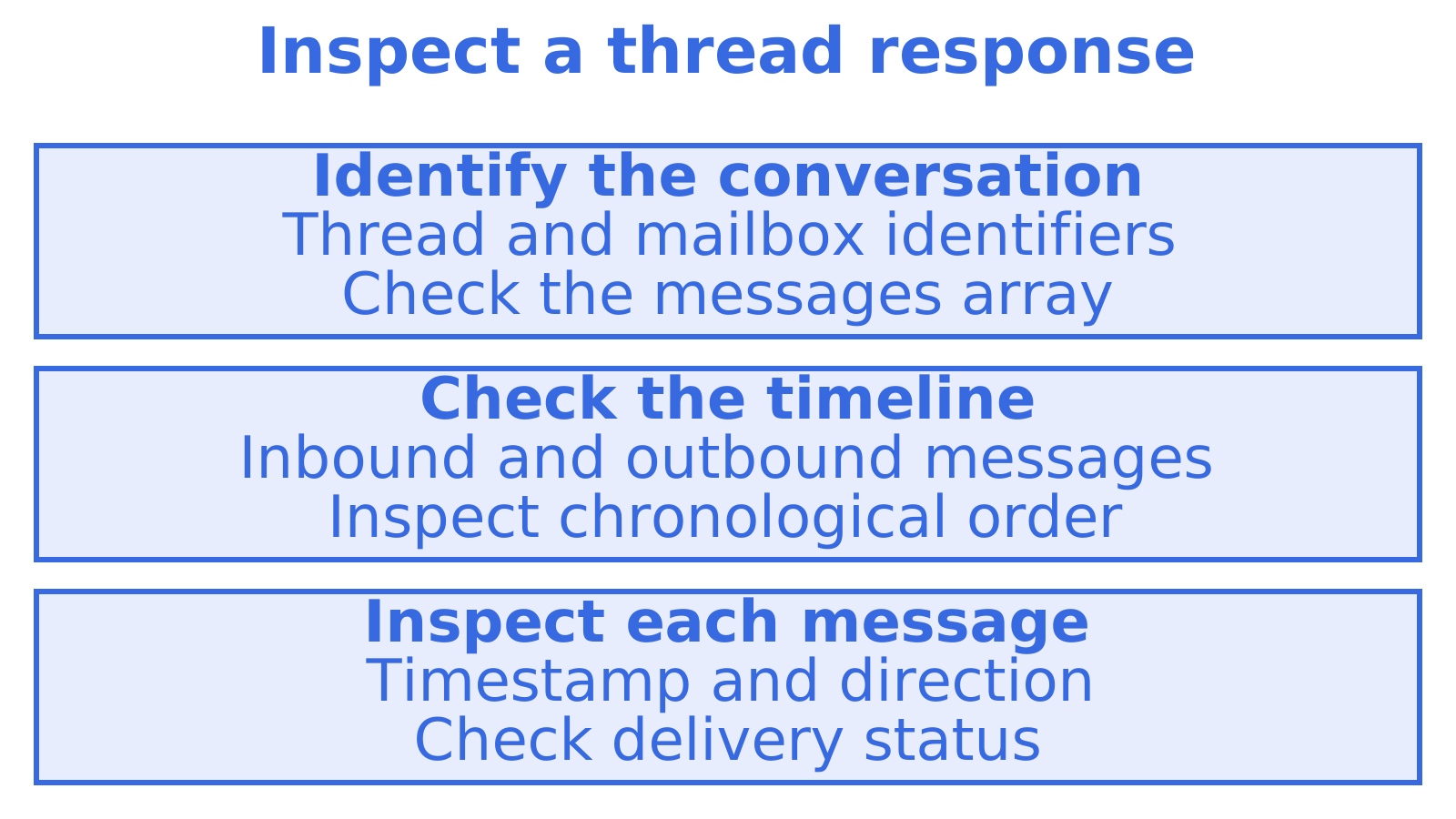
Reply to a test thread with multiple participants. For reply and reply-all, inspect In-Reply-To, References, the resulting subject and recipients. You can also consult the Threads API docs at Odix when comparing reply behaviour.
Check what a successful reply response promises. Acceptance can precede delivery. If the API separates them, save the message identifier and reconcile the later event before marking the reply as delivered.
Payload strategy: lists, snippets, batching and sync tokens
Quoted history can make a full thread a large model input. First fetch enough to judge whether the conversation needs attention. Retrieve the body when the agent needs to act.
- Find recent activity through thread lists, then fetch the bodies for the conversation you've selected. Compare list responses with Wirebox's thread-listing documentation.
- If a short excerpt is enough to judge relevance, use search snippets or previews where they're available.
- See whether a batch or count endpoint can answer the same question in fewer requests.
- Where sync tokens are supported, test that they retrieve changes since your last check.
- Test recent activity that spans multiple pages. Follow the API's pagination and cursor rules.
Measure a list response separately from a full thread fetch. Use those measurements to choose a polling interval and estimate the text each agent will pass to the model.
Credential models and least-privilege patterns for safe agents
Keep infrastructure credentials out of the agent runtime. Limit each agent to the mailbox access and actions it needs, then test that its credential rejects other operations.
- If a mailbox key also serves as an SMTP or IMAP password, inspect its scope and how you'll rotate it.
- Check when tokens expire and how revocation works. Revoke a test token and confirm it stops working.
- Verify HMAC-signed webhook signatures before processing events. Keep the signing secret private.
- Use an agent credential to try accessing another test tenant's mailbox. Check that tenant isolation holds.
Events and real-time surfaces: what to expect and how to use them
Look up the provider's webhook retry schedule and attempt-history retention. Save the event identifiers and processing results you'll need for debugging and recovery in your own application.
Server-Sent Events are a pragmatic alternative when your client can't host a public endpoint to receive webhooks. If you go that route, build in reconnection handling and treat event processing as idempotent, since a dropped connection can replay events you've already seen.
- Inspect the available events. Look for received, delivered, bounced, complaint, reply_detected, sent and failed.
- For each event type, inspect its identifiers and check that your code links it to the correct message and conversation.
- Try valid, altered and expired payloads against signature verification. Follow the provider's timestamp rules.
Signed webhooks on reputable platforms retry failed deliveries with backoff and keep attempt history for a short window, typically a matter of days, to support debugging without indefinite data retention.
Tooling that shortens integration time: docs, SDKs and sandbox modes
Run a documented request before committing to the integration. Compare the response with the OpenAPI specification and examples. For outbound tooling, Bird's sending documentation is another reference to inspect.
- Check support for your languages, including TypeScript, Python, Go, PHP, Ruby or Rust. See whether a CLI would help with your workflow too.
- Find out whether sandbox or test addresses can safely trigger bounces, deferred deliveries and complaints.
- Follow a test message using the available delivery logs, webhook inspectors and request tracing.
Exercise bounce handling and retries with deterministic sandbox outcomes where you can. Otherwise, use an isolated test setup. Record the failure cases you still need to try.
What pricing and limits you should expect and test for
Ask for a worked bill based on your expected outbound recipients, inbound messages and stored attachments. When comparing managed sending with bring-your-own-provider routing, include separate sending-provider charges.
- Confirm the rate-limit window. Find out whether a batch counts per request, message or recipient.
- Check the inline or base64 size limit, binary upload cap and maximum assembled message size.
- Simulate a network failure and retry a test batch. Check that idempotency prevents duplicate sends.
- Trigger quota throttling in your test setup. Exercise provider failover too, where it's supported.
Integration checklist: questions to ask and tests to run in a spike
Follow a small test conversation from retrieval through reply to the delivery event. Save the actual responses. They give you observed behaviour to base the integration decision on.
- Retrieve your test thread and inspect its inbound and outbound messages, their order, direction and delivery status.
- Send a test reply. Inspect its In-Reply-To and References headers, subject and recipients.
- Try the available search snippets, count-only endpoints and sync tokens with the polling workflow you expect to use.
- Where available, test webhooks and SSE, validating HMAC signatures where they're used. Check your code's recovery from missed and repeated events.
- Measure list and thread-fetch latency, payload size and model token use. Then check that attachment links stay valid long enough for your workflow.
During the spike, record missing examples, unclear responses and failed tests. Resolve those gaps before connecting production mailboxes.
Why agent-native mailboxes plus threads APIs matter now
A mailbox per agent simplifies context retrieval. It also cuts the risk of tenant conversations leaking into another agent's logic, because isolation sits at the addressing layer instead of depending on a query filter. Threads APIs centralise reply semantics. They remove brittle IMAP and SMTP parsing from agent code and keep header handling together. We'd choose an integrated API when we prioritise predictable deliverability and faster development over owning every line of that plumbing.
Sendmux: one API for threads, mailboxes and multi-provider outbound
We built Sendmux around the combination this checklist describes: persistent agent mailboxes and bring-your-own-provider outbound routing in a single API, so you're not stitching together a sender, a separate IMAP connection, a parser and a webhook relay just to give an agent a working inbox.
- The Mailbox API returns threads, provides cleaned bodies through a thread content endpoint, and supports attachment handling.
- API documentation and SDKs can help you get a spike running.
Plan your Sendmux evaluation with the pricing page and inbound mailboxes product page. Test the behaviours your agent needs against the checklist before committing engineering time.
Sources
Recommended
Frequently Asked Questions
Which API is most popular?
A single popularity ranking won't answer both sending and mailbox needs. Resend, Postmark, SendGrid and Amazon SES are outbound sending examples to consider. If your agent reads and replies to conversations, we'd test thread retrieval and reply behaviour first.
How to send 2,000 emails per day?
For 2,000 emails per day, inspect recipient and hourly limits, along with restrictions on your account. Plan the queue's response to throttling and retries. We'd test duplicate-send prevention before raising volume or connecting another sending provider.
What is the most hacked email provider?
We'd need a dated source and a clear definition of the ranking to name a "most hacked" provider. Check credential storage, API-key protection and TLS for your integration. Then test whether a leaked agent credential could reach another mailbox.
Does threads have an API?
Yes, email APIs can have thread-list, get-thread and reply endpoints. We'd test a customer question followed by an agent reply and a customer follow-up. Check that retrieval includes the full conversation and that the reply stays in its thread.
How do I integrate email threads into an agent workflow?
Use a test mailbox first. Retrieve a conversation and let the agent choose a response, then send a test reply and reconcile the delivery event. Before using production mail, inspect the headers and recipients. Run those checks for SMTP and IMAP integrations too. For broader [workflow automation](https://www.digitalfractal.com/ai-agents-workflow-automation-guide), map email events to the actions your agent should take. Include repeated events and failed sends.
