Outlook OAuth for SMTP: Setup, Scopes and Common Errors

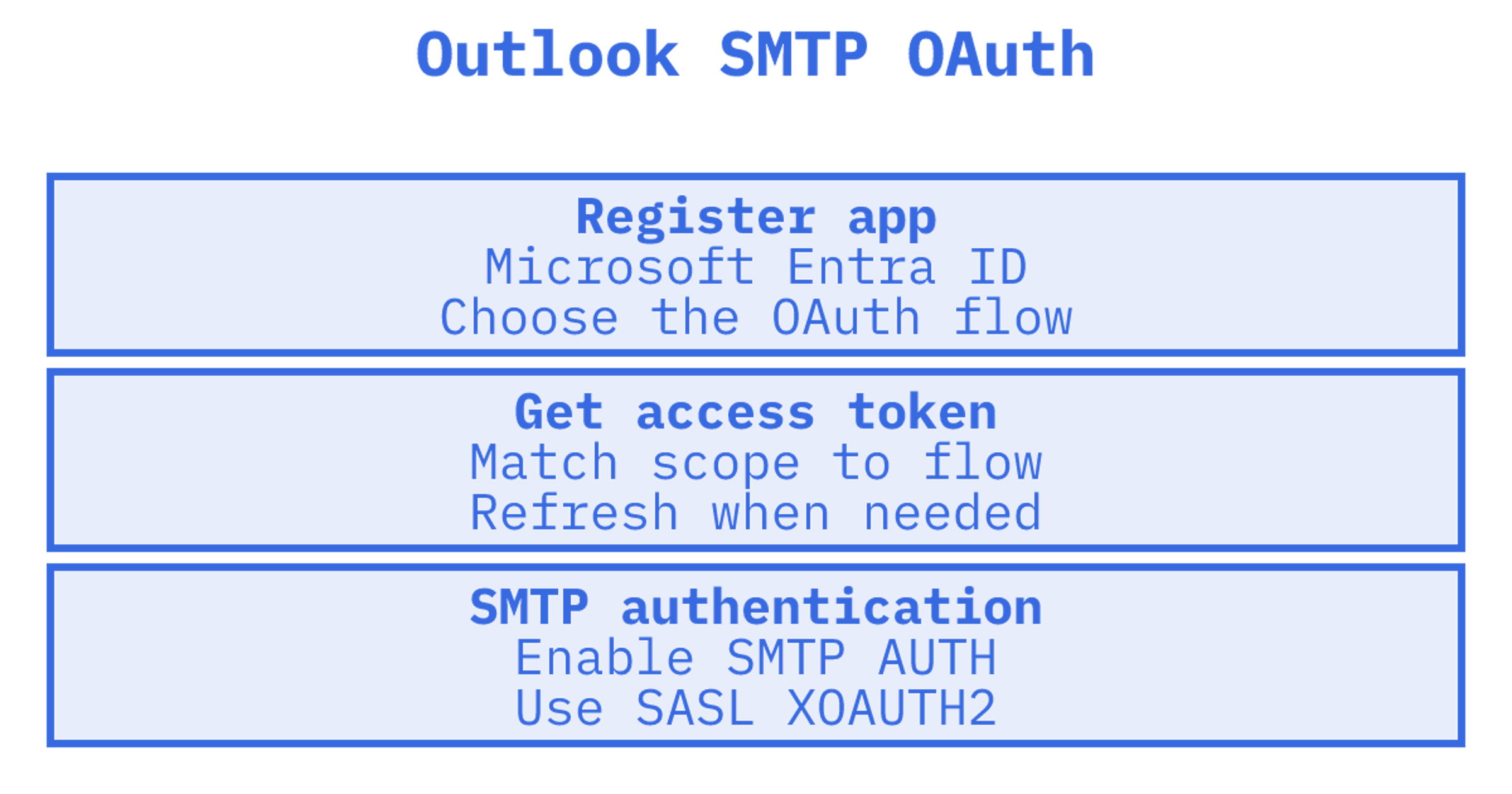
A Microsoft 365 SMTP connection can fail at authentication even with a valid access token. Check four things first. We'd look at the app registration and scope, the mailbox's SMTP AUTH setting, and the SASL XOAUTH2 string before changing application code. Microsoft 365 and Outlook.com support OAuth for SMTP, so your application can present a Microsoft Entra access token instead of a password (Microsoft Learn). The setup below covers unattended and multi-tenant sending too.
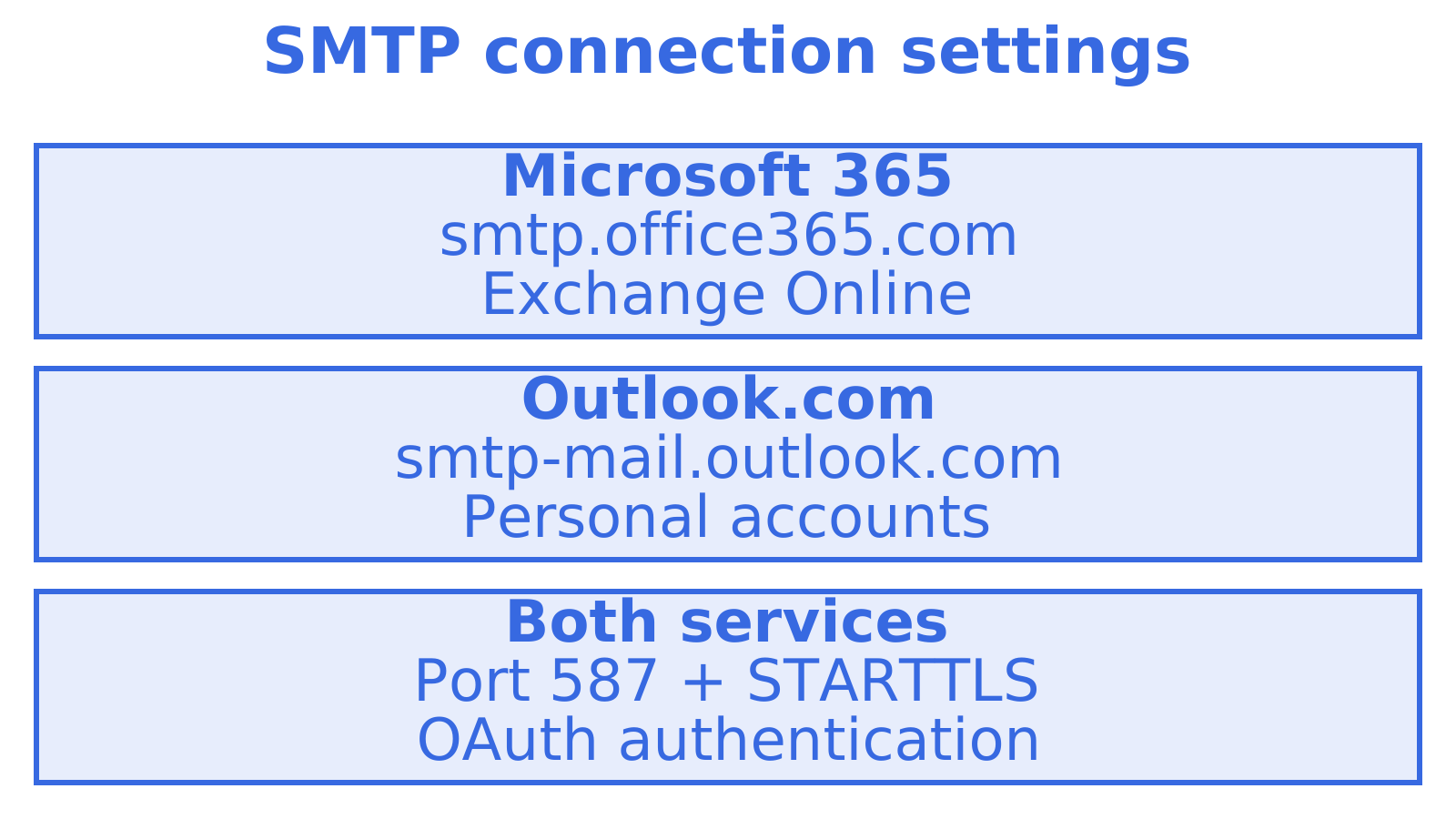
TL;DR
- Outlook.com and Microsoft 365 both support OAuth 2.0 for SMTP. Use
smtp.office365.com(Microsoft 365) orsmtp-mail.outlook.com(Outlook.com), port 587, STARTTLS.
- In Microsoft Entra ID, register an app and request
https://outlook.office.com/SMTP.Sendfor delegated access. Need refresh tokens? Addoffline_accesstoo.
- For unattended sending, choose the client credentials flow and request the
https://outlook.office365.com/.defaultscope. You'll also need to grant the app mailbox permission in Exchange.
- Enable SMTP AUTH for the tenant or mailbox. Security Defaults switch it off.
- Build on OAuth. Microsoft's published timeline disables SMTP AUTH Basic authentication by default for existing tenants from the end of December 2026.
Table of Contents
What "Outlook OAuth SMTP" actually means
Microsoft handles application sending and Outlook desktop setup differently. Separate those cases first.
Start with your application or device sending mail through an Outlook or Microsoft 365 mailbox. Microsoft supports this through SMTP client submission with OAuth.
The other case is the Outlook desktop client connecting over POP or IMAP with OAuth. Check the account type. Microsoft's troubleshooting guidance says Outlook does not support OAuth for POP and IMAP connections to Exchange Online, using an Exchange profile (MAPI/HTTP) for modern authentication instead (Microsoft Learn). To make Outlook itself use an OAuth SMTP account, use an Exchange account rather than a POP/IMAP one. From here, we're covering code, scripts and platforms that send mail.
Which SMTP server, port and TLS settings to use
The settings Microsoft lists are short:
| Account type | Server | Port | Encryption | Auth |
|---|---|---|---|---|
| Microsoft 365 / Exchange Online | smtp.office365.com | 587 | STARTTLS | OAuth or basic (source) |
| Outlook.com | smtp-mail.outlook.com | 587 | STARTTLS | OAuth2 / Modern Auth (source) |
A few details trip people up:
- Microsoft documents Modern Authentication through OAuth alongside basic authentication for authenticated SMTP submission on TCP port 587 (Microsoft Learn).
- Microsoft recommends port 587 for client submission and also allows port 25. Port 465 doesn't support the TLS versions required for Microsoft 365 client SMTP submission. You'll need TLS 1.2 or 1.3 and a licensed sending mailbox (Microsoft Learn).
- There are three options. SMTP relay uses an inbound connector. Direct Send is unauthenticated and limited to Microsoft 365 recipients, while client submission is the only option of these three that uses OAuth against a cloud mailbox.
Comparing 587 with other providers' ports? Our note on SMTP port 587 vs 2525 explains when each makes sense.
Step 1: Register the application in Microsoft Entra ID
Every OAuth SMTP connection starts with an app registration. In the Entra admin centre:
- Create an app registration. Save its application (client) ID and directory (tenant) ID.
- Using a user sign-in flow? Add a redirect URI.
- Open API permissions and add the Exchange Online or Outlook SMTP permission.
- For an unattended app, create a client secret or certificate.
- Grant consent. Many tenants let users consent to delegated permissions, but application permissions always require administrator consent.
Choose the scope for your flow. For delegated access, Microsoft's full SMTP scope is https://outlook.office.com/SMTP.Send. Add offline_access when you need refresh tokens, which let the app obtain replacement access tokens after the first one expires (Microsoft Learn).
If outlook.office.com is missing from the permission picker, look under APIs my organisation uses or Microsoft APIs for Office 365 Exchange Online. Still missing? Check whether the tenant has the Exchange Online service principal.
Step 2: Pick the right OAuth flow
For SMTP tokens, Microsoft supports authorization code, device authorization and client credentials flows. Choose based on the sign-in situation and whether the service must run unattended.
| Flow | Use it when | Scope |
|---|---|---|
| Authorization code | A person signs in once and the app sends on their behalf | https://outlook.office.com/SMTP.Send offline_access |
| Device authorization | A headless tool or CLI cannot open a browser | Same as above |
| Client credentials | A service sends without a user present | https://outlook.office365.com/.default |
Store delegated-flow refresh tokens securely, then use them to replace access tokens before expiry. Test renewal too. The first send can succeed even when tomorrow's unattended send won't.
With client credentials, request https://outlook.office365.com/.default and configure Exchange-side mailbox authorisation, as Microsoft documents (Microsoft Learn). Entra consent alone won't do it. Register the app's service principal in Exchange and grant mailbox access, as described below.
Step 3: Build the XOAUTH2 string and authenticate
Once you hold an access token, the SMTP conversation looks like any other submission, with a different AUTH step:
- Connect to the server on port 587.
- Send
EHLO, thenSTARTTLS, thenEHLOagain.
- Send
AUTH XOAUTH2followed by a Base64 string.
Assemble the string before encoding. Start with user=<mailbox>, add a control-A character (0x01), then auth=Bearer <access-token> and two more control-A characters. Microsoft's OAuth flow documentation includes this format (Microsoft Learn).
In practice you rarely hand-build it. Most SMTP libraries (Python's smtplib, Nodemailer, JavaMail) accept an access token and build the XOAUTH2 string for you. Three mistakes account for most failures:
- Wrong user value. The
user=value must be the mailbox you're authenticating as.
- Missing control-A characters. Literal
^Atext fails. Use the control characters themselves.
- Token for the wrong resource. SMTP won't accept a Microsoft Graph token. It needs an Exchange Online audience.
Step 4: Enable SMTP AUTH in Microsoft 365
A valid token still fails if SMTP AUTH is off. Microsoft documents that you can enable SMTP AUTH for the whole organisation or for a designated mailbox, and that the mailbox setting can override the tenant setting (Microsoft Learn). The same page warns about two blockers:
- Security Defaults disable SMTP AUTH.
- An authentication policy can also prevent SMTP AUTH from working if it blocks basic SMTP authentication.
Enable SMTP AUTH only where needed, as Microsoft recommends. Use the sending mailbox. If the error says authentication is disabled for the tenant or mailbox, start with that mailbox's setting.
Unattended and multi-tenant sending
With unattended, multi-tenant sending, the "outlook oauth smtp" setup also depends on permissions granted by each customer's administrator.
Microsoft documents client-credentials OAuth for services sending without a user. The app needs Exchange-side mailbox authorisation with the FullAccess and SendAs permissions appropriate to the setup. For a multi-tenant app, get administrator consent from each customer tenant too (Microsoft Learn).
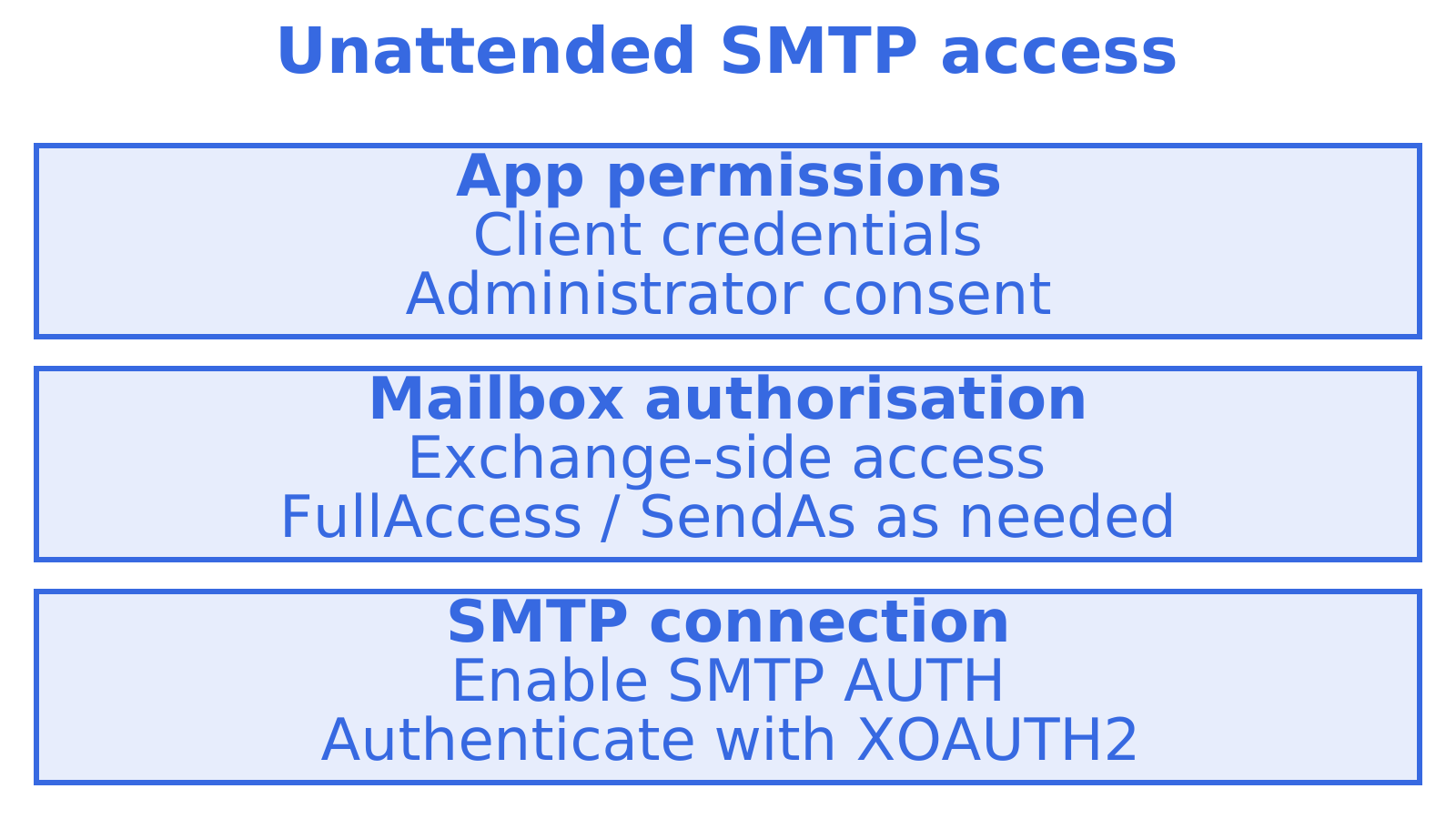
For mailboxes in another tenant, Microsoft's Business Central guidance describes FullAccess and SendAs grants on the mailbox, along with enabling organisation-level OAuth2 client profiles and SMTP AUTH (Microsoft Learn). Those instructions apply to that setup. Microsoft separately documents a high volume email route using Exchange Online application permissions, Mail.Send and admin consent (Microsoft Learn).
Build each customer's consent and mailbox permissions into onboarding, and plan credential rotation and token renewal for your service. Sending caps are separate. Our Outlook sending limits guide covers them.
Why Basic authentication is on the way out
Microsoft announced Exchange Online SMTP AUTH Basic authentication retirement in 2024, then changed the schedule. Check the dates. The updated timeline, posted in January 2026, leaves Basic authentication behaviour unchanged until December 2026, then disables it by default for existing tenants at the end of December 2026. Administrators can still enable it. New tenants created after that point won't have it available by default, and Microsoft says it'll announce the final removal date in the second half of 2027 (Microsoft Tech Community).
Microsoft recommends moving to OAuth, choosing a client that supports OAuth, or using another service such as High Volume Email or Azure Communication Services for Email (Microsoft Tech Community). Check the current schedule before planning your cutover. These dates have changed before.
Troubleshooting common errors
| Symptom | Likely cause | Fix |
|---|---|---|
| Authentication failed, with a valid token | SMTP AUTH disabled for the mailbox or tenant | Enable it on the mailbox; check the mailbox setting overrides the tenant |
| Works in a test, fails the next day | Access token expired, no refresh | Request offline_access and refresh before expiry |
| Token accepted, send refused as another address | Missing SendAs permission | Grant SendAs and FullAccess to the app on that mailbox |
| Connection fails on 465 | Unsupported TLS for client submission | Use 587 with STARTTLS |
| Everything blocked after a tenant change | Security Defaults or an authentication policy | Review both, then re-enable SMTP AUTH where required |
| Outlook desktop will not use OAuth over IMAP | Outlook does not use OAuth for POP/IMAP | Add the account as an Exchange profile |
For a failing client-credentials app, we'd check Exchange mailbox authorisation along with Entra consent. Consent can succeed while the app still lacks access to the sending mailbox.
Our perspective: treat Outlook as one provider, not the whole plan
Imagine onboarding mailboxes across several customer tenants. One administrator grants consent. Another needs help with mailbox permissions, while a third has SMTP AUTH disabled. We'd track each check separately so a connection that works in one tenant doesn't stand in for testing every customer.
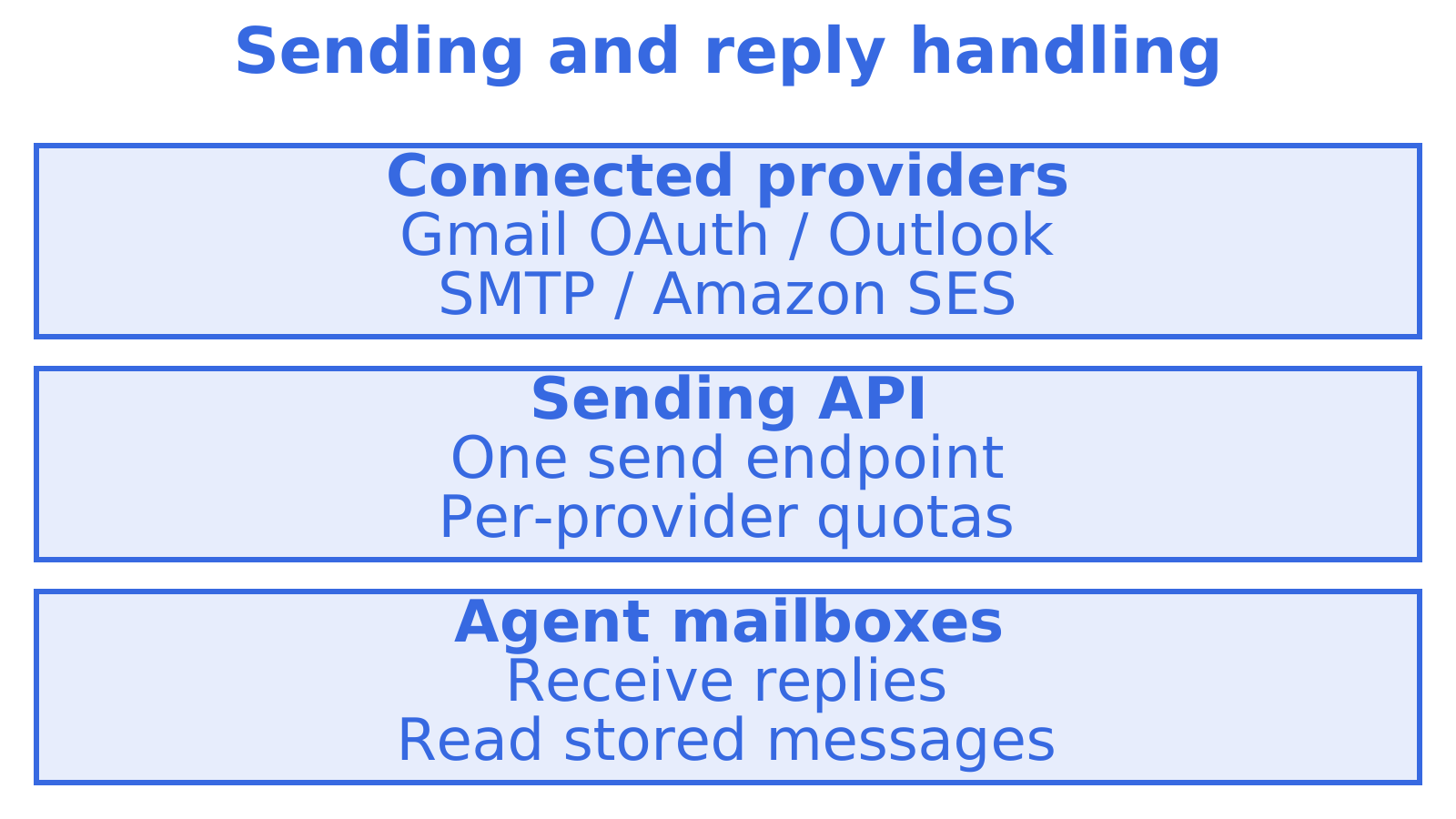
We see Outlook and Microsoft 365 as good sending providers, especially when a customer owns the mailbox and its reputation. We'd put them alongside other providers behind a single API. That is how we built Sendmux: connected outbound providers (Gmail OAuth, Outlook, SMTP and Amazon SES) sit behind one send endpoint, with per-provider quotas, and agents get persistent mailboxes to read replies. OAuth still needs handling. The aim is to spare each application team the work of solving token refresh, quotas and fallback separately.
Use OAuth for new Microsoft integrations. Keeping the provider connection separate from application logic can make future authentication changes easier to handle.
When it makes sense to stop hand-rolling this
Start with the setup above if you have one mailbox and one application. Need several outbound providers and somewhere for agents to read replies? Compare with Sendmux. Sendmux gives you one email sending API, and inbound mailboxes so an agent can read replies in the same place. Compare plan and usage costs on our pricing page with the cost of running your own integration.
Read SMTP vs email API: five checks before you migrate to compare integration approaches, and our SMTP failover guide to plan around provider failures. Once submission works, tackle sending-domain authentication separately with SPF, DKIM and DMARC setup.
Sources
Recommended
Frequently Asked Questions
Does SMTP support OAuth?
Yes. Microsoft 365 and Outlook.com SMTP accept OAuth through the SASL XOAUTH2 mechanism. Your client supplies an access token instead of a password, and the server validates it.
How do I enable SMTP AUTH in Outlook or Microsoft 365?
Have an administrator enable SMTP AUTH for the organisation or a specific mailbox in Exchange Online. Check the mailbox setting first. It can override the tenant setting, while Security Defaults disable SMTP AUTH. If authentication still fails, check those settings and any authentication policy restricting your method. Microsoft recommends enabling SMTP AUTH only where required.
Does Outlook 365 support OAuth?
Yes. Outlook supports modern authentication through Exchange profiles, and applications can use OAuth for SMTP AUTH. For Outlook desktop, use an Exchange account for modern authentication. It doesn't support OAuth for POP and IMAP connections to Exchange Online.
Is SMTP authentication being discontinued in Office 365?
Microsoft is retiring Basic authentication for SMTP AUTH. SMTP AUTH continues to support OAuth. Under Microsoft's updated timeline, Basic authentication is disabled by default for existing tenants from the end of December 2026. Check Microsoft's announcement for the current schedule and final removal date.
Which scope do I request for Outlook SMTP OAuth?
Request `https://outlook.office.com/SMTP.Send` for delegated access, adding `offline_access` when you need refresh tokens. Using client credentials? Request `https://outlook.office365.com/.default` and grant the application mailbox access in Exchange.
